Short answer: let the game decide. Each renderer translates a different slice of DirectX, and the right pick is per-title — which is exactly why Bourbon's Bottle Shelf chooses for you. The full map:
Windows games speak DirectX. Apple Silicon speaks Metal. Something has to sit in the middle and translate, and there's no single translator that's best for everything.
Bourbon 26 ships all five and chooses per game, so in practice you never pick. But it's worth knowing what they are, because most other tools give you one and hope for the best.
The five options
DXVK, DirectX 9 through 11 to Vulkan
The everyday workhorse. DXVK turns DirectX calls into Vulkan, then MoltenVK turns Vulkan into Metal. Two hops, but DXVK is extremely mature and handles the biggest share of the catalog well. Right default for most modern games.
VKD3D, DirectX 12 to Vulkan
DXVK's sibling for DirectX 12. Modern titles built on D3D12 generally want this instead of being pushed down the DX11 path.
DXMT, DirectX 10 and 11 straight to Metal
Skips Vulkan completely and goes right to Metal. Fewer layers, less overhead, and often the fix for DirectX 11 games that misbehave under DXVK.
D3DMetal, Apple's Game Porting Toolkit
Apple's own DirectX 11 and 12 to Metal translation. Seriously impressive tech and sometimes the fastest thing available, especially on DirectX 12 titles.
WineD3D, the original
Wine's built in translation, going to OpenGL rather than Vulkan. Slower for modern 3D work and way more forgiving for older DirectX 9 games, Source engine titles, and non game business software.
WineD3D is the one everyone forgets and it matters. The AIL eAPP insurance client needs WineD3D specifically and flags both DXVK and D3DMetal as known bad. Bourbon already knows that, which is the point of shipping all five renderers and a database that says which goes where.
Quick reference
| Renderer | Translates | Best for |
|---|---|---|
| DXVK | DX9/10/11 to Vulkan to Metal | Most modern games, the safe default |
| VKD3D | DX12 to Vulkan to Metal | Modern DirectX 12 titles |
| DXMT | DX10/11 to Metal | DX11 games that hate DXVK |
| D3DMetal | DX11/12 to Metal | Apple's path, strong on some DX12 games |
| WineD3D | DX9 to OpenGL | Source engine, older games, business apps |
Choosing without testing all five
In a tool that only ships one renderer, like GPTK, you don't get to choose. The game either suits D3DMetal or it doesn't. In tools that ship a couple, you're changing a bottle setting and relaunching to find out which works.
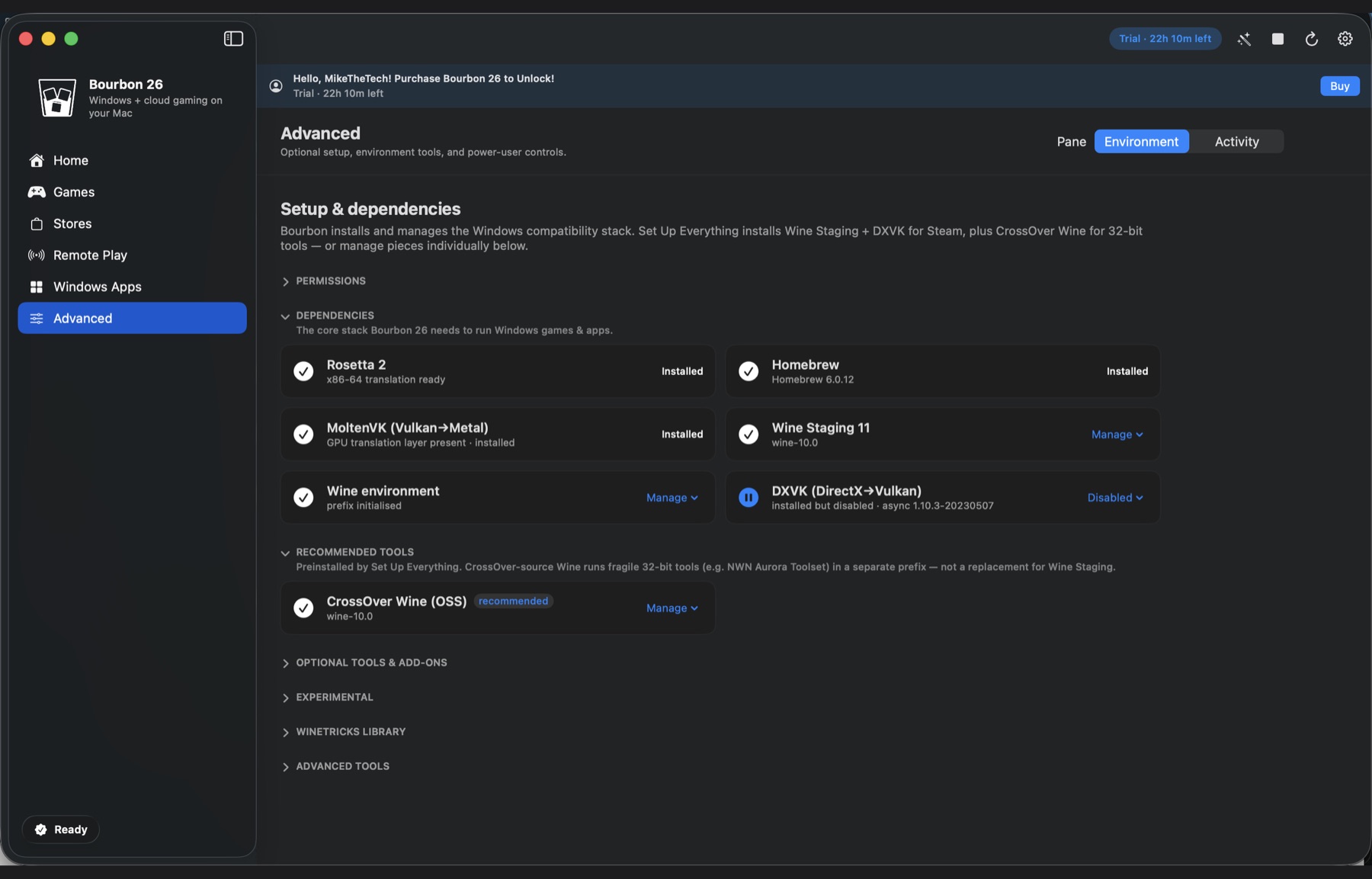
Bourbon 26 installs all five during setup and assigns one per game through Smart Play, using a compatibility database of over 24,000 titles. You can override it any time you disagree. The idea is that the default is usually already right, so most people never open that menu.
Short version
You shouldn't have to think about any of this. Bourbon installs all five renderers and assigns one per game from a database of 24,000 plus titles, so the right answer is already selected before you launch. Tools that ship one renderer give you one answer to every question, and that's how games end up looking broken for no reason.
Buy Bourbon 26, $29.99 See what your game uses