
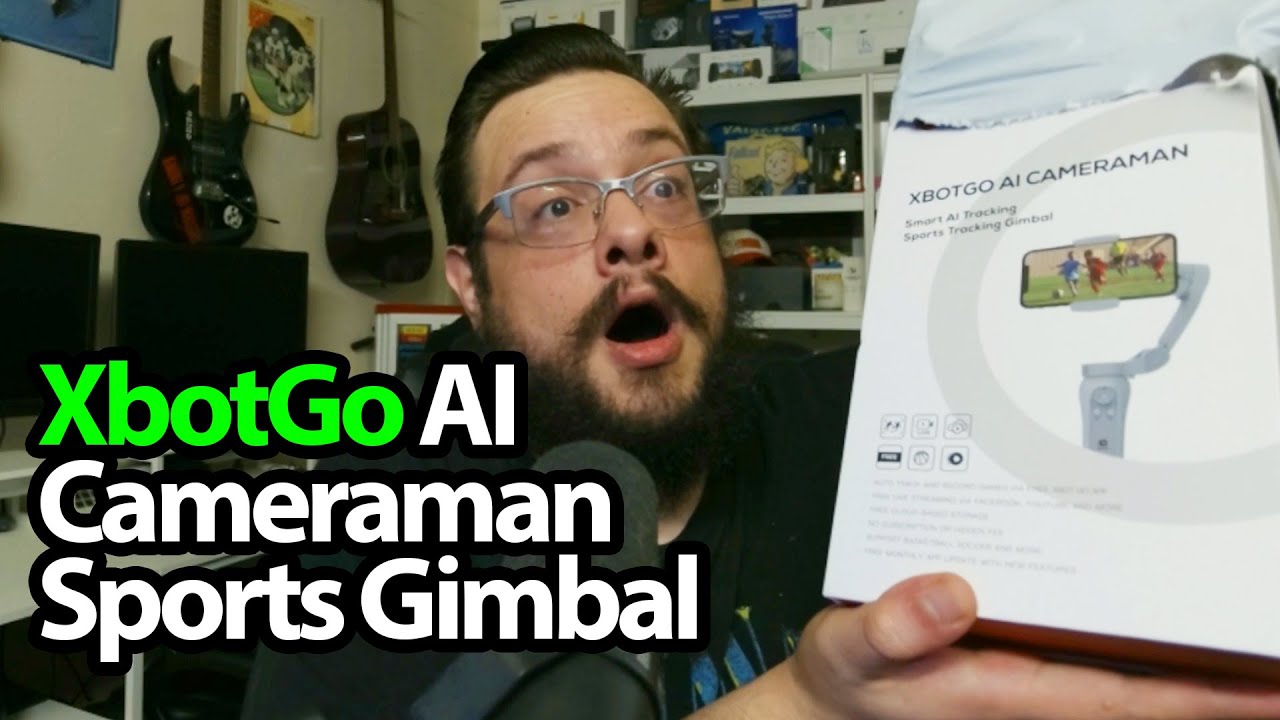
The YouTube player loads when you press Play.
XbotGo AI Cameraman: A Gimbal, a Small Tripod and a Remote
Trying the physical phone mount and orientation controls before a sports recording.
Article published November 4, 2026.
The XbotGo AI Cameraman package has a small accessory I always like seeing: a handle that opens into a tabletop tripod. It means I can hold the gimbal for one shot and set it down for the next.
The remote is in the box
I take out the pouch, strap and charging cable, then find the remote and look at its controls. The gimbal itself has a joystick, buttons and a phone clamp.
I fit an old phone for the physical demonstration. It is a phone I describe as broken, so this is not a camera-quality or working-phone recording test.
Try the movement and orientation
I power the gimbal, move it and switch between portrait and landscape positions. Then I attach the small tripod handle and show how it can stand on the table.
I explain the sports-tracking features, but I do not film a game, select a jersey in a live match or test streaming and cloud storage in this session.
Two pieces of a larger setup
XbotGo sent this over alongside the T4 telescoping tripod. That larger support is a separate unboxing, not a load test performed here.
The later Chameleon preview is a different tracking-mount session with its own app demonstration. The original links are below, including the course’s MIKETHETECH URL. Original additional addresses are http://eme7.com/ and http://discord.mikethetech.com/.
Links from the video
Affiliate disclosure: These links may earn me a commission at no extra cost to you.
- XbotGo AI Cameraman original Amazon link
- GameDev.tv original Unreal Action Adventure course link
- MikeTheTech original channel membership link
Coupon code: MIKETHETECH — Amount not specified. Code appears in the original GameDev.tv course URL. No amount or expiry supplied; not a discount on the featured hardware.
Links and offers are from the video description. Availability, prices and offer terms may change.
Some links to other products on this page are affiliate links, and we may earn a commission if you buy through them. It costs you nothing extra, and it has not changed what this article says — where a competitor is the better answer, we say so.


