Updated Oct 19
InfinitePIPProductivity · Display
Keep any screen, window or region in view, always on top.
$4.99WindowsmacOSLinux

Classroom launcher for K-12 learning sites, built for Del Rey Woods.
2015 The Del Rey Woods “Auto-Load” window: a 3 × 3 grid of tiles for Starfall, ABCya!, Dance Mat Typing, Sheppard Software, EducationCity, Ten Marks, PBS Kids, BBC Bitesize and Mr. Nussbaum, a menu bar (Menu, Auto Load, Calculator, Paint, About), a sound icon and the date. From mikethetech.com's portfolio, retrieved through web.archive.org.
DRW Auto Loader, titled Del Rey Woods “Auto-Load” in its own window, was a Windows launcher Mike built for Del Rey Woods Elementary School, where he worked as computer lab technician. It opened onto a grid of large, colorful tiles for popular learning sites such as Starfall, ABCya!, Dance Mat Typing, PBS Kids and BBC Bitesize.
Mike described it as quick and easy access to a massive list of K-12 educational resources. The menu bar also offered the Windows Calculator, Paint and sound options, and the window showed the current date. It was first released privately for the school in 2014.
It was later shared on itch.io as Educational Site Loader (2014); both names refer to the same program, DRWAutoLoad.exe.
Yes. The itch.io page for Educational Site Loader (2014) distributed DRWAutoLoad.exe, and the window is titled Del Rey Woods "Auto-Load".
Keep any screen, window or region in view, always on top.
 Updated Oct 5
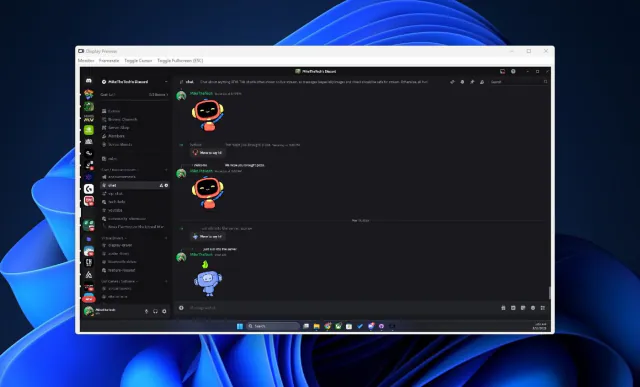
View your virtual displays in application windows.