
The YouTube player loads when you press Play.
Uniarch Unear A20: A Camera Shield and Mute Controls on Top
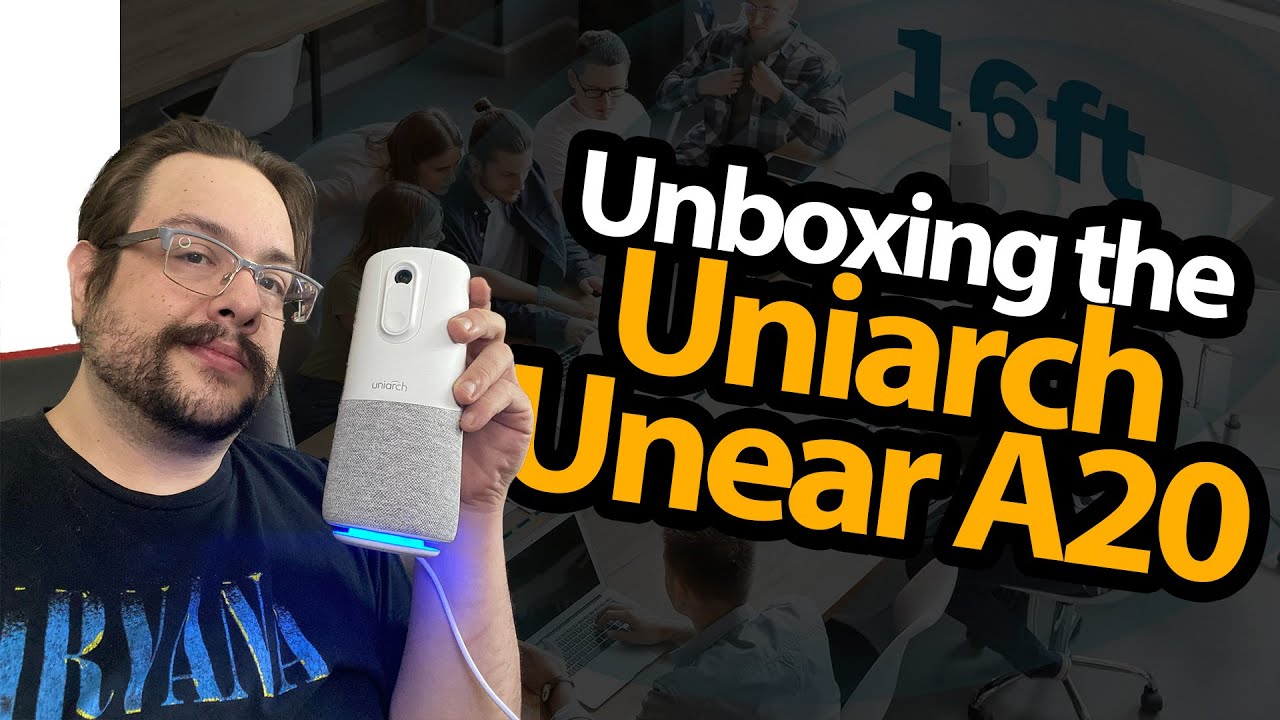
Opening the tall conference unit and trying its button indicators.
Article published November 4, 2026.
The Unear A20 is taller than most of the webcams I put on the unboxing table. It combines a camera with conference-audio hardware, so I start thinking about a room full of people instead of just one person at a desk.
Make room in the camera shot
I adjust my unboxing view to fit the box, take out the quick guide and USB-C cable, then lift out the unit. The fabric-covered body gives it a different look from a small monitor-mounted webcam.
I also find the physical camera shield, which is a detail I like being able to see and move directly.
Try the top controls
I press the camera and microphone controls and show their indicator colors changing. Then I lift the shield in front of the lens.
That demonstrates the controls and cover, without establishing the device’s overall security or testing what remote meeting software can receive in every state.
Could this style work for streaming?
I explain how I have used a different conference-audio device to pick up people around my streaming room. That makes me curious about this type of all-in-one unit, but it is not an A20 room-wide microphone test.
My later Nuroum C46 first look is another take on combining a meeting camera with audio hardware. This video is the A20’s unboxing and control walkthrough, before a real group-call evaluation.
The original course URL includes MIKETHETECH, with no stated discount amount or expiry. The description also credits http://eme7.com/ and http://discord.mikethetech.com/.
Links from the video
Affiliate disclosure: These links may earn me a commission at no extra cost to you.
- Uniarch Unear A20 original Amazon link
- GameDev.tv original Unreal Action Adventure course link
- MikeTheTech original channel membership link
Coupon code: MIKETHETECH — Amount not specified. Original course URL code. No amount or expiry supplied; separate from the featured product.
Links and offers are from the video description. Availability, prices and offer terms may change.
Some links to other products on this page are affiliate links, and we may earn a commission if you buy through them. It costs you nothing extra, and it has not changed what this article says — where a competitor is the better answer, we say so.


