
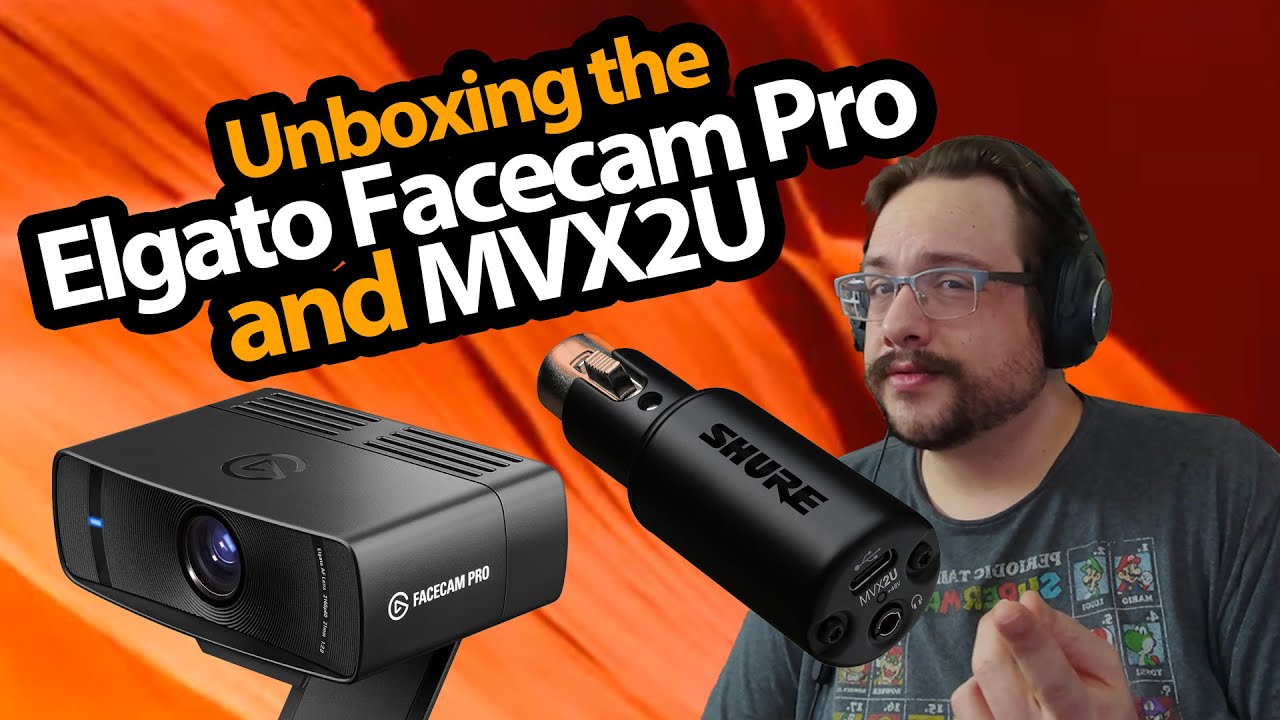
The YouTube player loads when you press Play.
Facecam Pro and MVX2U: Two Pieces of My Recording Upgrade
Opening the camera and audio interface, then showing the camera’s autofocus.
Article published November 4, 2026.
I am upgrading both sides of the recording setup in this one: an Elgato Facecam Pro for the picture and a Shure MVX2U interface for the microphone that is arriving next.
That is a big webcam
I open the Facecam box and look through the cable and mounting parts. The camera body is noticeably larger than some of the webcams I have been using.
I try the monitor mount, realize I have it turned around and correct the orientation. I also point out the option of using the mounting thread with another support.
A small interface for the XLR chain
The MVX2U is the other item in the package. I look at its metal body, cable and headphone connection while explaining why I want an XLR-to-USB interface in the setup.
This is the unboxing, rather than a test of every microphone or computer combination. The SM7B video that followed shows the microphone I was preparing for.
The picture is already coming from it
Near the end, I reveal that I am recording with the Facecam Pro. I move an object close to the lens and back out again to demonstrate its focus response.
I like what I see in that first session. My computer’s connection works for it, but check the camera’s own connection requirements for your setup rather than assuming every USB-C port is equivalent.
The original course URL includes MIKETHETECH, without a stated amount or expiry. Original credits also include http://eme7.com/ and http://discord.mikethetech.com/.
Links from the video
Affiliate disclosure: These links may earn me a commission at no extra cost to you.
- Elgato Facecam Pro original webcam Amazon link
- Shure MVX2U original interface Amazon link
- GameDev.tv original Unreal Action Adventure course link
- MikeTheTech original channel membership link
Coupon code: MIKETHETECH — Amount not specified. Original course URL code; no amount or expiry in the description. Separate from hardware offers.
Links and offers are from the video description. Availability, prices and offer terms may change.
Some links to other products on this page are affiliate links, and we may earn a commission if you buy through them. It costs you nothing extra, and it has not changed what this article says — where a competitor is the better answer, we say so.


