
The YouTube player loads when you press Play.
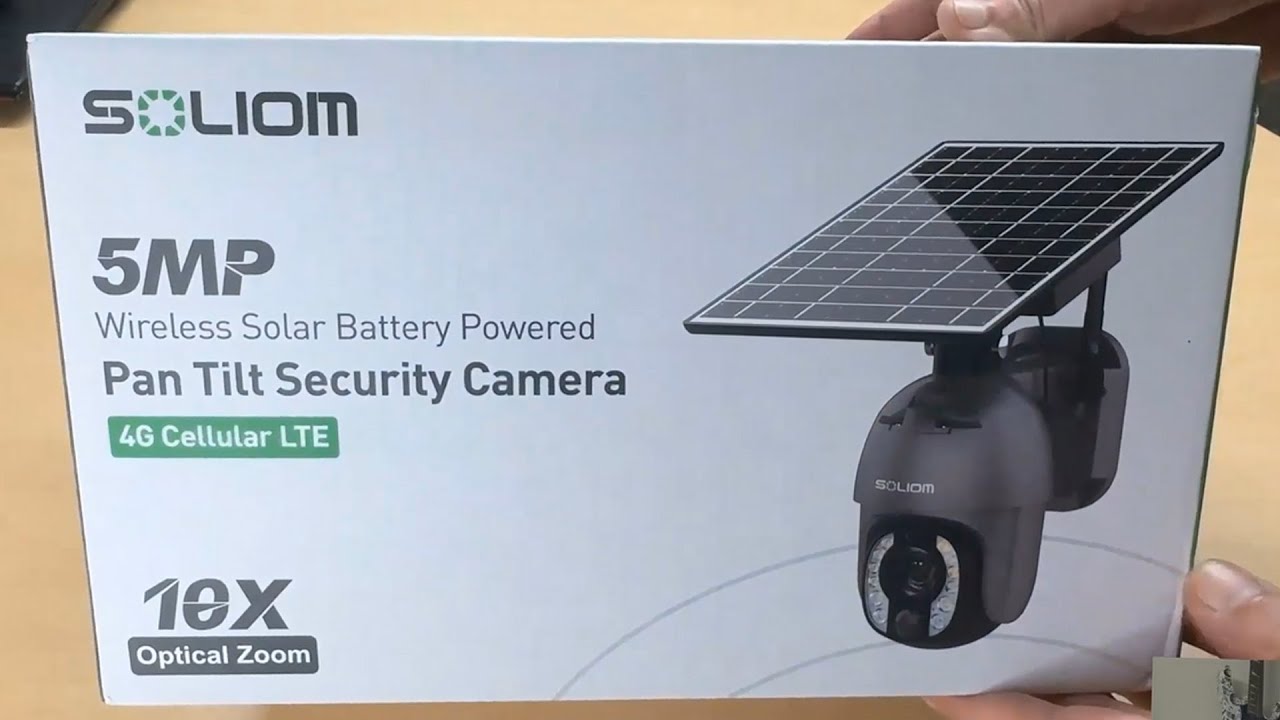
Soliom 4G Camera: From the Solar Panel to My First App Zoom
Putting the pieces together and getting a live indoor view through the phone app.
Article published November 4, 2026.
The separate solar panel is one of the first things I take out of this Soliom kit. Its battery connects to the camera, so I have a couple of pieces to put together before opening the app.
A cellular setup
I find the mounting materials, instructions and supplied trial SIM, then look around the camera body. There are slots for the SIM and storage card, along with the power connection.
I set this one up over 4G. I could not get it working over Wi-Fi during the recording, so I would plan around cellular service and check the supported carrier and data plan before choosing a location.
My first view is upside down
After registering in the app and following its pairing steps, I get an indoor view. The picture is upside down because of how I have the camera sitting while testing it. It is still on the desk; this is before the outdoor installation.
I try the movement controls and zoom toward an object in the background. Watching it get closer and refocus is the part of the demonstration that stands out to me.
What I would check outdoors next
The listing describes optical zoom, night vision and other security-camera features. My short phone-view demo does not establish night performance, weather resistance, cellular coverage or how long the battery lasts.
For another panel-and-camera layout, my Poyasilon solar-camera unboxing looks through a different mounting kit. The original Soliom product link and the separate course and channel links are below.
The original description also includes http://eme7.com/ and http://discord.mikethetech.com/. The course URL carries MIKETHETECH, without a stated discount amount or expiry.
Links from the video
Affiliate disclosure: These links may earn me a commission at no extra cost to you.
- Soliom original cellular camera product link
- GameDev.tv original Unreal Action Adventure course link
- MikeTheTech original channel membership link
Coupon code: MIKETHETECH — Amount not specified. Code in the original course URL. No discount amount or expiry supplied; this is a separate course offer, not a hardware coupon.
Links and offers are from the video description. Availability, prices and offer terms may change.
Some links to other products on this page are affiliate links, and we may earn a commission if you buy through them. It costs you nothing extra, and it has not changed what this article says — where a competitor is the better answer, we say so.


