
The YouTube player loads when you press Play.
TELESIN Neck Mount: The Release Button Makes the Design Click
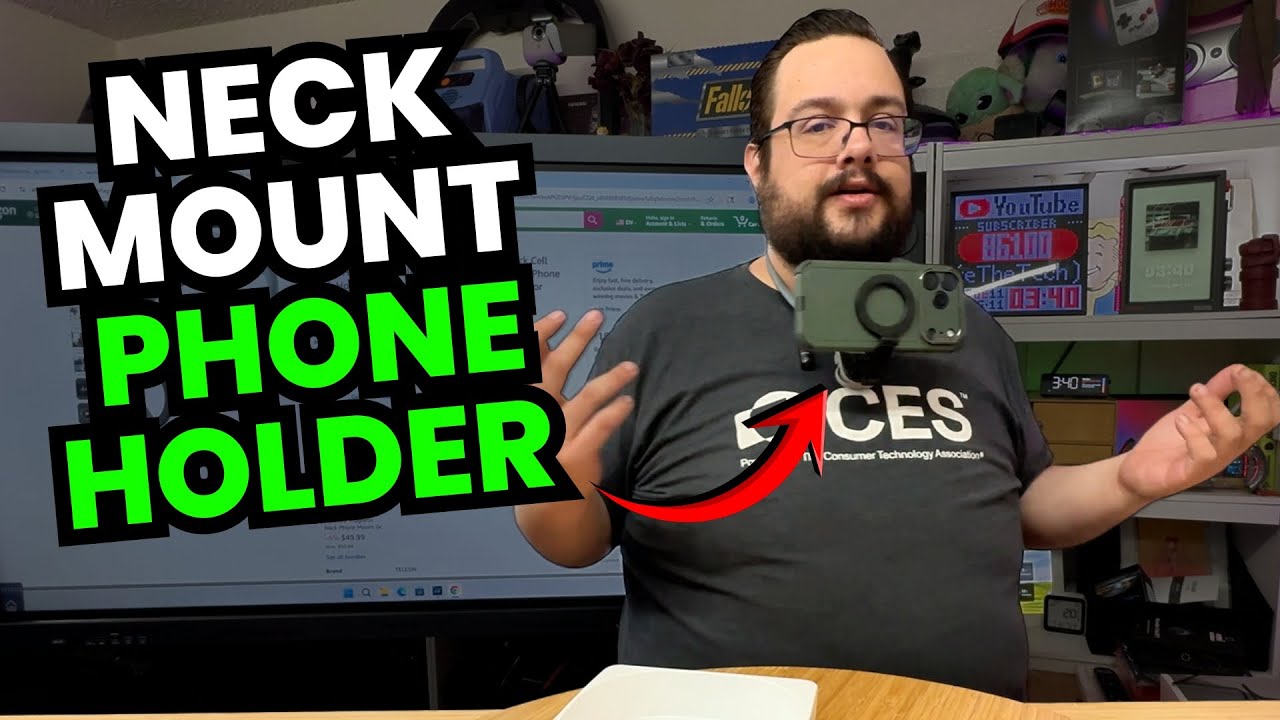
Fitting the phone mount and trying its orientation adjustments before filming with it.
Article published November 3, 2026.
At first glance, the opening in this TELESIN neck mount looks too small to get over my head. Then I find the release button. One side disconnects, the mount goes around my neck and the end clicks back into place.
That little mechanism is the first thing worth seeing in this short unboxing. I do not have to pull the whole loop over my head to put it on.
Fitting the phone and changing the angle
I try the mount around my neck, point out the softer contact surface and attach a phone. Then I change the angle and turn the phone between portrait and landscape.
The appeal for me is having a phone in front of what my hands are doing. I already use a similar mount for some unboxings, where I want that view without holding the camera myself.
For a phone setup on a tripod, my XbotGo Chameleon and NT1 unboxing looks at that different mounting arrangement. The neck mount is the one I am trying for the view in front of my hands here.
The pieces in the package
Along with the neck mount, I unpack the straps and mount accessories, magnetic attachment piece, cleaning materials and guide. TELESIN supplied this one for the channel.
I mention other uses of similar magnetic mounts, but this clip does not establish a weight rating for this unit or prove that every phone, case or heavier device will stay attached. I also do not show recorded POV footage or an extended walking test.
My first session is the fit and adjustment demonstration. The quick release and the ability to change the phone's position are the parts I wanted to try before putting it into an actual filming setup.
Links from the video
Affiliate disclosure: These links may earn me a commission at no extra cost to you.
Links and offers are from the video description. Availability, prices and offer terms may change.
Some links to other products on this page are affiliate links, and we may earn a commission if you buy through them. It costs you nothing extra, and it has not changed what this article says — where a competitor is the better answer, we say so.


