
The YouTube player loads when you press Play.
Phenyx Pro Dual-Mic System: Receiver Controls and Separate XLR Outputs
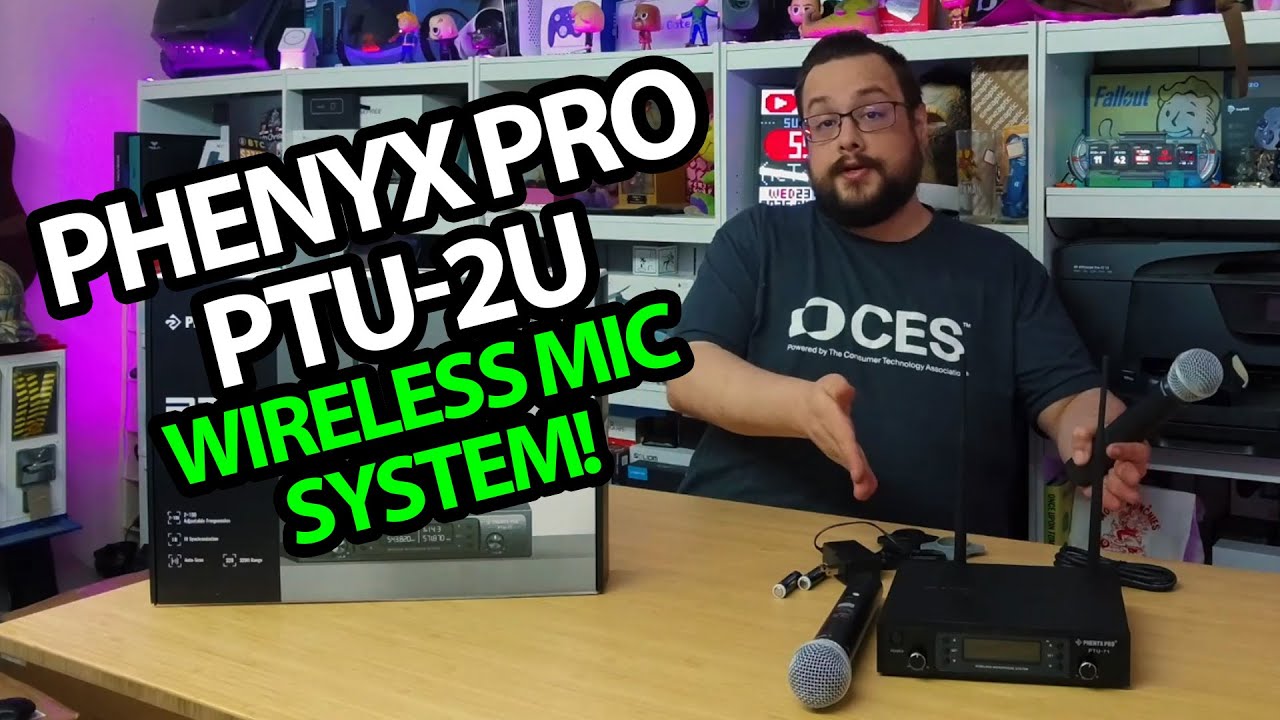
Unpacking the two microphones, fitting the antennas and looking at the displays.
Article published November 4, 2026.
I have looked at a larger Phenyx Pro microphone setup before. This box has two handheld microphones and a receiver with a separate level control for each, which makes the front panel easy to understand as I unpack it.
Antennas and accessories first
I take out the receiver, fit the two antennas and look through the power adapter, mixed-output cable, batteries and small accessories. There are identification pieces for the microphones and rubber feet for the receiver.
The knobs and display are right on the front. Around the back, I correct myself during the recording: the XLR connections are outputs, alongside the mixed quarter-inch output.
Power up the microphones
I open the handhelds, put in the batteries and turn them on. Their displays show the channel and group information that I discuss while looking over the controls.
I do not switch the video's recording over to this system or walk out a range test. This session is the package and setup hardware, rather than a sound-quality comparison.
Check the exact model before choosing one
The original title and product link say PTU-2U, while I say PTU-71 in the unboxing. Those names are not enough to merge the different models' range and frequency specifications into one confirmed result.
For a smaller clip-on arrangement, my BOYA Magic walkthrough shows another microphone format and a recording switch-over. The two videos are separate demonstrations.
Phenyx Pro supplied this unit. Both original product links are preserved below so the current model details can be checked.
Links from the video
Affiliate disclosure: These links may earn me a commission at no extra cost to you.
- Phenyx Pro original Amazon link
- Phenyx Pro original PTU-2U product link
- MikeTheTech original Patreon link
- Geeksoutfit original clothing-store link
Coupon code: COLLAB1 — Discount amount not stated. Separate Geeksoutfit offer from the original description, not a discount on the reviewed product. No amount or expiry was supplied; check current terms.
Links and offers are from the video description. Availability, prices and offer terms may change.
Some links to other products on this page are affiliate links, and we may earn a commission if you buy through them. It costs you nothing extra, and it has not changed what this article says — where a competitor is the better answer, we say so.


