
The YouTube player loads when you press Play.
OBSBOT Tiny 2 vs Facecam Pro: What I Noticed with Both Running
A small camera, a magnetic mount and a side-by-side look under my room lighting.
Article published November 4, 2026.
The OBSBOT Tiny 2 really does live up to its name. I unzip the case and find an even smaller camera inside, along with a USB-C cable, a USB-A adapter and a monitor mount.
The mount is magnetic, so I can lift the camera straight off it. There is a tripod connection underneath, too. After looking over those parts, I move on to the bit I am most interested in: running it beside the Elgato Facecam Pro.
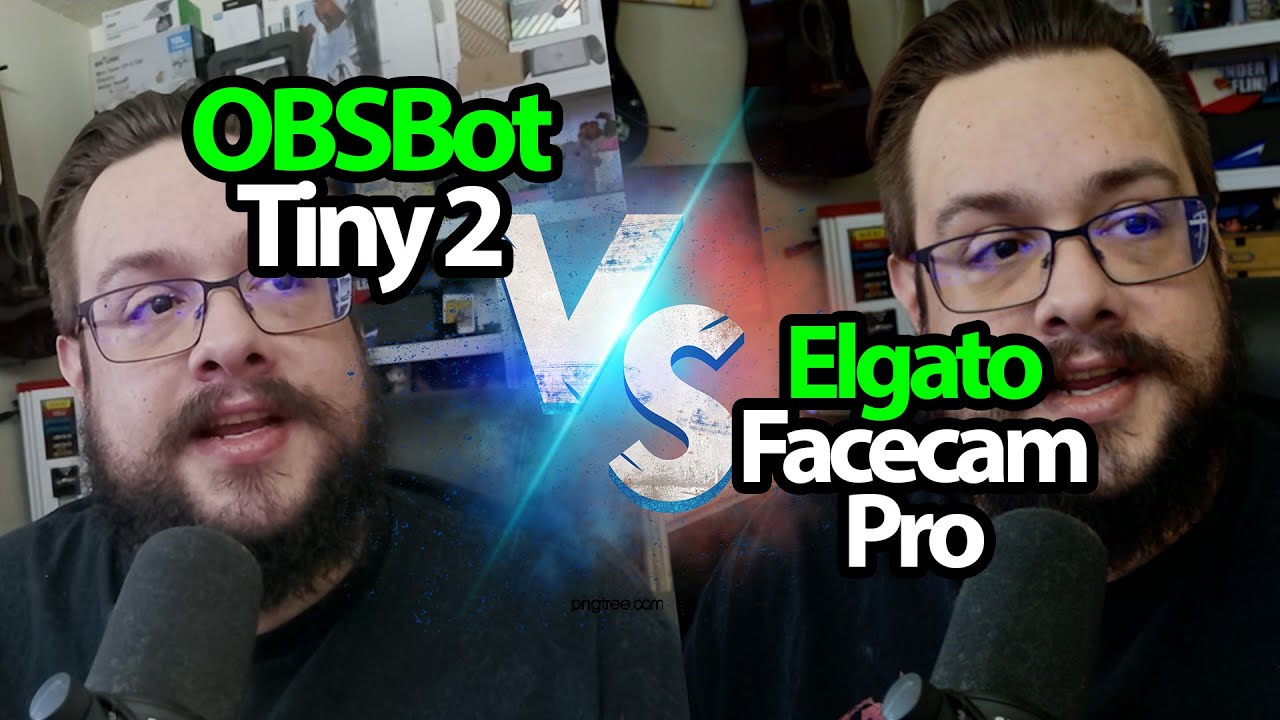
Elgato on the left, OBSBOT on the right
Both cameras are running in the comparison. I identify the Facecam Pro as the left-hand image and the Tiny 2 as the right-hand image, which matters when following my comments.
Under the lighting I have in that room, I notice more grain on my shirt and microphone in the Elgato image. The OBSBOT image looks brighter to me, and the shirt looks less grainy. My comments about sharpness, detail and color are more tentative as I look between the two pictures.
This is my reaction to that setup, rather than a controlled sensor benchmark. Different lighting and camera settings can change what you see.
Recording modes are only part of the decision
I discuss the Tiny 2’s 4K30 and 1080p60 modes and the Facecam Pro’s 4K60 option. I also talk about OBSBOT’s tracking, gestures and whiteboard features, without demonstrating those features in this session.
For another separate camera session, I also tried the NearStream V410. That is a different recording, not a third camera in this side-by-side comparison.
The Tiny 2’s small case and removable mount are nice touches. The original links for both cameras are below, and the embedded comparison lets you follow the same left/right views I am reacting to.
Links from the video
Affiliate disclosure: These links may earn me a commission at no extra cost to you.
Links and offers are from the video description. Availability, prices and offer terms may change.
Some links to other products on this page are affiliate links, and we may earn a commission if you buy through them. It costs you nothing extra, and it has not changed what this article says — where a competitor is the better answer, we say so.


