
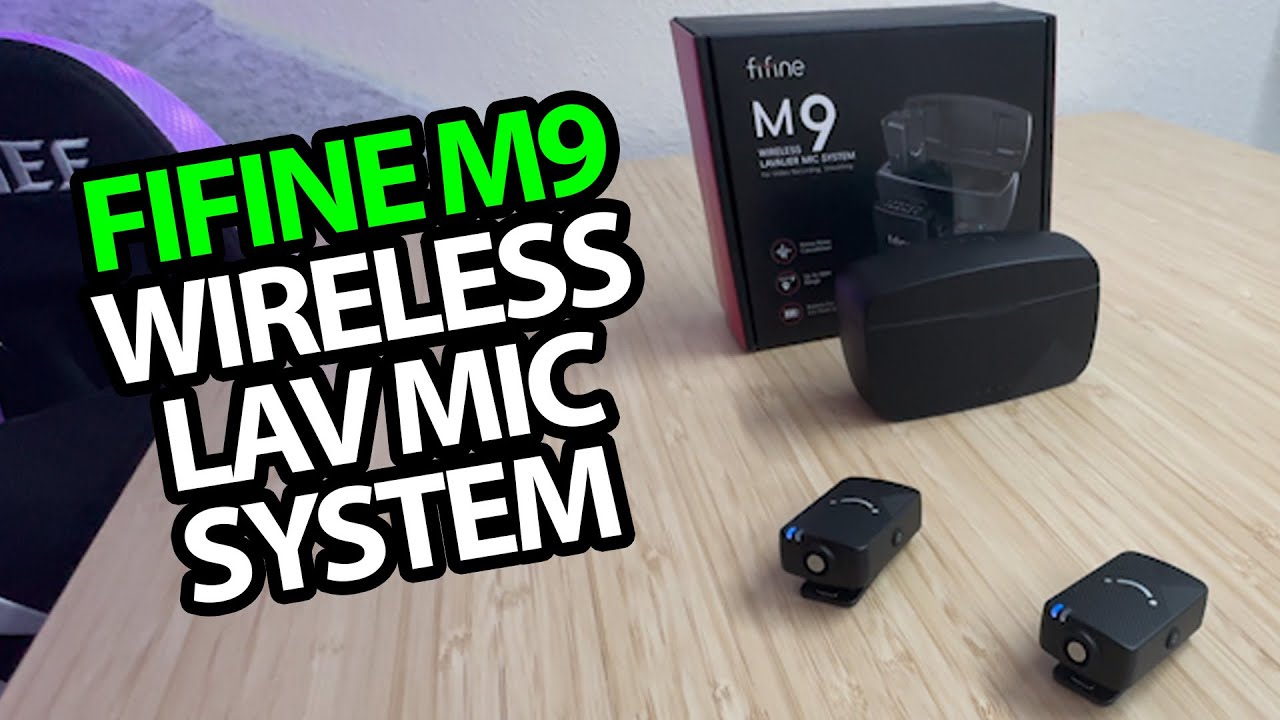
The YouTube player loads when you press Play.
FIFINE M9: From the Charging Case to a Phone Recording
Fitting the windscreens, connecting the receiver and making a stereo sample.
Article published November 4, 2026.
A clip on another microphone had broken, so the FIFINE M9 arrived at a useful time. I open the set, work through the cables and eventually get a recording going on my phone.
A case inside a case
The protective outer case holds the charging case and accessories. Inside the charger are the two clip-on microphones and receiver. After removing the protective covers, I put the pieces back in to get some charge while I look through the rest.
The furry windscreens snap onto the microphones. I also check the receiver's clip and connections, then sort through the supplied audio and charging leads.
Work out the phone connection
I connect the receiver and adapter to the phone, check the accessory prompt and revisit the cable arrangement before opening the camera app. That is the setup I get working in this session.
I try a microphone clipped on and discuss the noise-reduction control. Later, I make a stereo recording with the microphones on the desk and noise reduction off, so the embedded video includes that sample.
Another recording to compare for yourself
The BOYA Magic walkthrough also includes a switch-over sample, using a different microphone format. They are separate sessions, with different positions and setups.
FIFINE supplied the M9 and Geeksoutfit supplied apparel. This first test covers the case, connections and recorded sample; it does not establish range, outdoor wind handling or full battery endurance.
Links from the video
Affiliate disclosure: These links may earn me a commission at no extra cost to you.
- FIFINE M9 original Amazon link
- MikeTheTech original Patreon link
- Geeksoutfit original clothing-store link
Coupon code: COLLAB1 — Discount amount not stated. Separate Geeksoutfit offer from the original description, not a discount on the reviewed product. No amount or expiry was supplied; check current terms.
Links and offers are from the video description. Availability, prices and offer terms may change.
Some links to other products on this page are affiliate links, and we may earn a commission if you buy through them. It costs you nothing extra, and it has not changed what this article says — where a competitor is the better answer, we say so.


