Updated Oct 19
InfinitePIPProductivity · Display
Keep any screen, window or region in view, always on top.
$4.99WindowsmacOSLinux

Your Mac screen. Now touchable.
Skip to release statusProduct website · not the app A capture of the public MagicGlass site on Oct 21, 2026. It shows the website, not the app: no capture of the app itself has been published yet.
MagicGlass turns a Mac into a touch-capable computer using an iPhone you already own. Stand the iPhone beside the display where Continuity Camera can see the screen, run a short calibration, and your finger becomes the pointer: hover to move the cursor, touch the glass to click, touch and move to drag, and use two fingers for a right-click.
It works with computer vision rather than extra hardware. Four coded markers locate the exact screen plane even when the phone views it from an angle, hand-pose tracking follows 21 landmarks, and a calibration of nine touch targets plus a hover pass teaches MagicGlass the difference between pointing and pressing. Camera frames are processed locally on the Mac, with no account, no cloud processing and no video uploads.
MagicGlass is in development and not publicly available yet. macOS with iPhone comes first; Windows and Android support are planned.
No. MagicGlass uses an iPhone you already own as the camera, through Continuity Camera. No proprietary mount, calibration sheet or cables.
No. Camera frames are processed locally on your Mac: no account, no cloud processing and no video uploads.
Not yet. MagicGlass currently targets macOS with iPhone; Windows and Android support are planned.
Keep any screen, window or region in view, always on top.
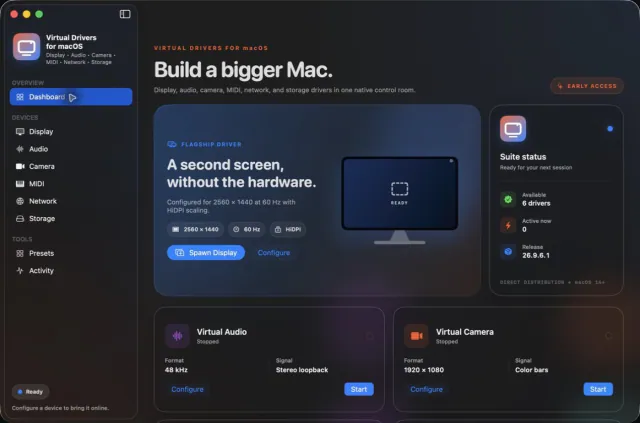

Seven virtual-device tools. One Mac app.