Updated Oct 19
InfinitePIPProductivity · Display
Keep any screen, window or region in view, always on top.
$4.99WindowsmacOSLinux

Real app interface · EmberLink 26.9.8.8 The Workspace page: every monitor gets its own tile, and edges snap together. Computer names and the display arrangement are illustrative.
EmberLink shares one keyboard, mouse and clipboard across the computers on your desk. Arrange every monitor where it really sits, push the pointer across a touching edge, and your typing, scrolling and clipboard follow.
Two modes cover different desks. In Extended mode each computer keeps its own monitor; Super Display opens another computer's desktop fullscreen on the screen you're already using, streamed as H.264 or HEVC over the same encrypted connection as your input. Computers pair directly on your local network over TLS, confirmed by a six-digit code you compare yourself, with no account and no cloud relay, and Esc always hands your keyboard and mouse back.
EmberLink is an engineering preview. The current build, 26.9.8.8, is signed and notarized for Apple Silicon Macs; Windows and Linux support is written but hasn't been run on real machines yet, and there is no public download or announced price. Launch news goes out on the PyroSoft Discord.
It's coming soon. There's no public download yet and no price has been announced. Join the PyroSoft Discord for launch news.
Same idea: one keyboard and mouse moving between computers as if their screens were one desk. EmberLink is a new implementation, with no Synergy or Deskflow code, and it adds Super Display for bringing a remote desktop onto the screen you're using.
No. Paired computers talk directly over TLS on your local network, with no account and no cloud relay.
Press Esc to stop sharing. If the connection drops, EmberLink releases any held keys and mouse buttons and gives you back local control.
MousePort was the working name for EmberLink's first private preview builds. Pairings, layouts and settings from those builds carry over.
Keep any screen, window or region in view, always on top.
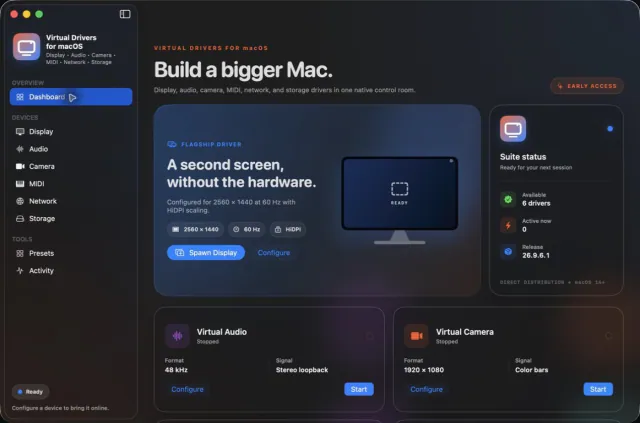
Seven virtual-device tools. One Mac app.