
The YouTube player loads when you press Play.
QUUGE Steam Deck Dock: Plenty of Ports, Then a Close Look at the Fit
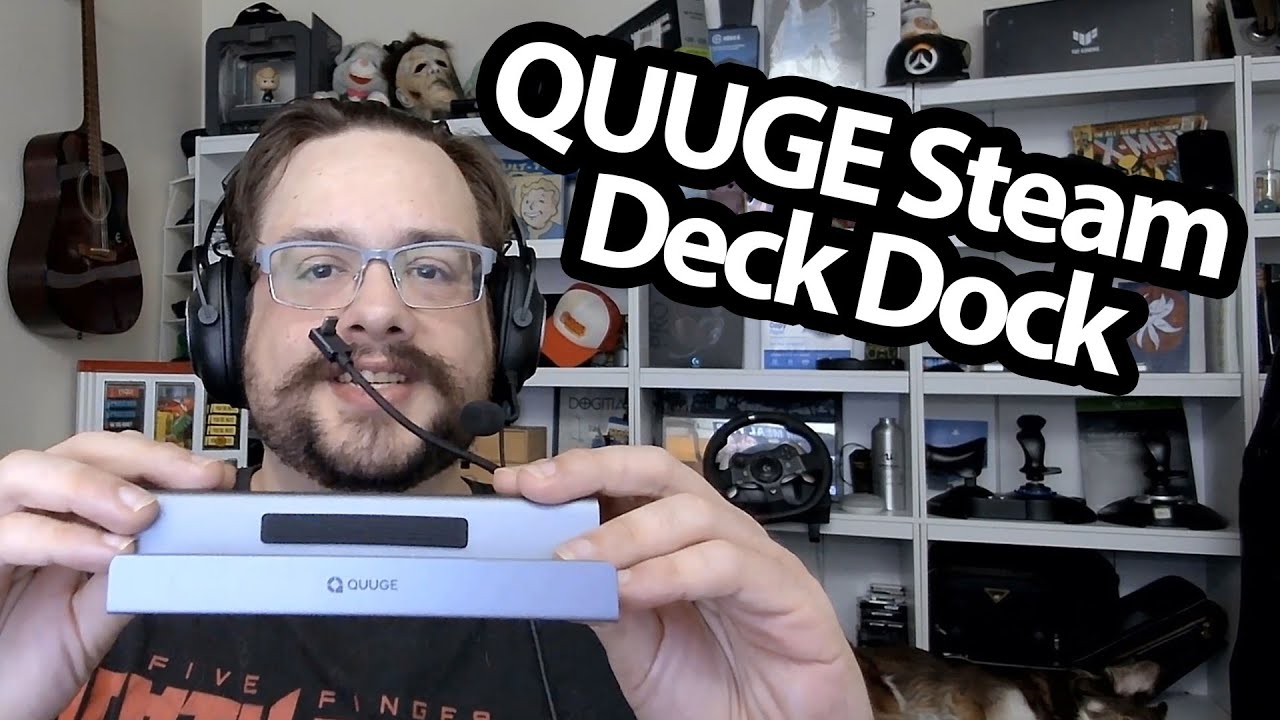
Trying the Deck in the dock and checking the pads and rear clearance.
Article published November 4, 2026.
A dock can put a lot of connections beside the Steam Deck, but I also want to know how the handheld actually sits in it. This QUUGE unboxing gives me a chance to check both the port layout and the physical fit.
Look around the metal body
I open the packaging and manual, then turn the dock around. I point out the display, network, USB and power connections, along with the angled USB-C lead.
The body has pads where it meets the table and the handheld. I appreciate seeing those around a metal stand, though this is not a scratch-resistance test.
Put the Deck in place
The Steam Deck fits into the support at a fixed angle, and I look at it from the front and sides. The front edge sits clear in the view I show.
At the back, I notice that part of the stand overlaps the intake area. I have not run a temperature test, so I leave that as something to check rather than assuming the clearance is sufficient under load.
The ports need their own testing
The description lists display modes, charging and data rates. I do not connect displays or benchmark the network and USB ports in this recording.
My NewQ Steam Deck dock session looks at another stand arrangement. Here, the first job is seeing how the QUUGE hardware fits around the Deck.
The original course URL includes MIKETHETECH, without a stated amount or expiry. Original credits also include http://eme7.com/ and http://discord.mikethetech.com/.
Links from the video
Affiliate disclosure: These links may earn me a commission at no extra cost to you.
- QUUGE original seven-in-one dock Amazon link
- GameDev.tv original Unreal Action Adventure course link
- MikeTheTech original channel membership link
Coupon code: MIKETHETECH — Amount not specified. Original course URL code; no amount or expiry in the description. Separate from hardware offers.
Links and offers are from the video description. Availability, prices and offer terms may change.
Some links to other products on this page are affiliate links, and we may earn a commission if you buy through them. It costs you nothing extra, and it has not changed what this article says — where a competitor is the better answer, we say so.


