
The YouTube player loads when you press Play.
Photoolex X2077: A Small Panel Light with a Box of Accessories
Powering up the panel and looking at its effects, mounting points and light-shaping pieces.
Article published November 3, 2026.
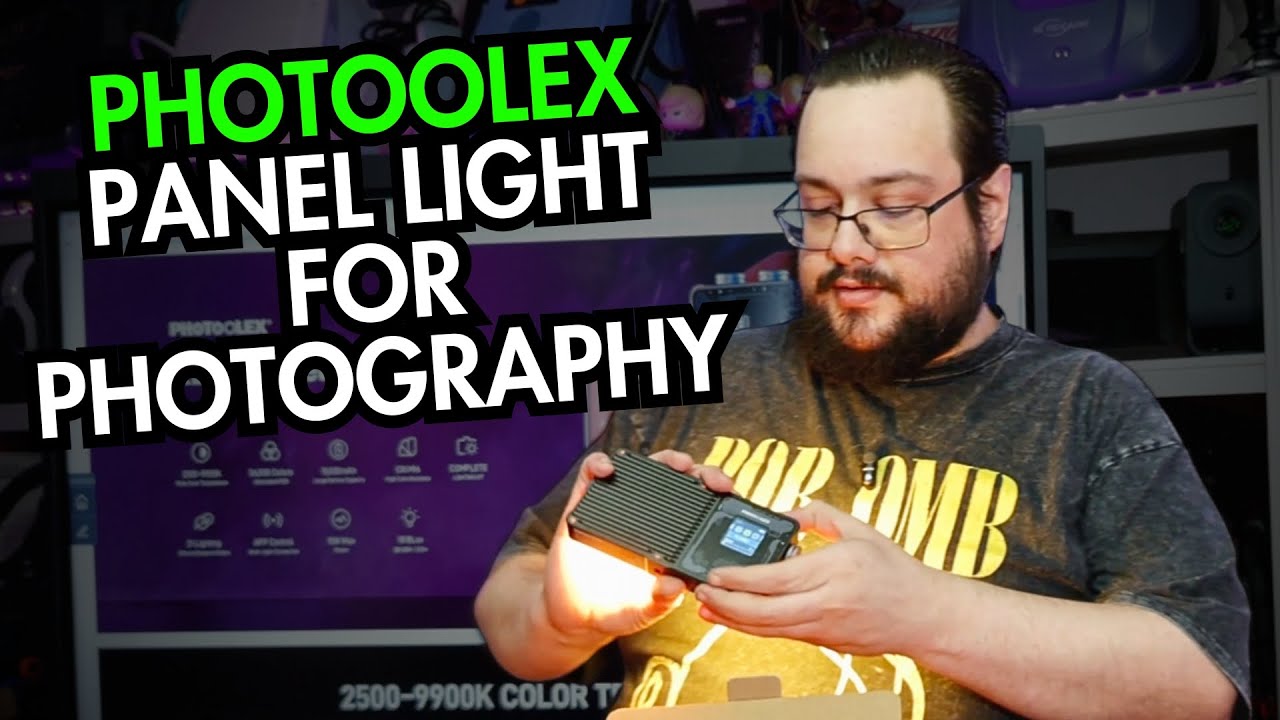
The Photoolex X2077 was a compact panel light I wanted to try in the studio. Opening the box gave me a chance to look at its controls and all the pieces that change how the light is positioned and shaped.
I powered it up and browsed some effects. This was not a measured brightness, color-accuracy or battery-endurance test.
The controls are on the back
The front had a protective cover, while the rear screen showed settings such as the selected effect and light controls. I switched it on and found a flame-style effect among the options.
There were emergency-vehicle and strobe-style effects as well. I deliberately did not show the strobes in the video. The brightness and effect-speed controls were more useful to work through without flashing the camera.
I also found the lock control, which is a helpful detail for a battery-powered light that might spend time in a bag.
Mounting points and light-shaping pieces
I counted mounting options on the bottom and sides and unpacked the adapters that came with the kit. There was a carrying bag and a USB-C cable too.
The front accessories included adjustable flaps and a honeycomb-style grid. I held them in place to show their shape and how they sit in front of the panel. I did not measure a beam angle or compare the results on a subject.
Those are the parts I would want to experiment with when fitting the light into a real scene: where I can mount it, how I can aim it and how much spill I can control.
A light with a charging output
I discussed the listed 10,000 mAh battery and showed the USB-C charging input and USB-A output. The option to power another device could be useful, but doing that also uses energy you might want for the light. I did not run an output-capacity test.
The quoted color-accuracy figure and app control were features I discussed, rather than independently verified measurements or a completed app demonstration.
My first impression was that the package offered several things to try in a small form factor. The original video shows what I unpacked and powered on; the link below lets you check current specifications and contents.
Links from the video
Affiliate disclosure: These links may earn me a commission at no extra cost to you.
Links and offers are from the video description. Availability, prices and offer terms may change.
Some links to other products on this page are affiliate links, and we may earn a commission if you buy through them. It costs you nothing extra, and it has not changed what this article says — where a competitor is the better answer, we say so.


