
The YouTube player loads when you press Play.
MAXFREE S1: Clamp On the Screen, Then Find the Right Connection
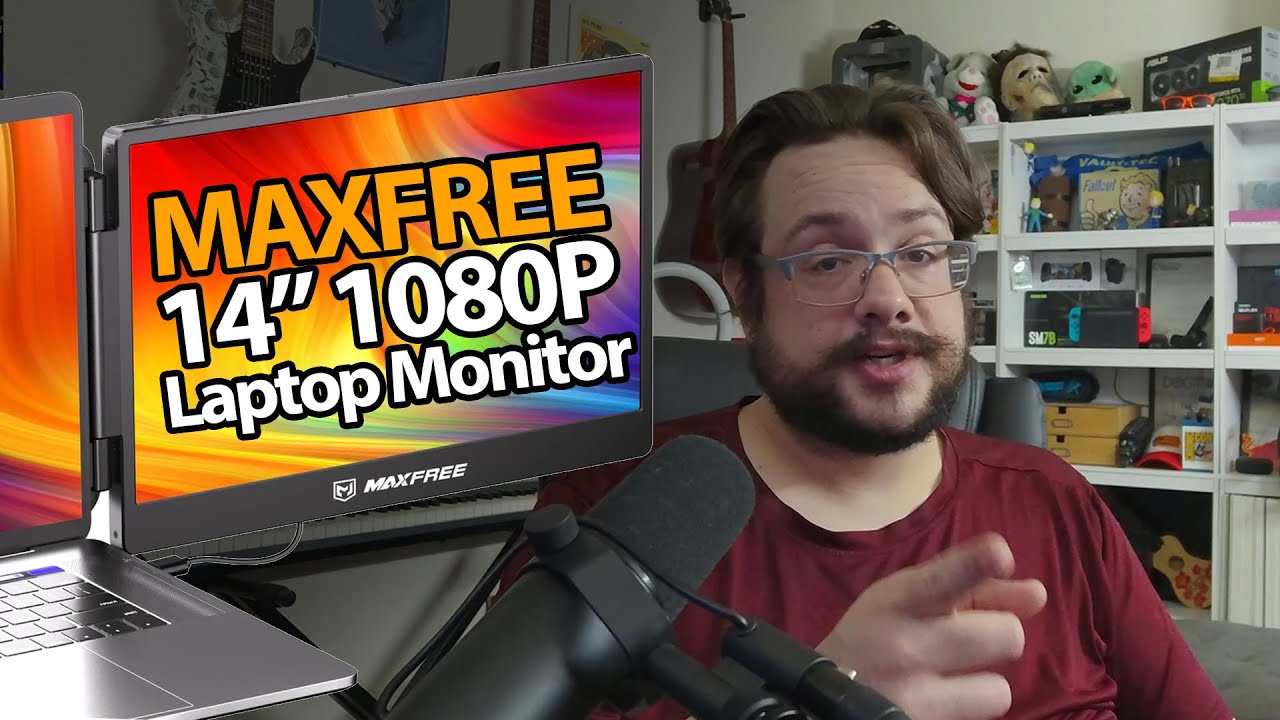
Fitting the extender to my laptop and getting a mirrored picture over HDMI.
Article published November 4, 2026.
I expect a screen in this package, but I do not expect the carrying case. The MAXFREE S1 arrives tucked into a bag with room for its cables, which is a useful start for something meant to travel with a laptop.
The clamp folds around the display
I open the screen and try the expanding mount. A small top tab helps position it against the laptop, while the rear support has a twist-and-extend adjustment.
I fit it to the 15.4-inch laptop in my setup and swing the extra screen to a viewing angle. That shows this particular fit, rather than establishing that every laptop hinge or screen size is suitable.
Check the port labels
The connections have different jobs, and the labels are a little hard for me to read at some angles. I look at the guide before trying the video input.
For my demonstration, I use HDMI with separate USB power. The extra screen comes up with a mirrored picture, so I have a working first connection on camera.
A fuller setup walkthrough is still ahead
MAXFREE sent this screen over. This recording is the unboxing and first picture, before a deeper look at display settings, colors or longer use.
If you want a different portable-screen format, my ARZOPA Z3FC session looks at a standalone display and its accessories. The S1 is the clamp-on laptop arrangement shown here.
Both original MAXFREE links are preserved below, with the separate course and channel links.
The description’s course URL carries MIKETHETECH, without a stated discount amount or expiry. Original credits include http://eme7.com/ and http://discord.mikethetech.com/.
Links from the video
Affiliate disclosure: These links may earn me a commission at no extra cost to you.
- MAXFREE S1 original Amazon monitor link
- MAXFREE original S1 product page
- GameDev.tv original Unreal Action Adventure course link
- MikeTheTech original channel membership link
Coupon code: MIKETHETECH — Amount not specified. Original course URL code, without an amount or expiry. Separate from hardware offers.
Links and offers are from the video description. Availability, prices and offer terms may change.
Some links to other products on this page are affiliate links, and we may earn a commission if you buy through them. It costs you nothing extra, and it has not changed what this article says — where a competitor is the better answer, we say so.


