
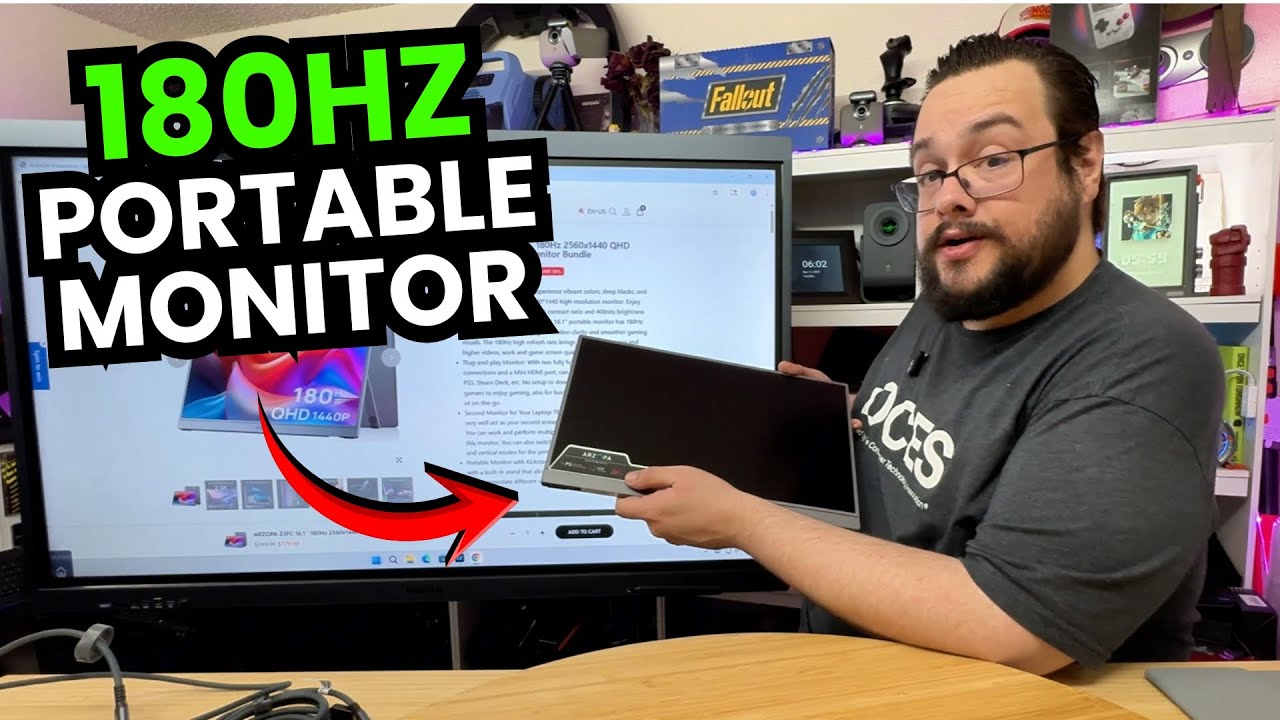
The YouTube player loads when you press Play.
ARZOPA Z3FC: A Portable Screen with a Case and the Cables I Wanted
Opening the monitor, trying its stand and getting picture and sound from my phone.
Article published November 3, 2026.
The first thing I want to keep from the ARZOPA Z3FC package is the carrying case. A portable screen is meant to leave the desk, so finding a proper case in the box makes a good first impression.
The cables help too. I unpack the braided connections, including a USB-C cable with an angled end that I immediately want to try. Having a cable run neatly around the display is a small detail that matters when the screen is this thin.
Unfold the stand and find the controls
I take the display out, open its kickstand and look over the speaker openings, buttons and input connections. The stand folds out from the body, so I can get the screen upright without first assembling a separate support.
I also go through the supplied documentation and the advertised display specifications. Those include the high-refresh-rate and resolution claims discussed in the video, but I do not verify the panel's operating mode or color performance here.
The phone demo gets picture and sound
I connect my phone, add power through the other connection and turn the monitor on. I get an image, start playback and hear audio through the screen. That is the useful hands-on result from this session.
It shows my particular phone and cable setup working. It does not establish that every phone can send video over USB-C or that this demo is running at the maximum advertised resolution and refresh rate.
A second-screen setup I want to spend more time with
ARZOPA sent this monitor over, and I mention a future comparison with another screen I have. That comparison is not part of this video.
For the first look, I like how much of the practical setup is already in the package: a stand on the screen, a case and the cables I can use immediately. Getting picture and audio from my phone is a much better starting point than stopping the unboxing to search for another adapter.
Links from the video
Affiliate disclosure: These links may earn me a commission at no extra cost to you.
Links and offers are from the video description. Availability, prices and offer terms may change.
Some links to other products on this page are affiliate links, and we may earn a commission if you buy through them. It costs you nothing extra, and it has not changed what this article says — where a competitor is the better answer, we say so.


