
The YouTube player loads when you press Play.
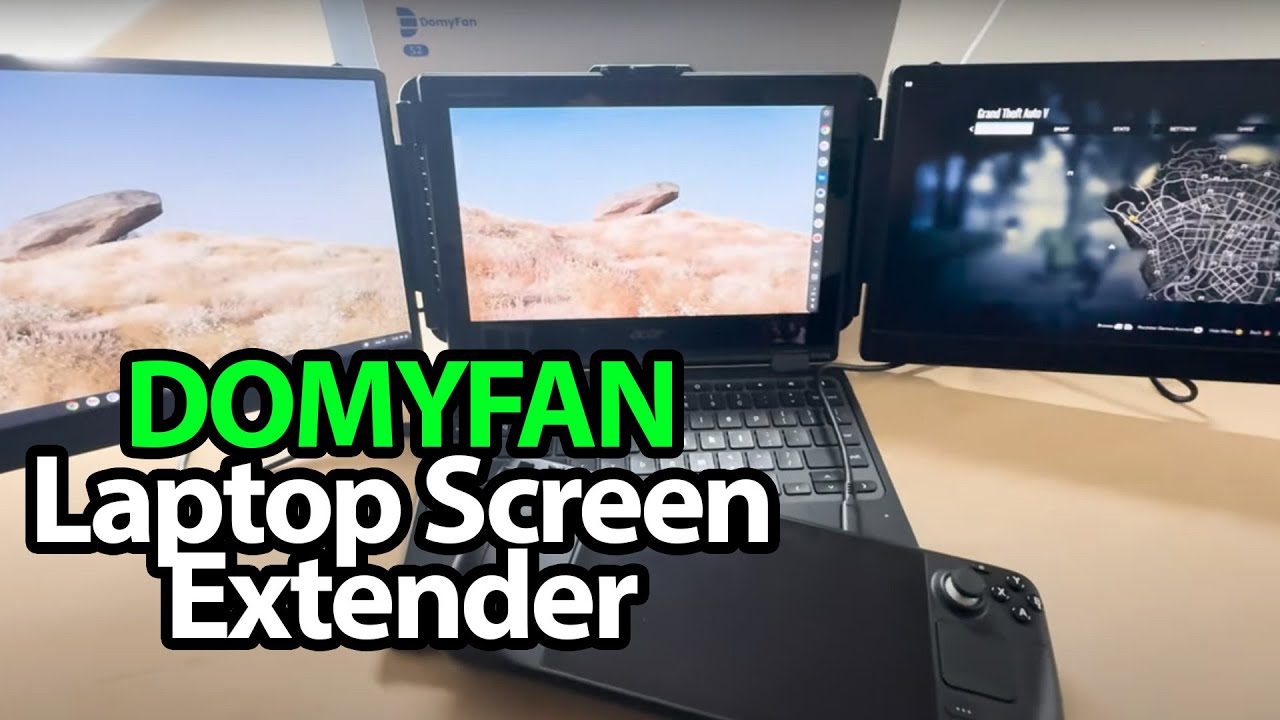
DOMYFAN S2: Two Screens and a Bag Full of Matching Cables
Opening the screen extender and keeping the protective pieces with the kit.
Article published November 4, 2026.
Everything starts coming out in pairs. There are two screens in this DOMYFAN S2 kit, so the cables make a lot more sense once I get past the outer packaging.
Leave room in the bag for the connections
I take out the USB-C cables, USB-A-to-C cables and the supplied HDMI connection cables, along with the guides. The carrying bag has a front section for the cables as well as space for the screen assembly.
I talk about taking a setup like this to a coffee shop or airport, but I am opening it at the desk here—not demonstrating a complete travel workstation.
Keep that piece of foam
As I unfold the screens, I notice the fitted protective padding between the pieces. I would keep it with the bag rather than immediately throw it away.
The folding arrangement is awkward to show while holding it in front of the camera. I say I want to move to the larger desk for the installation; the transcript does not establish a finished laptop-mounted demonstration.
A different arrangement from a detachable screen
The S2 is presented as a way to add a screen on each side of a laptop. I later looked at the KEFEYA P5’s detachable screen arrangement, which is a different physical approach.
Neither that separate session nor the cable shapes prove compatibility here. I have not shown a powered image, measured display quality or run applications across three screens in this unboxing.
The original DOMYFAN link is below. The original outro credit also lists http://eme7.com/.
Links from the video
Affiliate disclosure: These links may earn me a commission at no extra cost to you.
Links and offers are from the video description. Availability, prices and offer terms may change.
Some links to other products on this page are affiliate links, and we may earn a commission if you buy through them. It costs you nothing extra, and it has not changed what this article says — where a competitor is the better answer, we say so.


