
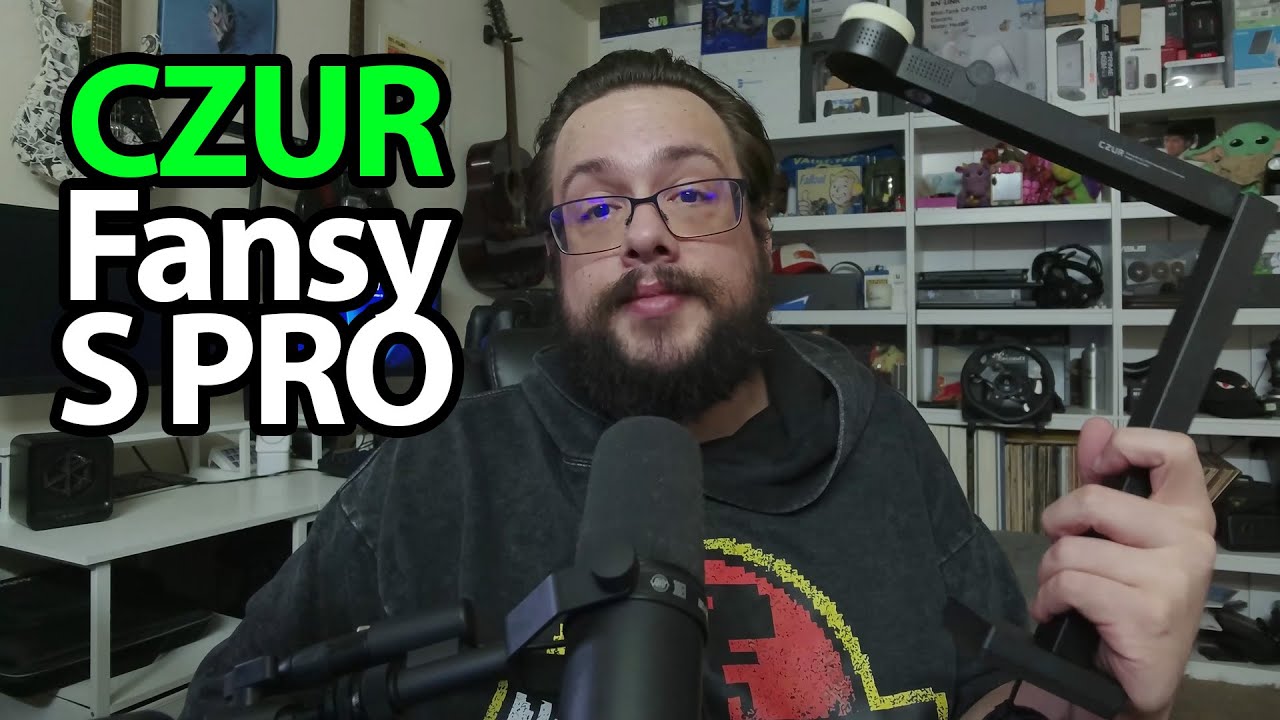
The YouTube player loads when you press Play.
CZUR Fancy S Pro: A Document Camera That Folds Back into Its Case
Opening the camera and looking at the controls before scanning any paperwork.
Article published November 4, 2026.
CZUR gets my attention before I even open the main package: they include a little branded box opener. I like that touch, and I decide it is worth keeping for future unboxings.
Inside is the Fancy S Pro document camera, packed in a fitted case that also looks worth keeping.
Open it up, point it down
I take out the cable and adapter, look through the guide and unfold the camera. It is the sort of device I would point down at a page rather than leave facing me like an ordinary webcam.
That immediately makes me think about teaching. I talk about the stacks of student papers I used to work through and how useful it would be to keep digital copies instead of another pile of paperwork.
The controls are on the device, too
I point out the focus, exposure, zoom and brightness controls, plus the light. I also show how the camera can be repositioned if I want to face it in another direction.
Those are the physical options I can demonstrate while unboxing it. I do not scan a document, test text recognition or measure capture speed in this recording.
Save the actual scanning for the next session
I say I want to make another video trying it with documents. That work is still ahead at the end of this one, so I am not presenting the teaching example as a completed scan workflow.
CZUR sent the camera for the video. The original Fancy S Pro and Geeksoutfit links are below, with the separate clothing offer. The original outro credit lists http://eme7.com/.
Links from the video
Affiliate disclosure: These links may earn me a commission at no extra cost to you.
Coupon code: MTT25 — 25% off. Original Geeksoutfit clothing offer; availability and terms may have changed. Not a discount on the featured device.
Links and offers are from the video description. Availability, prices and offer terms may change.
Some links to other products on this page are affiliate links, and we may earn a commission if you buy through them. It costs you nothing extra, and it has not changed what this article says — where a competitor is the better answer, we say so.


