
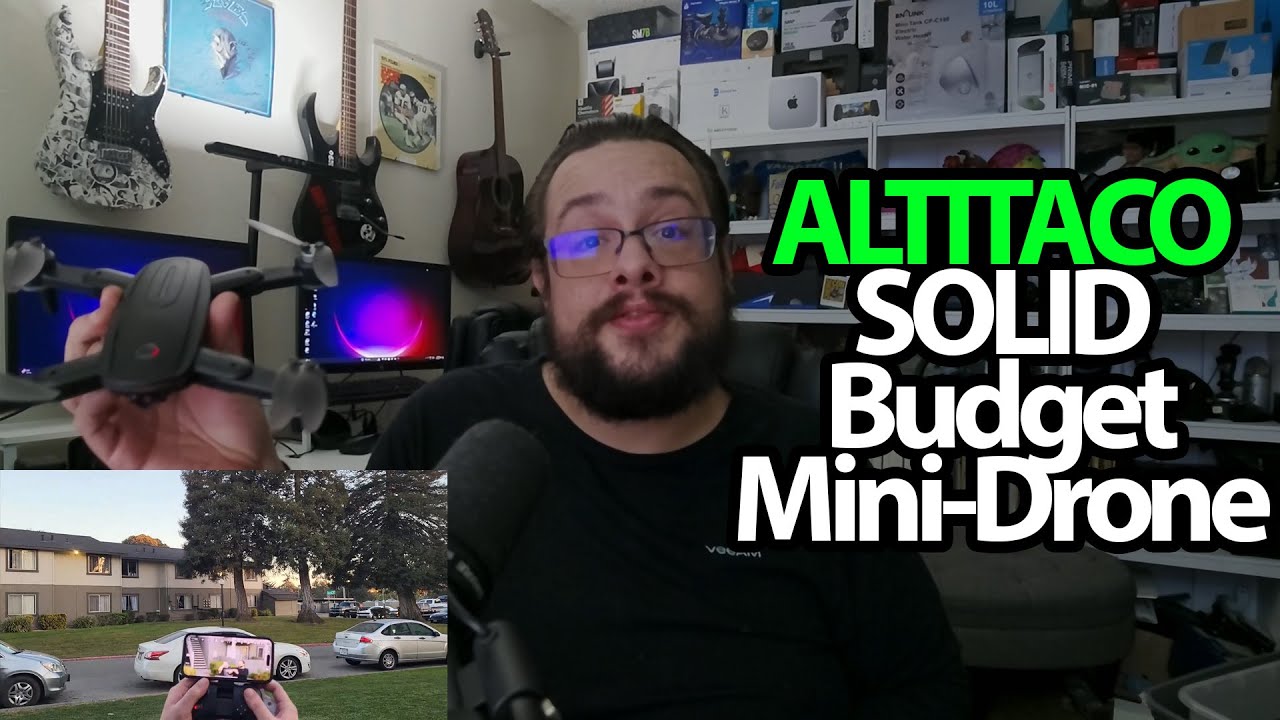
The YouTube player loads when you press Play.
ALTITACO JY01 Pro: Opening the Case and Getting a Phone View
Unfolding the drone, fitting a battery and checking the camera feed before flying.
Article published November 4, 2026.
I do not get drones on the desk very often, so I am excited to open this one. The ALTITACO JY01 Pro comes in a fitted case, with the drone folded down into a small space.
There is quite a bit tucked around it
I find the charging adapter, spare propellers, screws, a small screwdriver and instructions. The controller has its button functions marked, and the package includes the AAA batteries I put into it.
The center of the controller opens into a phone holder. I try fitting my phone there before moving on to the drone’s own batteries—there are two in this package.
Power it up before talking about flying
I unfold the arms, put a battery into the back and turn the drone on. Its lights come on while I work on the connection.
Then I show the camera view appearing on my phone. It looks responsive to me in that short check, but I have not measured latency or confirmed the advertised recording resolution.
This session stays on the ground
The feature discussion covers things such as takeoff controls and flight modes. I do not actually fly the drone, perform a flip, test a route or time either battery in this recording.
ALTITACO sent it for the video. The first useful result is getting the phone view working and seeing how everything fits in the case; flight performance needs another test. The original product link is below, and the original outro credit lists http://eme7.com/.
Links from the video
Affiliate disclosure: These links may earn me a commission at no extra cost to you.
Links and offers are from the video description. Availability, prices and offer terms may change.
Some links to other products on this page are affiliate links, and we may earn a commission if you buy through them. It costs you nothing extra, and it has not changed what this article says — where a competitor is the better answer, we say so.


