
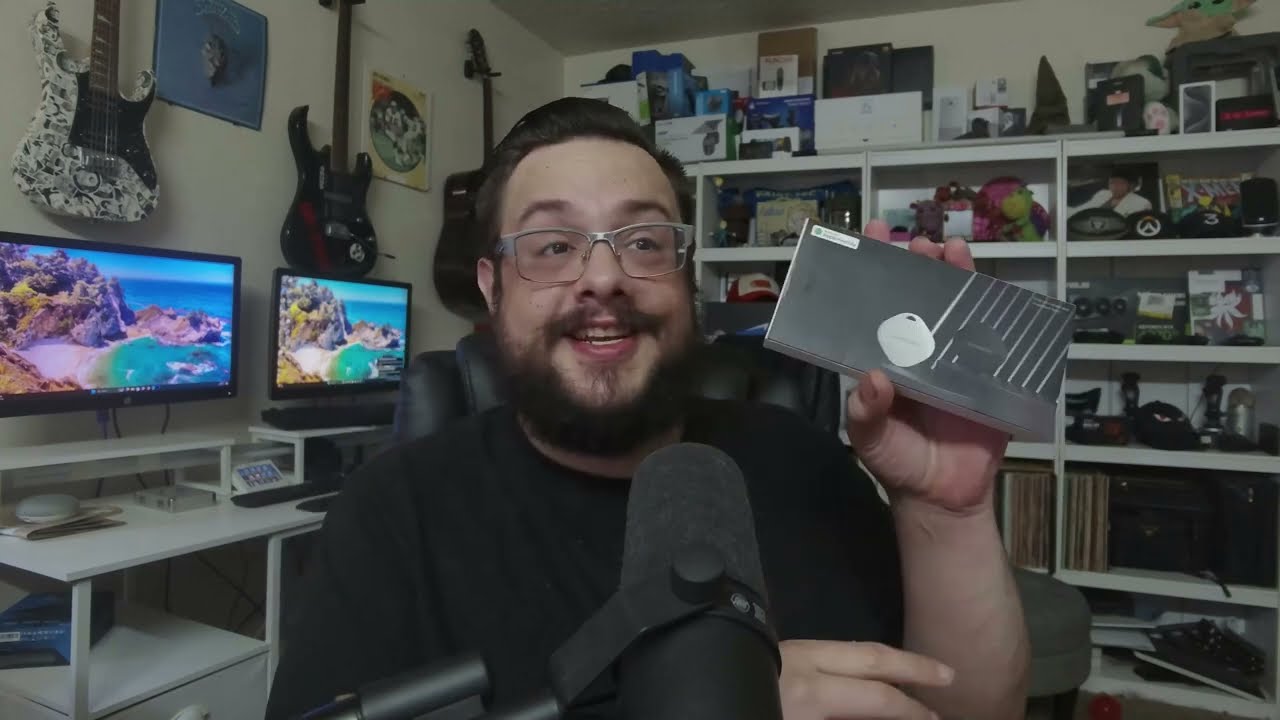
The YouTube player loads when you press Play.
Two ANNNWZZD Trackers, Two Sounds in Find My
Adding the white and black tags and trying their play-sound controls.
Article published November 4, 2026.
I have two little trackers on the table, one white and one black. The part I want to see is pretty simple: can I add them to Find My and make the right one beep?
Start with one tag
I open the accessories, look at the key rings and turn on the first tracker. In Find My, I go through the option to add another item and wait for it to appear.
The white tag connects. I give it a name, then use the sound control. Hearing the response from the tag on the desk is a useful confirmation that I have the right item.
Then add the other one
I repeat the setup with the black tracker and try its sound, too. That gives me two separately listed items, rather than wondering which tag I just paired.
This is the initial setup and nearby sound check. I do not take the tags out for a distance test or demonstrate finding a genuinely lost item.
A place for the key ring
The included rings make the intended use easy to picture: attach a tag to something I own and want to keep track of. If you want another look at this kind of accessory, my UGREEN FineTrack session covers a different tracker.
The original ANNNWZZD product link, course and channel-membership links are below.
The original description also includes http://eme7.com/ and http://discord.mikethetech.com/. The course URL carries MIKETHETECH, without a stated discount amount or expiry.
Links from the video
Affiliate disclosure: These links may earn me a commission at no extra cost to you.
- ANNNWZZD Air Tracker original Amazon link
- GameDev.tv original Unreal Action Adventure course link
- MikeTheTech original channel membership link
Coupon code: MIKETHETECH — Amount not specified. Code in the original course URL. No discount amount or expiry supplied; this is a separate course offer, not a hardware coupon.
Links and offers are from the video description. Availability, prices and offer terms may change.
Some links to other products on this page are affiliate links, and we may earn a commission if you buy through them. It costs you nothing extra, and it has not changed what this article says — where a competitor is the better answer, we say so.


