
The YouTube player loads when you press Play.
OutIn Fino and Folding Stand: The Setup Before the Coffee Test
Unpacking the stand, grinder controls and accessories—and discovering I had brought the wrong coffee.
Article published November 3, 2026.
I opened the OutIn stand first, even though the grinder was supposed to be the main event. If you have used a little portable brewer while trying to hold it above a cup, you will understand why.
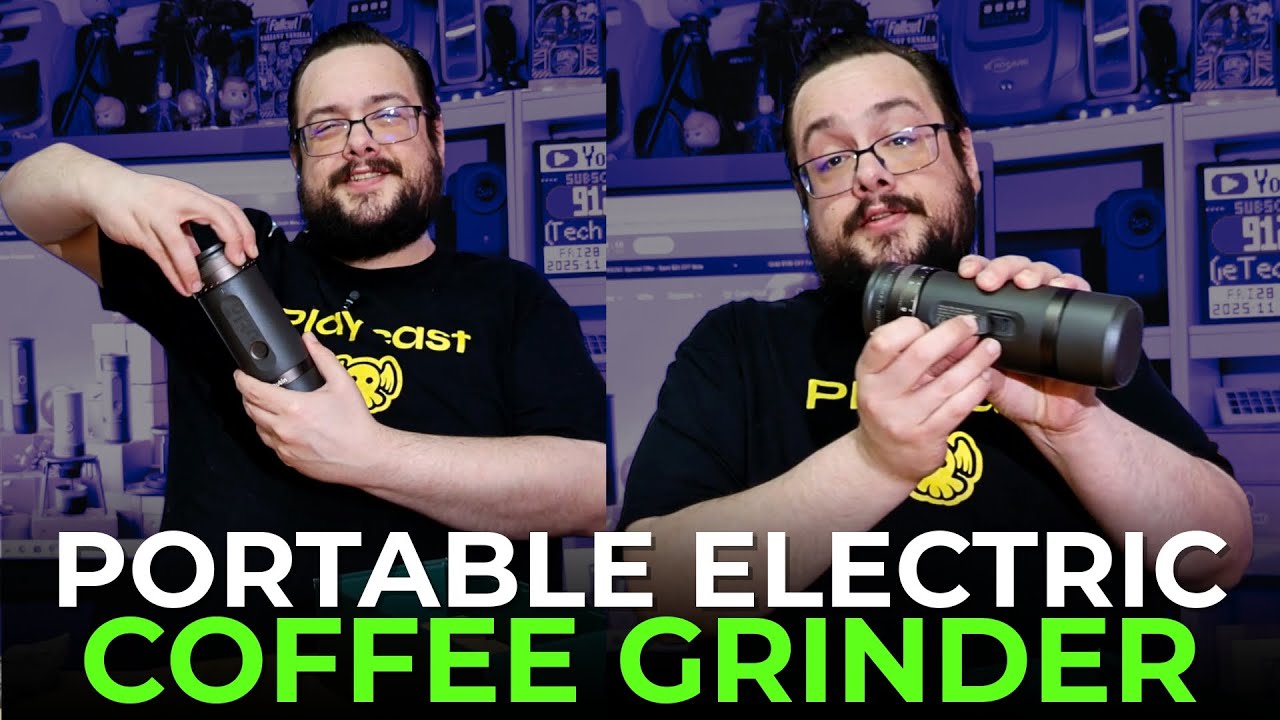
This video is the hardware walkthrough: the folding stand, the grinder controls and the accessories. The actual coffee test had to wait, because the bag I grabbed was already ground. Great planning on my part.
A stand that folds away
The stand opened into a small platform for the Nano with room for a cup underneath. I liked that it snapped into place and then folded back down for carrying.
There was also a clip in the box. I showed how compact the stand became when closed and how it could go back into a bag once the coffee session was over.
Set the grinder before adding beans
On the grinder, I went through the rotating adjustment and the guidance supplied with it. One detail I called out more than once was setting the grind before loading the coffee.
I showed the numbered range and discussed the different brewing methods on the guide. For the Nano pairing, I settled on three after looking through the product guidance. The printed numbered scale and the description's reference to 28 positions should not be read as two independently tested measurements of the mechanism.
The smaller accessories are useful too
The box included a USB-C cable, a hex key, the guide and a cleaning accessory with a brush and blower. The bottom container also had a lid, so the ground coffee did not have to stay in an open cup.
I briefly powered the empty grinder to show that it turned on. That was not the same as testing its grind consistency or measuring how many doses it could produce from a charge.
Then I opened the wrong coffee
Everything was ready for a demonstration until I looked properly at the coffee bag. It was already ground, so there were no whole beans to put through the new grinder.
I came back with beans for the follow-up OutIn grind-and-brew demonstration. Start here if you want the unpacking and control tour; that video shows the actual coffee preparation and finished drink.
The price mentioned during this unboxing was a historical sale. The original product links below are the place to check the exact current models and offer terms.
Links from the video
Affiliate disclosure: These links may earn me a commission at no extra cost to you.
- OutIn Fino grinder original link
- OutIn folding stand original link
- OutIn Nano original link
- Playcast Pavilion original referral link
Links and offers are from the video description. Availability, prices and offer terms may change.
Some links to other products on this page are affiliate links, and we may earn a commission if you buy through them. It costs you nothing extra, and it has not changed what this article says — where a competitor is the better answer, we say so.


