
The YouTube player loads when you press Play.
TP-Link BE9300: Big Desktop Antennas and a Tiny Laptop Module
Opening the PCIe adapter and looking at the hardware before the speed tests.
Article published November 3, 2026.
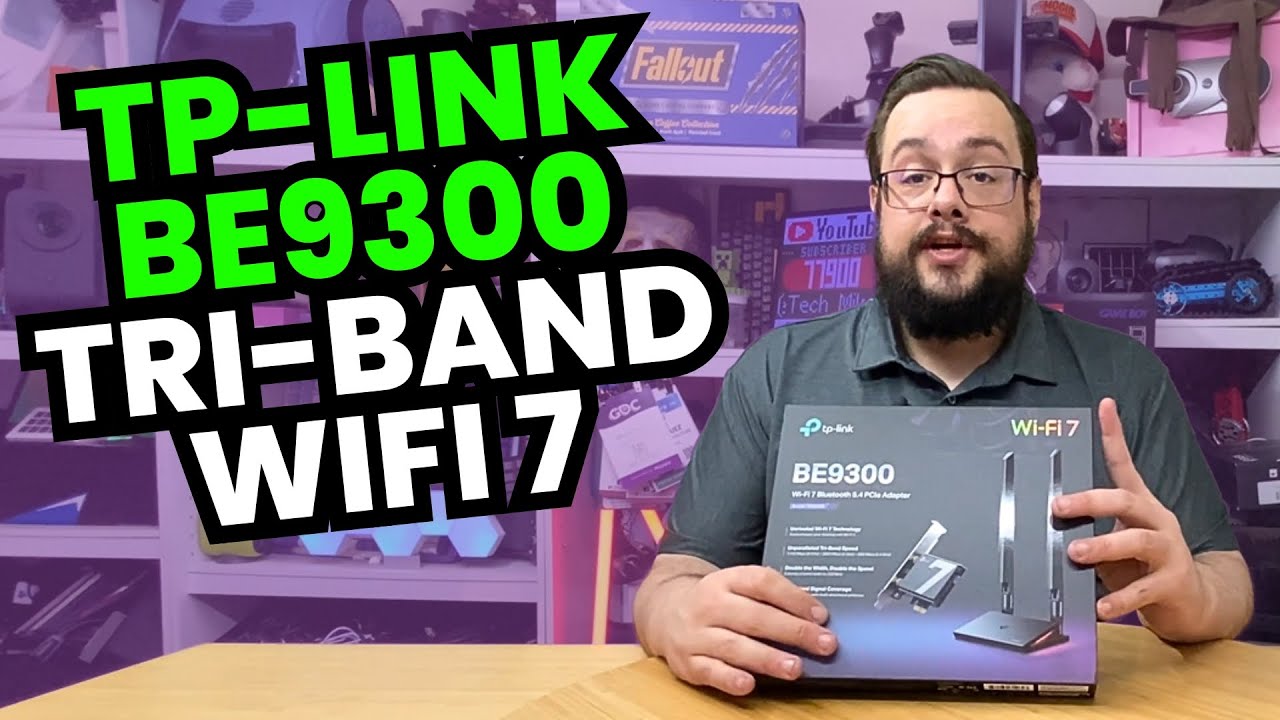
The size difference is the fun part of this unboxing. I open the TP-Link desktop PCIe adapter with its external antenna assembly, then finish by holding a much smaller laptop wireless module.
Both are things I want to try with my fast home connection. This video gets as far as opening the hardware; the speed tests I discuss are still to come.
The desktop antenna assembly
I take out the antenna base, attach the two antennas and try changing their orientation. Then I look at the card, heat sink, bracket, internal connection cable and the small USB item included with the accessories.
The external antenna arrangement is what I want to see physically before fitting it into a PC setup. I do not install the card or measure the effect of moving the antennas in this clip.
The small module is a separate question
Near the end I open a laptop module as well. I stumble through its model name during the recording, so I am not turning that readout into a confirmed model recommendation.
A desktop card with an antenna base and a laptop module also involve different installation and compatibility questions. This unboxing does not establish that either works with every system.
Keep the hardware look separate from the benchmark
I discuss wireless specifications and my internet connection, but I do not show a result that proves those advertised rates. My UGREEN USB-adapter experiment is a separate hands-on speed-test session, with its own setup and outcome.
Here, the useful part is getting a look at the pieces before installation. I want to see what the desktop assembly and the small module can actually do, not assume the number on the box is the result.
Links from the video
Affiliate disclosure: These links may earn me a commission at no extra cost to you.
Links and offers are from the video description. Availability, prices and offer terms may change.
Some links to other products on this page are affiliate links, and we may earn a commission if you buy through them. It costs you nothing extra, and it has not changed what this article says — where a competitor is the better answer, we say so.


