
The YouTube player loads when you press Play.
UGREEN AX900: The Wi-Fi Upgrade That Was Slower in My Room
Trying a front-mounted USB adapter against the wireless connection built into my display.
Article published November 3, 2026.
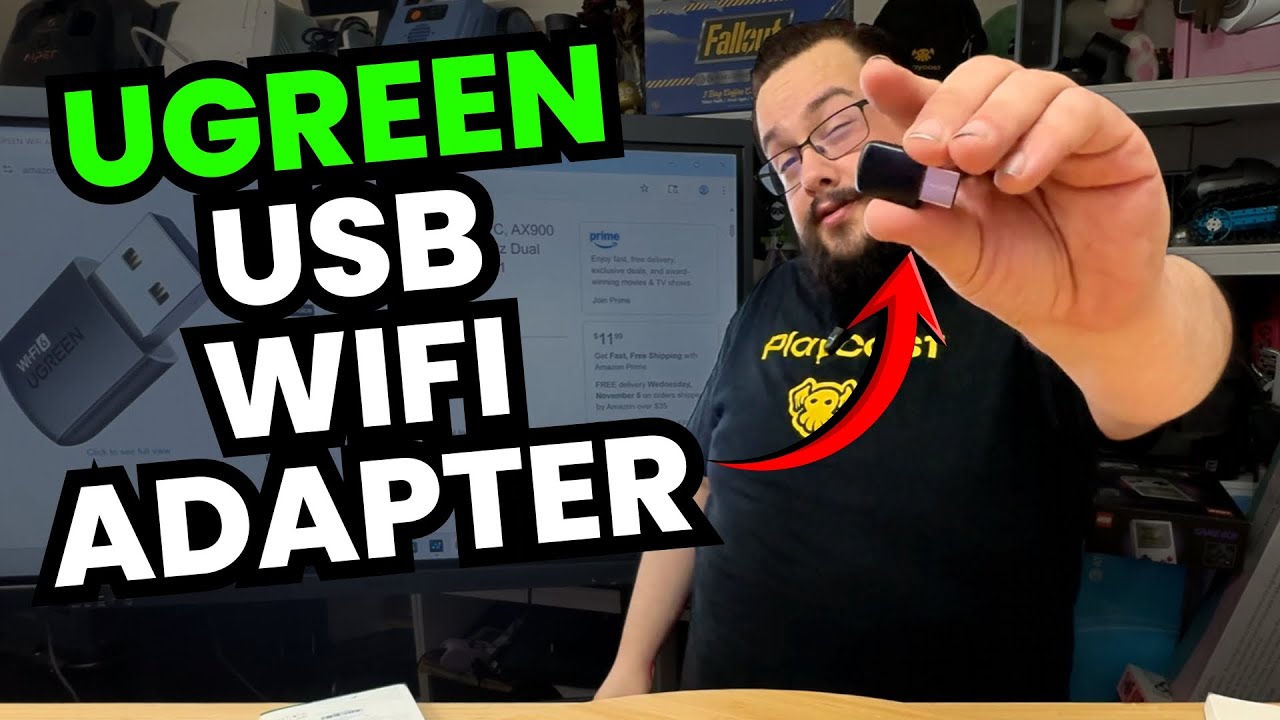
I bought the UGREEN AX900 with a pretty specific idea: move the Wi-Fi connection to the front of my display and see whether that worked better than having the existing antennas behind it.
The adapter is tiny, it was inexpensive in the original recording, and I thought this would be a satisfying little upgrade. The speed test had other plans.
Starting with the connection I already had
I disconnect Ethernet and test the existing wireless setup first. There is an error during one attempt, so I repeat it. The router is some distance from this room, which is part of the reason I wanted to try changing where the adapter sat.
Then I switch over to the USB adapter. Setup includes a driver step, and I have to correct which wireless adapter is enabled before reconnecting. I leave that confusion in the video rather than pretending the comparison started with a perfectly tidy test bench.
The new connection does worse
Once I have selected the UGREEN connection, the result is slower than I expected. I check the settings and try a change, but I still do not get the improvement I bought it for.
I read several numbers during the session, with inconsistent units in the spoken commentary. I am not turning those into a precise benchmark table here. The result I can stand behind is the direction of the test: this adapter did not improve this setup.
One room is not every network
By the end I describe the connection as fairly steady, but below what I hoped to achieve. This does not establish the best adapter for every PC or rule out other causes in my own setup. It shows why I wanted to compare the result after installation instead of assuming a new accessory would be faster.
The same session appears in my long tech-unboxing collection, alongside the other devices I was trying. In this shorter video, the disappointing upgrade gets the whole stage. Sometimes that is the more useful result to leave in.
Links from the video
Affiliate disclosure: These links may earn me a commission at no extra cost to you.
Links and offers are from the video description. Availability, prices and offer terms may change.
Some links to other products on this page are affiliate links, and we may earn a commission if you buy through them. It costs you nothing extra, and it has not changed what this article says — where a competitor is the better answer, we say so.


