
The YouTube player loads when you press Play.
YoloCam S3: The Portrait Mount Was the First Thing I Wanted to Try
Opening the webcam, magnetic support and cable before comparing actual footage.
Article published November 3, 2026.
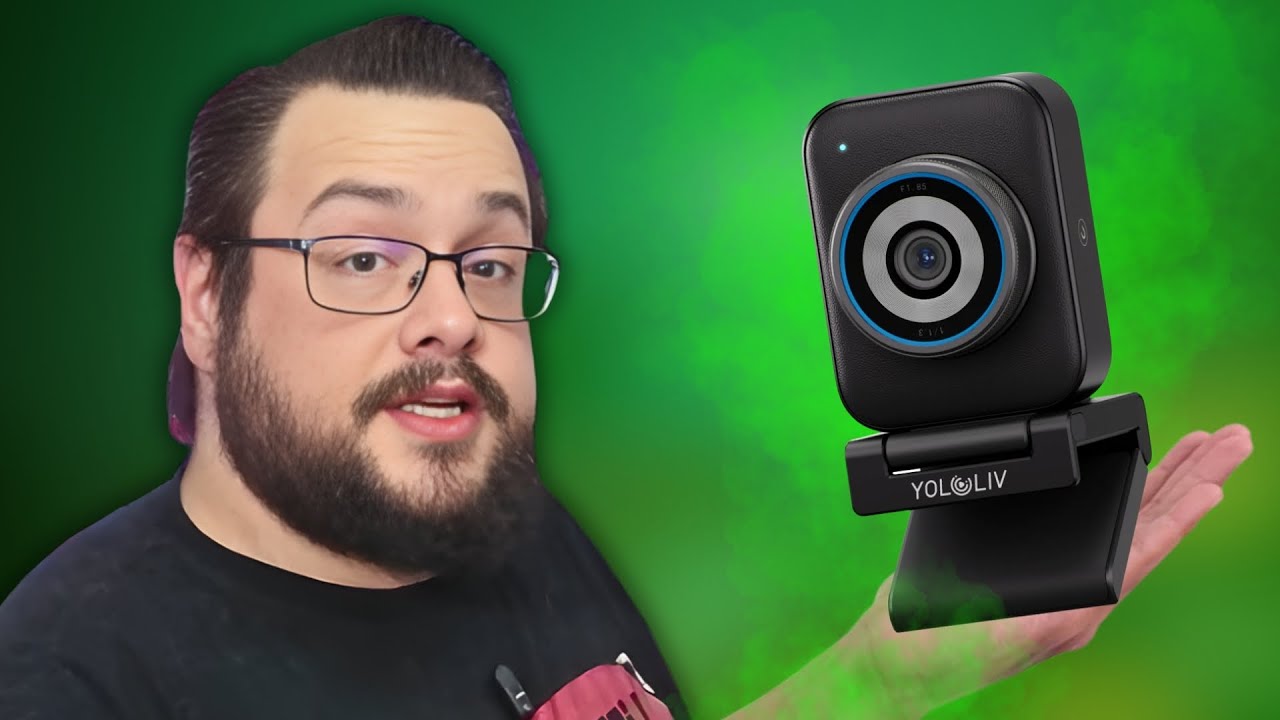
The YoloCam S3 got my attention partly because of its camera-like design and partly because I could rotate it into portrait orientation. For a desk setup that also has to produce vertical content, that is a useful physical option to look at.
This video is the unboxing. I had not plugged the camera into a recording setup and compared the image yet.
Boxes inside boxes
I worked through several smaller packages before finding the camera, monitor mount and cable. The USB-A-to-C cable also came with an adapter for a USB-C connection at the computer end.
The monitor mount was magnetic, so I could change the camera's orientation without repeatedly screwing it onto the support. I showed the landscape and portrait arrangements on the table.
I liked the feel of the lens surround and the included lens cover. The enclosure felt substantial, though I did not establish its exact metal alloy.
The specifications are a reason to test it
I browsed the listed sensor, autofocus and image-processing features. The product's DSLR-style image comparison was part of that specification discussion, rather than a side-by-side camera test I had performed.
The same applies to the overheating claim: I read it during the video, but did not run the camera continuously or measure its temperature.
Why I was interested in 1080p at 60 fps
The listed modes included 4K at 30 or 25 fps and 1080p at 60 fps. For my own streaming use, I said I would be interested in trying the faster 1080p option.
That was a preference about the mode I wanted to test, not a finding that one setting had already produced the better image. I still needed to connect the webcam, use the software and look at actual footage.
The first look left me with a compact camera, an easy-to-reorient mount and several specifications worth checking in a real session. The video above shows the hardware; the original link below lets you check the current model details.
Links from the video
Affiliate disclosure: These links may earn me a commission at no extra cost to you.
Links and offers are from the video description. Availability, prices and offer terms may change.
Some links to other products on this page are affiliate links, and we may earn a commission if you buy through them. It costs you nothing extra, and it has not changed what this article says — where a competitor is the better answer, we say so.


