
The YouTube player loads when you press Play.
INIU 140W Power Bank: Read the Port Table Before Plugging Everything In
A first look at the larger INIU battery, its display and how the advertised output changes across the connections.
Article published November 3, 2026.
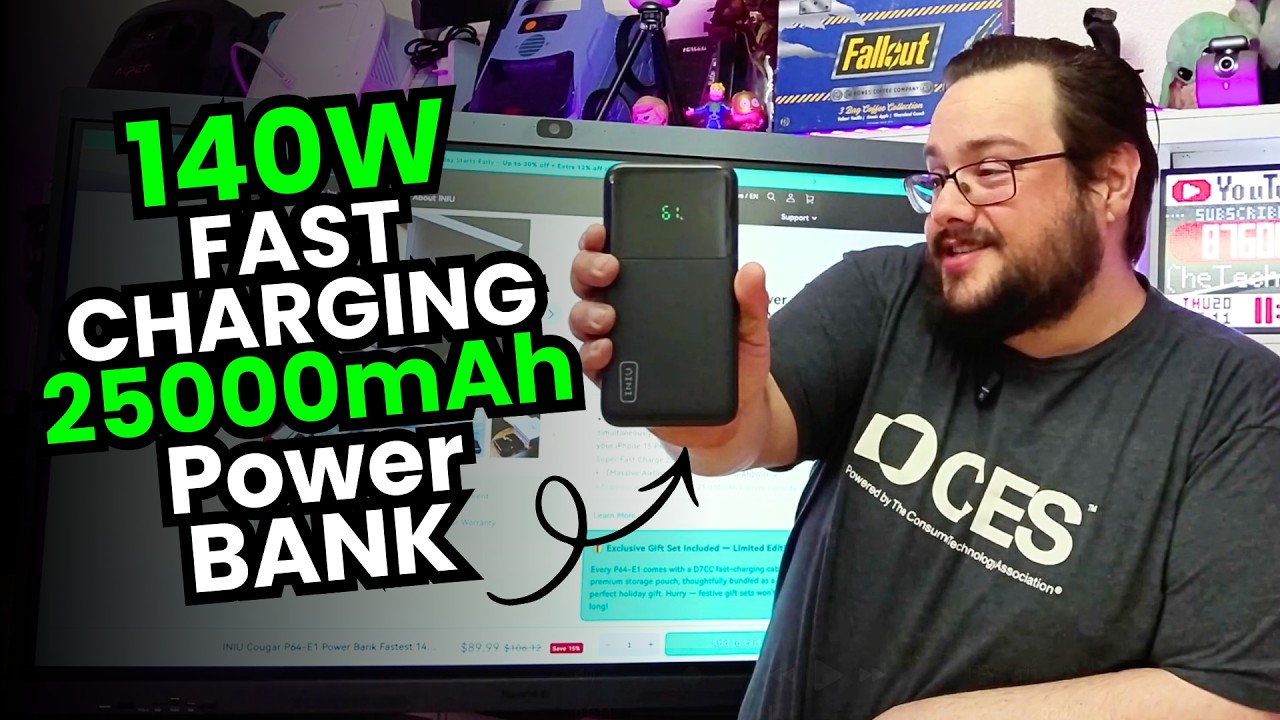
After looking at a tiny INIU battery bank, I went in the other direction: a larger unit advertised at 25,000 mAh with a USB-C port rated for up to 140 watts.
In my April 19, 2026 walkthrough, I opened it, looked at the display and went through the port information. The interesting part was understanding what that big wattage number applied to before connecting several devices.
Start with the individual ports
The unit had two USB-C ports and one USB-A port. In the information I showed, the first USB-C port had the 140-watt maximum, while the other ports had different ratings.
That distinction matters. The headline number is not a promise that every socket can deliver the same power. I also went through the shared-output information, because connecting another device changes the available combination.
Use the supplied port table for the exact configuration you intend to use. My walkthrough discussed those ratings; I did not measure simultaneous output with a load tester or demonstrate a timed laptop charge.
The display makes the charge level visible
When I took the power bank out, its display showed 61% remaining. That is useful information to have before putting it into a bag.
I also read the capacity information on the unit. The advertised mAh figure is not itself a measurement of how much energy reaches a connected device, and this video was not a full charge-and-discharge test.
For a smaller charger that plugs into the wall, I later looked at the Anker smart display charger. That is a different job from carrying a battery, but the appeal of being able to see what is happening is similar.
A bigger thing to carry
This was noticeably heavier than the small battery bank I had discussed before. The box I opened included a carrying case, a USB-C cable and the documentation.
The video above is useful for seeing the physical size and the connections together. If you want to carry it regularly, those details are just as relevant as the largest number on the specification sheet.
What I wanted to try next
I was excited about having that much advertised output in a portable unit. The next step was using it with my devices, rather than treating the unboxing as a completed endurance or charging-speed test.
The sale price mentioned in the video was a snapshot from April 2026. The original product link is below so you can check the exact model, current price and charging specifications.
Links from the video
Affiliate disclosure: These links may earn me a commission at no extra cost to you.
Links and offers are from the video description. Availability, prices and offer terms may change.
Some links to other products on this page are affiliate links, and we may earn a commission if you buy through them. It costs you nothing extra, and it has not changed what this article says — where a competitor is the better answer, we say so.


