
The YouTube player loads when you press Play.
Anker Smart Display Charger: Seeing the Watts Is the Useful Part
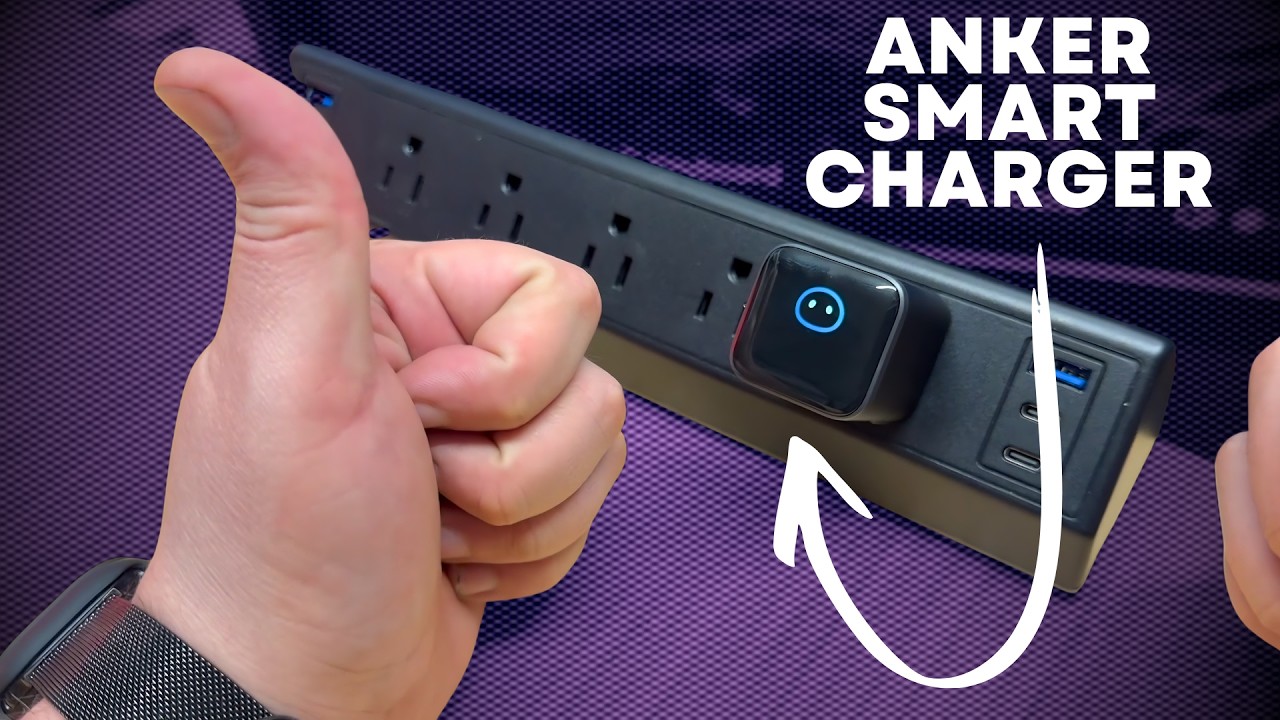
The little screen identified my phone and showed charging power, giving a familiar USB-C brick something useful to display.
Article published November 3, 2026.
A screen on a charger sounds like an extra until it tells you something useful. What caught my attention with Anker's smart display charger was being able to look at the brick and see how much power the connected device was drawing.
In my May 4, 2026 walkthrough, I connected my phone and explored that display. It made a familiar little USB-C charger more interesting to use.
It recognized the phone I connected
When I plugged in my iPhone 17 Pro Max, the display identified the phone and showed the charging wattage increasing. At one point in the demonstration, it read 22 watts.
That is an observation from that moment, rather than a claim that the phone always charges at the same rate. It was useful to see what was happening without adding a separate power meter to the cable.
I also showed the different information on the screen and the small character that appeared as part of the interface. It is a fun detail on something that usually spends its life looking like a plain square block.
The useful question is the power you are actually getting
I talked about the value of spotting unexpectedly low charging power when you are traveling or getting ready for a meeting. A visible wattage reading gives you something to check before leaving the device plugged in and walking away.
It is a clue to investigate the cable, connection and charging state, rather than a complete diagnosis of why a device is charging slowly. The video showed the display in use; it was not a separate instrument calibration test.
One port and a 45-watt maximum
This was a single-port USB-C charger advertised at up to 45 watts. I liked the compact size and the idea of dropping it into a bag for everyday use.
The right match still depends on the device and the charging profiles it requires. I would check those requirements before choosing it for a laptop or another larger device, rather than assuming that every USB-C connection needs the same power.
The charging estimate visible during the walkthrough was a screen estimate. I did not time a complete charge in the video to verify that estimate.
Why the little screen stood out
For me, this was about making the charging process visible. The display showed the connected phone and a live power figure, which gave it a useful job beyond looking different.
The listing price I discussed was a snapshot from May 2026, not a current offer. Watch the video above to see the display working with my phone, and use the original product link below to check the exact charger and today's terms.
Links from the video
Affiliate disclosure: These links may earn me a commission at no extra cost to you.
Links and offers are from the video description. Availability, prices and offer terms may change.
Some links to other products on this page are affiliate links, and we may earn a commission if you buy through them. It costs you nothing extra, and it has not changed what this article says — where a competitor is the better answer, we say so.


