The YouTube player loads when you press Play.
VIAIM RecDot: I Came for the Recorder and Stayed for the Sound
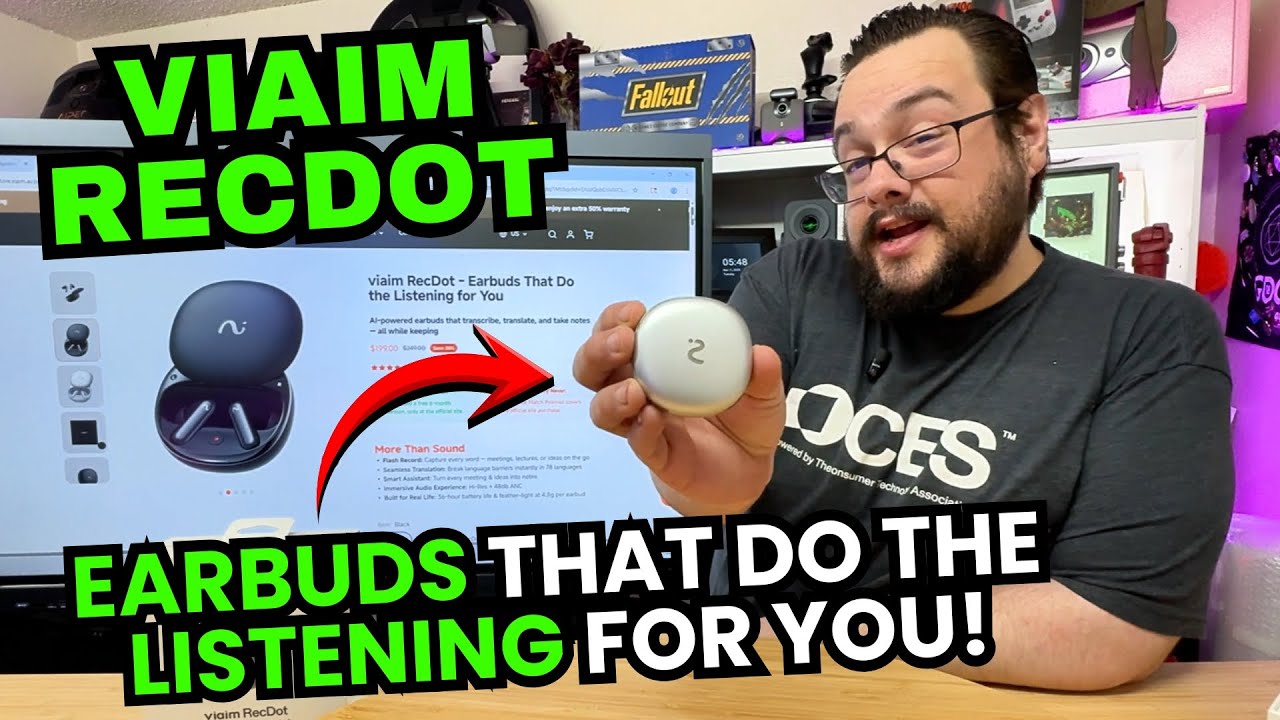
Opening the sliding case, looking over the recording controls and trying the earbuds with music.
Links from the video
Affiliate disclosure: These links may earn me a commission at no extra cost to you.
- VIAIM RecDot original Amazon linkCheck out the product
- Playcast Pavilion original referral linkCheck out the product
Links and offers are from the video description. Availability, prices and offer terms may change.
Article published November 3, 2026.
I expected the recording features to be the reason I kept using the VIAIM RecDot. Then I put the earbuds in and tried them with music. The sound was the part that caught me off guard.
That is a personal listening impression, but it changed the direction of this first look. I went into the unboxing thinking about transcription hardware and finished it wanting to use the earbuds more often.
The case opens upward
I initially try to open the charging case like a clamshell. It slides upward instead. Inside are the two earbuds and the recording control I discuss for using the set on a table.
I look over the indicator, USB-C connection and the earbud contacts, then unpack the manual, alternate tips and orange-and-black charging cable. The small details feel well considered, particularly the case mechanism and a cable that will be easy to recognize among the others on my desk.
The recording workflow is the idea I want to explore
In the video I go through the advertised ability to record, transfer audio to the app, transcribe it and work with meeting notes. I also discuss translation and speaker labels. I do not demonstrate an end-to-end recording or check a completed transcript in this session.
If you have been following the other recorders I have opened, the TicNote article covers the separate, flat recorder format. RecDot puts its recording controls into something I can also wear and listen through.
The part I actually tried was listening
The earbuds are found when I go to connect them, and I try the audio. I am impressed by the sound and bass, especially after wondering whether the recording features might be doing most of the selling.
VIAIM supplied this set. I do not measure its claimed noise reduction or battery endurance, test translation accuracy or verify the privacy claims in the description. My first result is simpler: I enjoyed listening to it enough that the recorder stopped being the only interesting part.
Some links to other products on this page are affiliate links, and we may earn a commission if you buy through them. It costs you nothing extra, and it has not changed what this article says — where a competitor is the better answer, we say so.