
The YouTube player loads when you press Play.
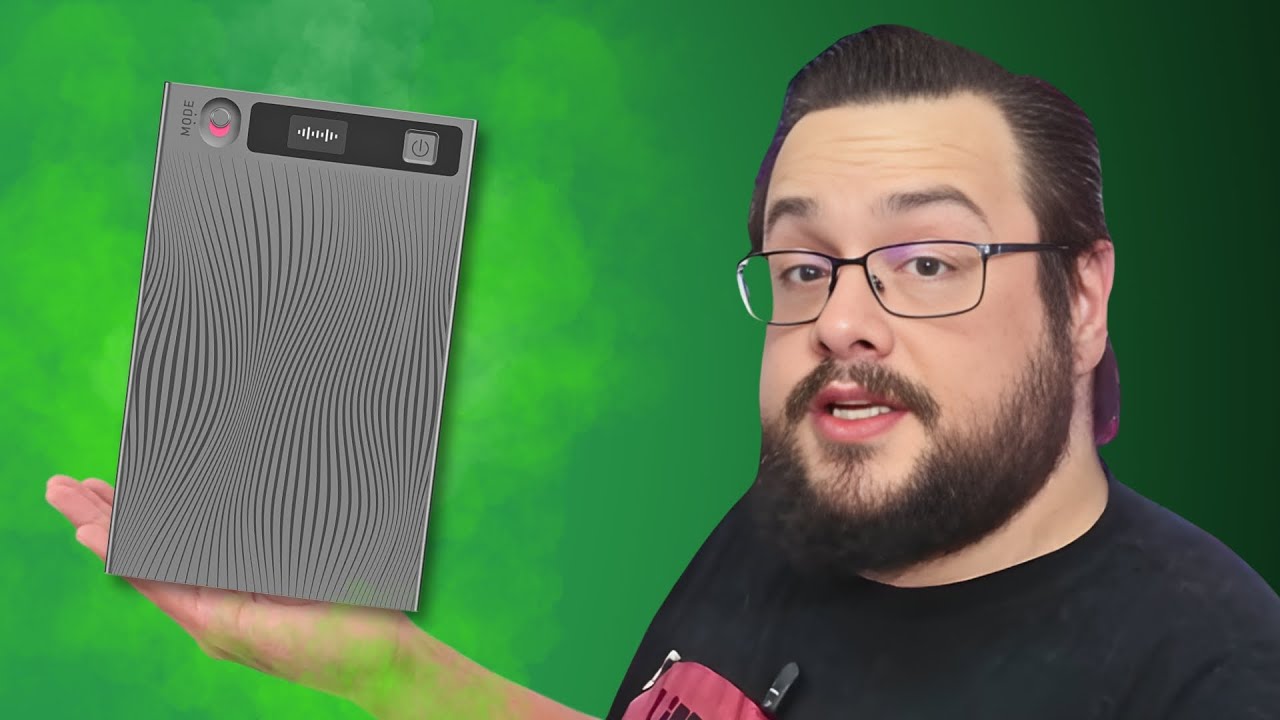
Mobvoi TicNote: A Thin Recorder with Controls on the Device
The mode switch, small screen and magnetic charging arrangement I handled in the unboxing.
Article published November 3, 2026.
The Mobvoi TicNote was extremely thin once I pulled it out of its case. Somehow the battery, recorder and little status screen all fitted into that card-like shape. That was the first thing I wanted to show on camera.
This was a short hardware first look. I wanted to see the controls, screen and charging setup before getting into a recording or transcription comparison.
A physical mode switch and a readable screen
I looked at the mode selector and power control, then found that the recorder needed charging. Once connected, its screen showed the charging state. Removing it from the cable showed it operating on its own battery.
I liked having that information on the device, alongside a physical way to switch recording modes. It meant there was something to look at without immediately opening an app.
The charging connection works through the case
The included cable attached magnetically to the back, including while the recorder was in its case. There was an adhesive magnetic ring in the box too.
That is a similar set of practical questions to the ones in my UMEVO Note Plus first look: how to tell which mode is selected, how the cable attaches and where the recorder will sit. These sessions do not compare their audio or AI services under the same conditions.
The service offer is separate from what I tested
I discussed an advertised monthly transcription allowance and browsed features such as summaries, translations, mind maps and adding meeting context. I did not demonstrate those outputs or test the claimed language coverage here.
The listed storage and battery figures were specifications, not endurance or capacity measurements. The Black Friday price and discount I mentioned were historical offers; the description supplied no coupon code to reproduce.
For this unboxing, the useful result was seeing the size, switch, screen and charging arrangement. Check the current service limits and privacy terms before choosing a recorder around an ongoing plan.
Links from the video
Affiliate disclosure: These links may earn me a commission at no extra cost to you.
Links and offers are from the video description. Availability, prices and offer terms may change.
Some links to other products on this page are affiliate links, and we may earn a commission if you buy through them. It costs you nothing extra, and it has not changed what this article says — where a competitor is the better answer, we say so.


