
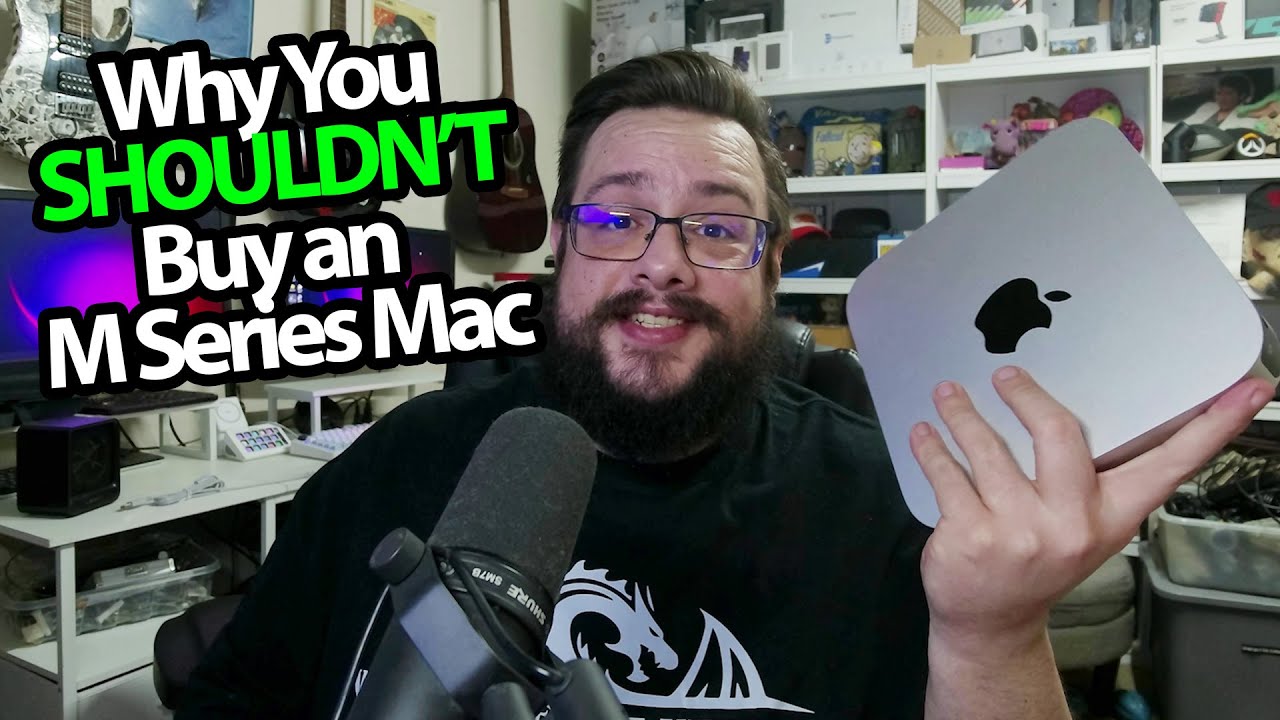
The YouTube player loads when you press Play.
My 2024 M2 Mac Mini Experience: Useful for Development, Frustrating in Other Ways
The workload expectations behind my early Apple-silicon opinion video.
Article published November 4, 2026.
I bought an M2 Mac Mini to get an app-development job done, and it did that job. The frustration in this December 2024 video comes from what I expected to do with it afterward.
The development need came first
My older laptop was getting in the way of the publishing setup I needed, so I picked up the M2. In the video, I explain that the newer machine served that purpose.
The broader claims I make about Apple's hardware and developer-tool requirements reflect that experience at the time. They are not current requirements for every developer or proof that everyone needs the newest Mac.
Then I tried to use it for everything else
I went in with high expectations for games and came away disappointed relative to what I wanted from this particular box. Video editing was a brighter spot, even with its 8GB configuration.
I also talk about wishing I could change the graphics hardware or experiment with other operating systems as freely as on a familiar PC. This is a personal workload discussion, without a controlled cross-machine benchmark.
The useful parts still matter
I describe being impressed by the small power draw and interested in projects for running older games. I had not tried the M4 I mention wanting to test, so the video does not justify extending my one-M2 reaction to every later model.
I later recorded a Parallels and IdleOn setup session, which follows one of those Mac-gaming interests in a separate video.
This is an early opinion checkpoint: one machine, my expectations and the tasks I tried. The original Patreon and separate clothing-store offer are below.
Links from the video
Affiliate disclosure: These links may earn me a commission at no extra cost to you.
Coupon code: MTT25 — 25% off. Separate Geeksoutfit clothing-store offer in the original description, not a discount on the featured hardware. No expiry supplied; check current terms.
Links and offers are from the video description. Availability, prices and offer terms may change.
Some links to other products on this page are affiliate links, and we may earn a commission if you buy through them. It costs you nothing extra, and it has not changed what this article says — where a competitor is the better answer, we say so.


