
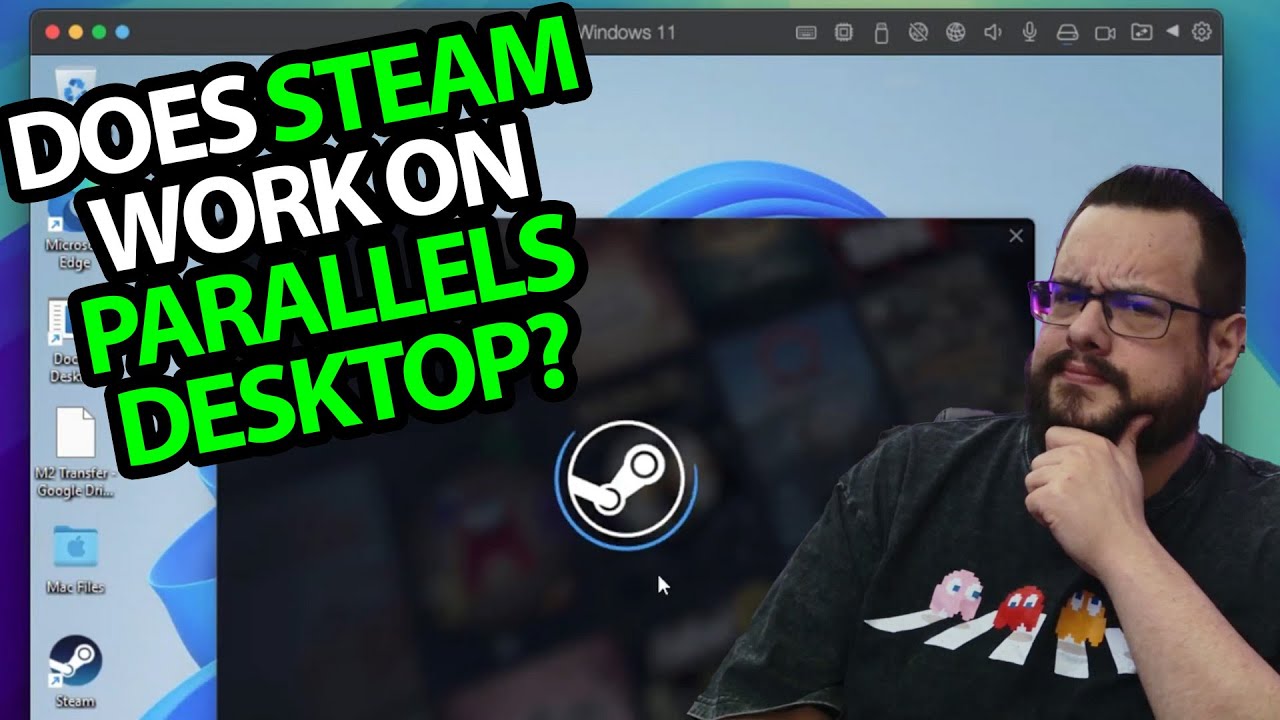
The YouTube player loads when you press Play.
Steam in Parallels on Windows ARM: My May 2025 IdleOn Launch
The Windows installation, Parallels Tools and one game launch shown in this session.
Article published November 4, 2026.
I wanted to see what happens after Steam is installed inside Windows ARM on an Apple Silicon Mac. Getting the client open is one question; getting a game to launch is another. In this May 2025 session, I work through both with Parallels Desktop.
Windows first, then Parallels Tools
I use the Windows 11 installation option in Parallels and let setup finish. After reaching the desktop, I install Parallels Tools and restart the virtual machine.
I point out the integration features, including the way the Windows display resizes with the virtual-machine window. This is the environment used for the test in this recording.
Steam reaches the library
I run the Steam installer and use my phone to complete sign-in. Then I open the library and choose a small game to try.
The Windows guest is ARM64. That alone does not establish that the Steam client or each game has a native ARM build; this recording does not inspect their executable architectures.
IdleOn launches in this session
I install Legends of IdleOn, press Play and report that the game opens successfully. That is the game result shown here.
It does not establish compatibility for the entire Steam catalog, anti-cheat support or near-native performance. It also does not replace testing the current versions of Windows, Parallels and a particular game.
The original Parallels referral link remains below. The description's limited-time 35 percent offer belongs to this historical video; no expiry or coupon code was supplied.
Links from the video
Affiliate disclosure: These links may earn me a commission at no extra cost to you.
- Parallels Desktop original referral link
- MikeTheTech original Patreon link
- Geeksoutfit original clothing-store link
Coupon code: COLLAB1 — Discount amount not stated. Separate Geeksoutfit offer from the original description, not a discount on the reviewed product. No amount or expiry was supplied; check current terms.
Links and offers are from the video description. Availability, prices and offer terms may change.
Some links to other products on this page are affiliate links, and we may earn a commission if you buy through them. It costs you nothing extra, and it has not changed what this article says — where a competitor is the better answer, we say so.


