
The YouTube player loads when you press Play.
StreamX X2 Pro: The Thin Case and a Connected Launcher Tour
Unboxing the remote and cables, then trying the network and app menus.
Article published November 4, 2026.
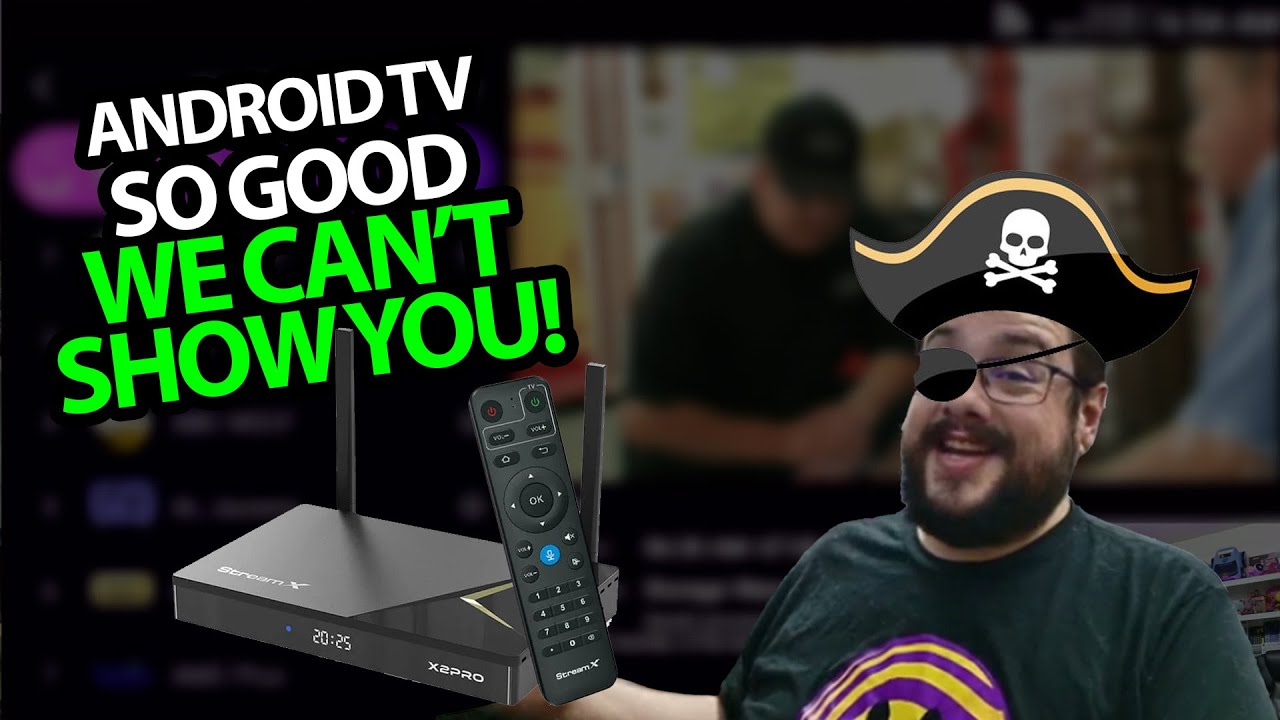
The thin shape of the StreamX X2 Pro reminds me of older compact media boxes. I look through its connections and accessories first, then get it connected to see the setup and launcher.
The remote is part of the package
I unpack the HDMI lead, power adapter, remote and guide. The remote has a voice button, and I point out that batteries are needed before pairing it.
Around the case are network, display, audio and power connections, with USB and card storage options on the side. These are the connections I show, rather than throughput measurements.
From network setup to the menus
I connect to Wi-Fi, adjust the screen size and reach the custom Android interface. Then I move between the official app-store option and the separate store's live-TV and video-on-demand categories.
The available listings are part of the interface tour. I do not establish content-distribution rights or promise the same catalog is available now.
Pro and Max are separate models
My StreamX X2 Max setup walkthrough is another connected session, with a different box and its own description. I keep the original links and offers with the appropriate model.
This Pro video does not measure high-resolution decoding, surround-channel output or network performance. Geeksoutfit supplied apparel for the recording; its separate offer and the Pro description's mikethetech code remain below.
Links from the video
Affiliate disclosure: These links may earn me a commission at no extra cost to you.
- StreamX X2 Pro original product link
- StreamX original additional website link
- MikeTheTech original Patreon link
- Geeksoutfit original clothing-store link
Coupon code: mikethetech — Discount amount not stated. Original X2 Pro description code. No amount or expiry was supplied; do not assume the separate X2 Max offer applies.
Coupon code: COLLAB1 — Discount amount not stated. Separate Geeksoutfit offer from the original description, not a discount on the reviewed product. No amount or expiry was supplied; check current terms.
Links and offers are from the video description. Availability, prices and offer terms may change.
Some links to other products on this page are affiliate links, and we may earn a commission if you buy through them. It costs you nothing extra, and it has not changed what this article says — where a competitor is the better answer, we say so.


