
The YouTube player loads when you press Play.
StreamX X2 Max: Connections, Remote and the First Setup Screens
Connecting the box and looking through the launcher and app menus.
Article published November 4, 2026.
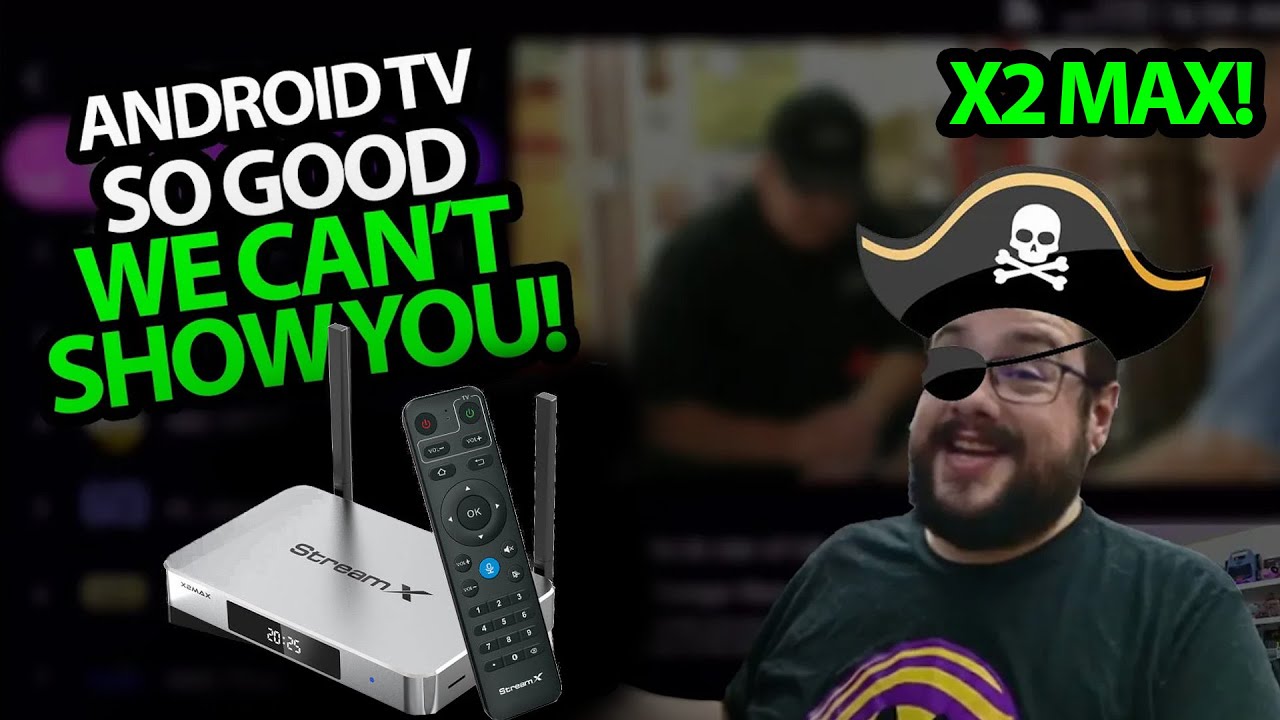
This StreamX X2 Max session goes beyond opening the box. I look over the hardware again, then connect it and move through the first setup screens to see the launcher and app menus.
Ports around the sides and back
The case has a front display, side ventilation and two adjustable antennas. I point out the card slot and USB connections, then move around the back to the audio, network, HDMI, AV, remote-extension and power connections.
The package includes the HDMI lead, power adapter and remote. I look at the remote's voice button and pairing instructions before switching to the connected device.
Network, screen size and launcher
I connect to my network, adjust the picture to fit the display and reach the launcher. The custom interface is one of the things I notice immediately, rather than just a plain default Android layout.
I then look through the app-store choices and several live-TV and video-on-demand menus. Their listings show the interface available in this recording; I have not independently established distribution rights for that content.
The box and its services are separate questions
The session shows the setup flow and navigation I try. It does not measure 4K playback performance, network throughput or long-term reliability, and it does not guarantee a current catalog.
Geeksoutfit supplied apparel for the original video. The StreamX product link and the original description's $30-off mikethetech code are below, with the separate clothing-store offer kept distinct.
Links from the video
Affiliate disclosure: These links may earn me a commission at no extra cost to you.
- StreamX X2 Max original product link
- MikeTheTech original Patreon link
- Geeksoutfit original clothing-store link
Coupon code: mikethetech — $30 off. Listed in the original X2 Max description. No expiry was supplied; check current eligibility and terms.
Coupon code: COLLAB1 — Discount amount not stated. Separate Geeksoutfit offer from the original description, not a discount on the reviewed product. No amount or expiry was supplied; check current terms.
Links and offers are from the video description. Availability, prices and offer terms may change.
Some links to other products on this page are affiliate links, and we may earn a commission if you buy through them. It costs you nothing extra, and it has not changed what this article says — where a competitor is the better answer, we say so.


