
The YouTube player loads when you press Play.
NewQ Steam Deck Battery: Snap It On, Then Watch the Charging Indicator
Fitting the battery and stand to my Deck before timing any longer gaming sessions.
Article published November 4, 2026.
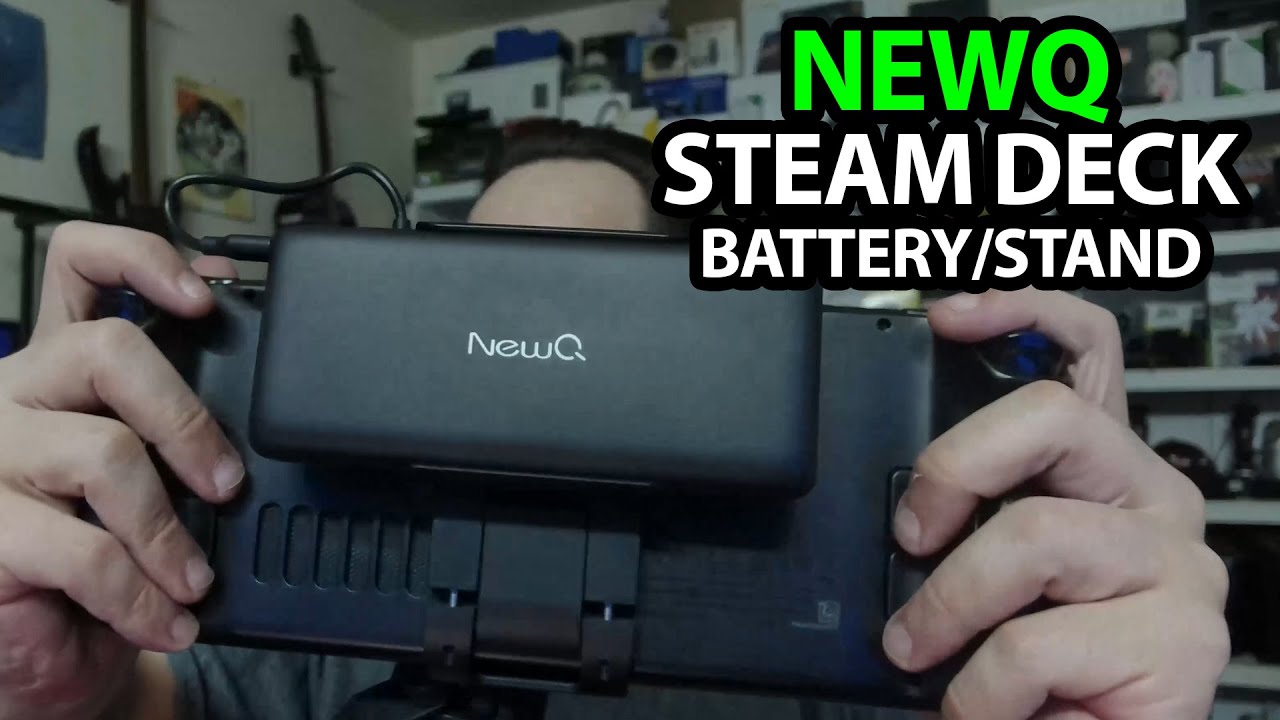
A big battery on the back of a Steam Deck is going to add weight. I say that as soon as I get this NewQ setup fitted, because it is the obvious trade-off for the extra power I want to take along.
The battery and holder come apart
I open the package and separate the battery from the holder. The stand folds out independently, and there are attachment pieces and cables in the box, including a short cable for the connection to the Deck.
I check the ports and battery indicator before getting my own Steam Deck to try the fit.
It fits, and the Deck shows charging
I snap the holder onto the Deck, adjust its position and connect the USB-C cable. The Deck shows that it is charging from the pack.
That is the useful result from this session. I have not measured the labeled capacity, maximum output, heat or how much extra gaming time it provides. The 20,000 mAh and 65-watt figures are package specifications, not results from my meter.
Two accessories with different jobs
NewQ sent this for the video, and I am looking forward to taking it on a trip. Their small Steam Deck dock appears in another unboxing as a way to add ports; this battery-and-stand setup is about power and support instead.
The original product link is below, and the original outro credit lists http://eme7.com/.
Links from the video
Affiliate disclosure: These links may earn me a commission at no extra cost to you.
Links and offers are from the video description. Availability, prices and offer terms may change.
Some links to other products on this page are affiliate links, and we may earn a commission if you buy through them. It costs you nothing extra, and it has not changed what this article says — where a competitor is the better answer, we say so.


