
The YouTube player loads when you press Play.
MiraBox Stream Dock: Put My Studio Controls on Their Own Buttons
Trying the software, custom pictures and pages for my virtual studio.
Article published November 4, 2026.
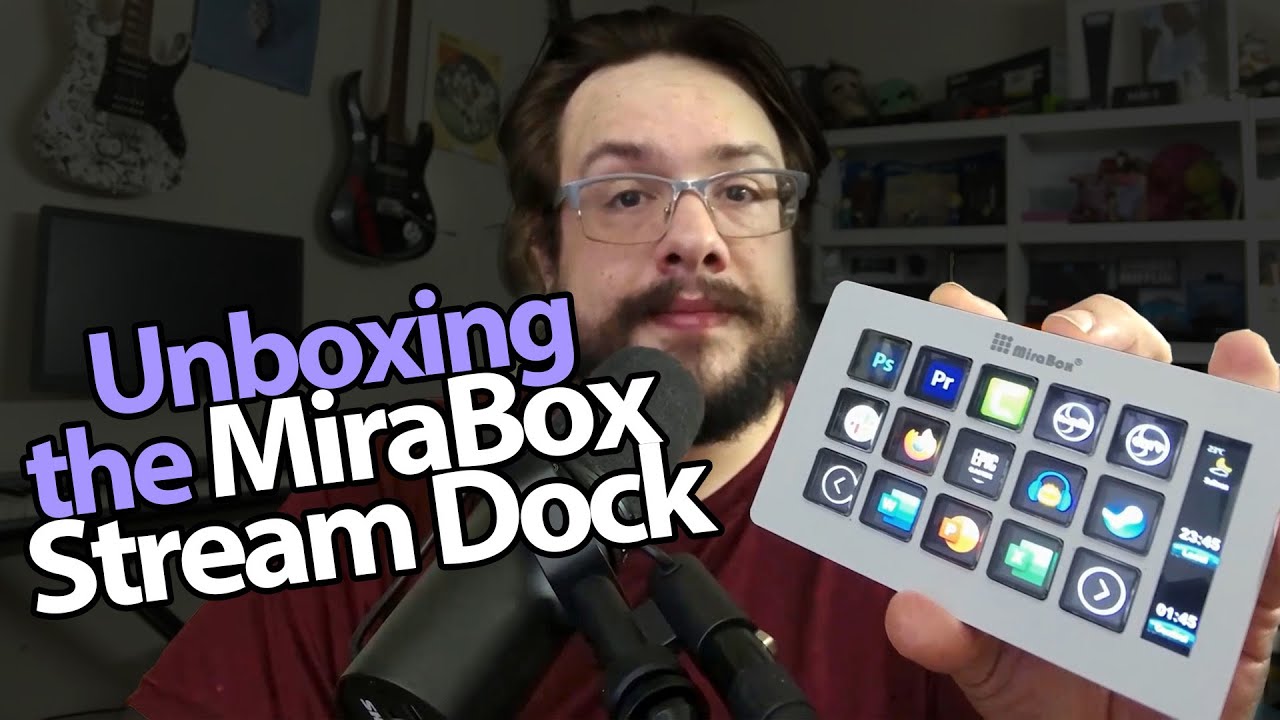
I have wanted a button panel for my virtual studio for a while. MiraBox sends over the Stream Dock Slim, and this is one of those accessories where I want to get past the packaging and start setting up actions.
The stand hides how thin it is
I check the buttons and braided USB-C cable, then remove the stand to show the slim body underneath. The buttons have a tactile press, and the side display gives me another place for information.
In the software, I drag in multimedia actions and look through options for other programs. I also install a plugin from its marketplace during the walkthrough.
A page for my studio
The most useful example is my own setup. I show pages of camera controls and effects, with images and text labels that help me remember what each button does.
I also talk through readouts for the studio. Having the actions in front of me makes more sense than hunting through windows while I am trying to present.
A picture when it is idle
When I close the software, the device changes to a custom image with my logo. It is a nice little detail for something that stays on the desk.
For a separate look at building a camera-and-desktop scene, see my Meld Studio first session. This recording shows the MiraBox setup I used, rather than guaranteeing every plugin or workflow matches another brand’s device.
The original description lists MikeTheTech for $20 off. That is a dated offer with no supplied expiry; the product and community links are below.
The description’s course URL carries MIKETHETECH, without a stated discount amount or expiry. Original credits include http://eme7.com/ and http://discord.mikethetech.com/.
Links from the video
Affiliate disclosure: These links may earn me a commission at no extra cost to you.
- MiraBox original Stream Dock Slim product link
- MiraBox original Facebook community link
- GameDev.tv original Unreal Action Adventure course link
- MikeTheTech original channel membership link
Coupon code: MikeTheTech — $20 off. Original MiraBox offer; prices, exclusions and availability may have changed.
Coupon code: MIKETHETECH — Amount not specified. Original course URL code, without an amount or expiry. Separate from hardware offers.
Links and offers are from the video description. Availability, prices and offer terms may change.
Some links to other products on this page are affiliate links, and we may earn a commission if you buy through them. It costs you nothing extra, and it has not changed what this article says — where a competitor is the better answer, we say so.


