
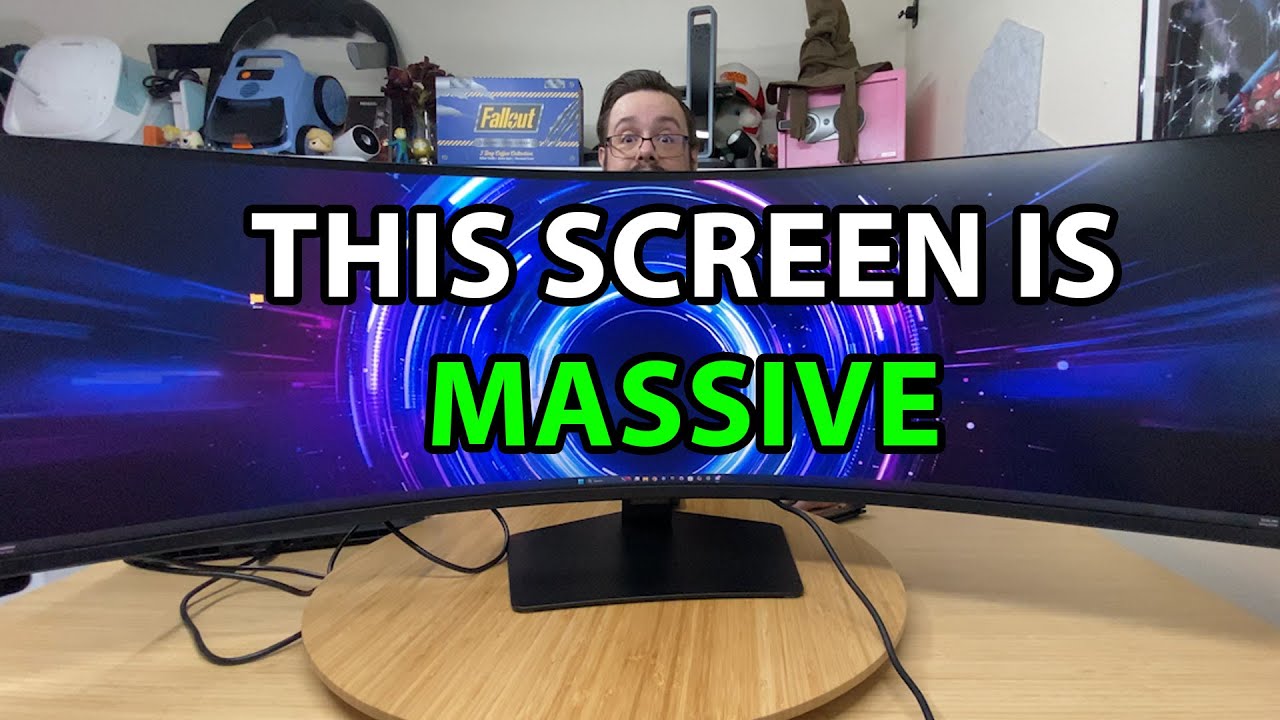
The YouTube player loads when you press Play.
Samsung Odyssey G9: Getting the 49-Inch Curve onto the Desk
Assembling the stand and connecting the ultrawide to a Lenovo laptop.
Article published November 4, 2026.
The box is so large that it does not fit comfortably into the shot. The Samsung Odyssey G9 is already a big object before I get its stand attached, and the curve makes it feel even more unusual on the desk.
This is the first setup of the 49-inch ultrawide I show in the video. I start with assembly, then connect it to a laptop to see the screen running.
The stand deserves a slower approach
I work through the stand pieces and rear cover, then get the display attached. It is heavy, and I notice that the manual describes a more sensible assembly order using the packaging.
The recording shows my setup, including that realization. Follow the supplied instructions and use appropriate help for handling a display this size rather than treating my improvised lifting sequence as a guide.
One wide space instead of a center seam
The 32:9 shape is what interests me for arranging work and recording. I talk about it in terms of having two broad work areas beside each other on one panel.
I remove the protective wrapping and try the stand adjustment. The physical width and curve are immediately apparent, before any game or benchmark enters the picture.
Connecting the laptop
I get an image running from the Lenovo LOQ laptop used in the setup. Seeing the desktop on that curved screen is the payoff of the unboxing.
I discuss the listed high refresh rate, panel technology and connections, but I do not measure response time, color accuracy or sustained gaming performance here. The sale prices mentioned are historical. This first look establishes the assembly and working picture, with longer-term use still ahead.
The original video includes a Playcast sponsorship segment; its referral link remains with the description links below.
Links from the video
Affiliate disclosure: These links may earn me a commission at no extra cost to you.
- Samsung Odyssey G9 original Amazon link
- MikeTheTech original Patreon link
- Playcast Pavilion original referral link
Links and offers are from the video description. Availability, prices and offer terms may change.
Some links to other products on this page are affiliate links, and we may earn a commission if you buy through them. It costs you nothing extra, and it has not changed what this article says — where a competitor is the better answer, we say so.


