
The YouTube player loads when you press Play.
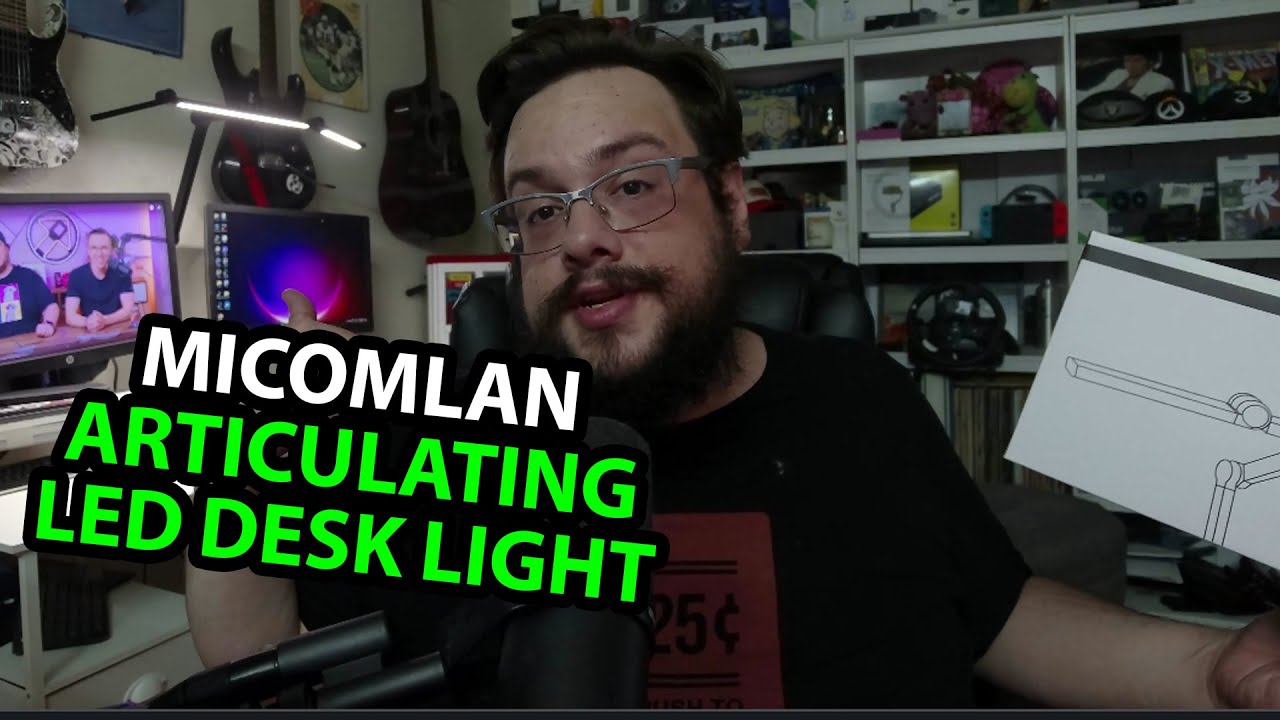
Micomlan Desk Lamp: The Light Bars Fold Out Much Farther Than I Expected
Trying the arm, brightness and color-temperature controls at my desk.
Article published November 4, 2026.
I had put a lot of work into a separate unboxing area, then kept wishing I could just open things at my main desk with the lighting already in place. This Micomlan lamp arrives at a very good moment.
Fold out the bars
I take out the manual and adapter, then open the arm and light bars. The width surprises me enough that I have to move back to show it.
I move the side sections and the arm through different positions. The controls sit at the front, where I can reach them without rearranging the whole thing.
Try the light before planning the setup
I power it up, change color temperature and adjust brightness. I also tilt the sections upward to look at another way of spreading the light.
Those are actual control demonstrations. I do not measure color rendering, flicker, glare or the ambient sensor’s accuracy, and I do not establish any eye-health benefit.
The cable starts at the bottom
One small detail I nearly miss is that the power connection is down at the arm’s base rather than hanging from the upper light. I like that for keeping the desk arrangement tidy.
Micomlan sent the lamp for the video. The CHARYJOD desk lamp I opened separately is a different shape and set of controls, not a head-to-head lighting test.
The original Micomlan link is below, and the original outro credit lists http://eme7.com/.
Links from the video
Affiliate disclosure: These links may earn me a commission at no extra cost to you.
Links and offers are from the video description. Availability, prices and offer terms may change.
Some links to other products on this page are affiliate links, and we may earn a commission if you buy through them. It costs you nothing extra, and it has not changed what this article says — where a competitor is the better answer, we say so.


