
The YouTube player loads when you press Play.
GiGimundo G7400: Fitting the SSD into a Dock and My PS5
The included heatsink meets a real fit issue during this installation.
Article published November 4, 2026.
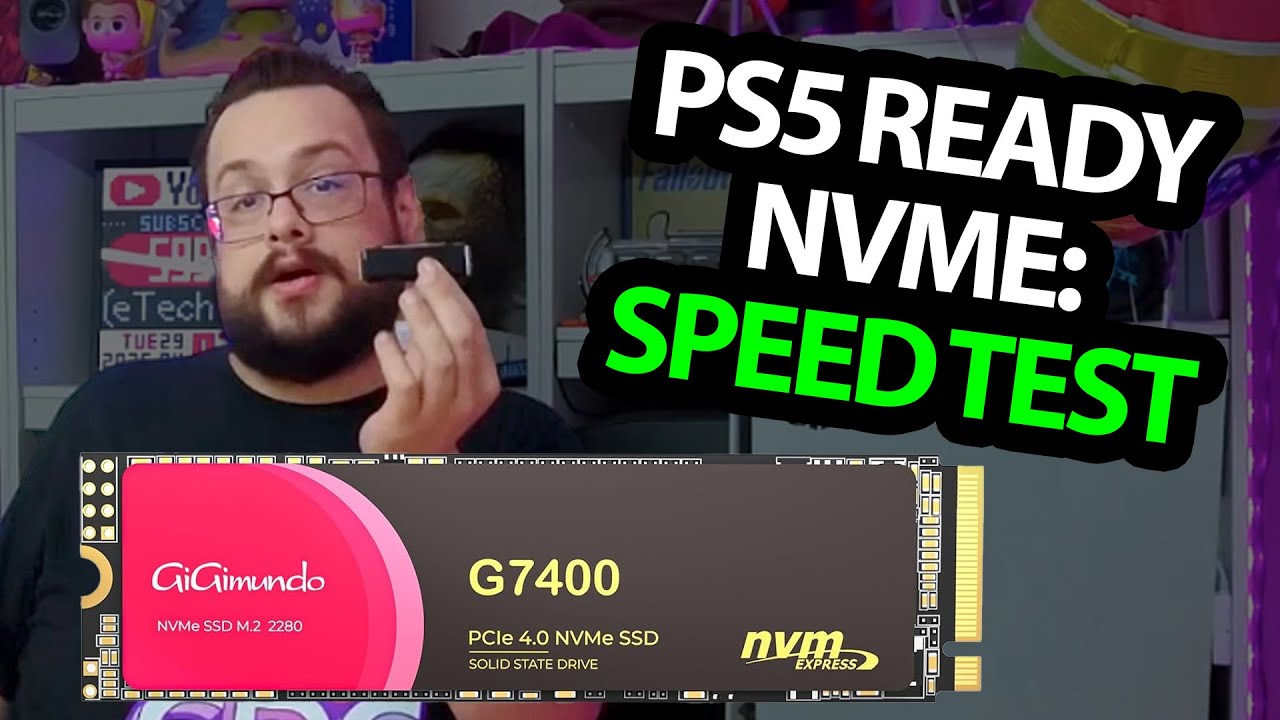
The useful surprise in the GiGimundo G7400 box is the set of installation accessories. Along with the SSD, I get a screwdriver, retaining screw, thermal pads and a heatsink. Then the installation gives me a fit issue to work through.
Start with the drive and heatsink
I look over the 1 TB M.2 drive and assemble the supplied heatsink around it. I then show it going into a dock's M.2 slot and being held down with the screw.
The dock is the first physical installation example. It is not a test of every laptop, desktop or enclosure that accepts an M.2 drive.
The PS5 slot is less forgiving
When I move to my PS5, the assembled heatsink does not initially fit. I remove its lower casing section and continue the physical installation, secure the drive and put the console covers and stand back.
That records the fit problem I encountered. It is not a recommendation to alter cooling hardware on another drive or a guarantee that this arrangement meets every console's requirements.
The speed test is still future work
Despite the original title mentioning a speed test, I finish by saying I will record those results later. The speed figures I discuss from other reports are not measurements from this installation.
My Razer Thunderbolt 5 dock unboxing is another look at an accessible SSD slot, with its own setup and fit questions. It is a separate product, not an enclosure benchmark for the G7400.
GiGimundo supplied the drive. The original description's 15 percent code ended June 30, 2025; it is preserved below as a historical offer, not an active discount.
Links from the video
Affiliate disclosure: These links may earn me a commission at no extra cost to you.
- GiGimundo G7400 original Amazon link
- MikeTheTech original Patreon link
- Geeksoutfit original clothing-store link
Coupon code: 37BB7W59 — 15% off. Historical offer, expired June 30, 2025. Original start date June 4, 2025; not presented as currently valid.
Coupon code: COLLAB1 — Discount amount not stated. Separate Geeksoutfit offer from the original description, not a discount on the reviewed device. No amount or expiry was supplied; check current terms.
Links and offers are from the video description. Availability, prices and offer terms may change.
Some links to other products on this page are affiliate links, and we may earn a commission if you buy through them. It costs you nothing extra, and it has not changed what this article says — where a competitor is the better answer, we say so.


