
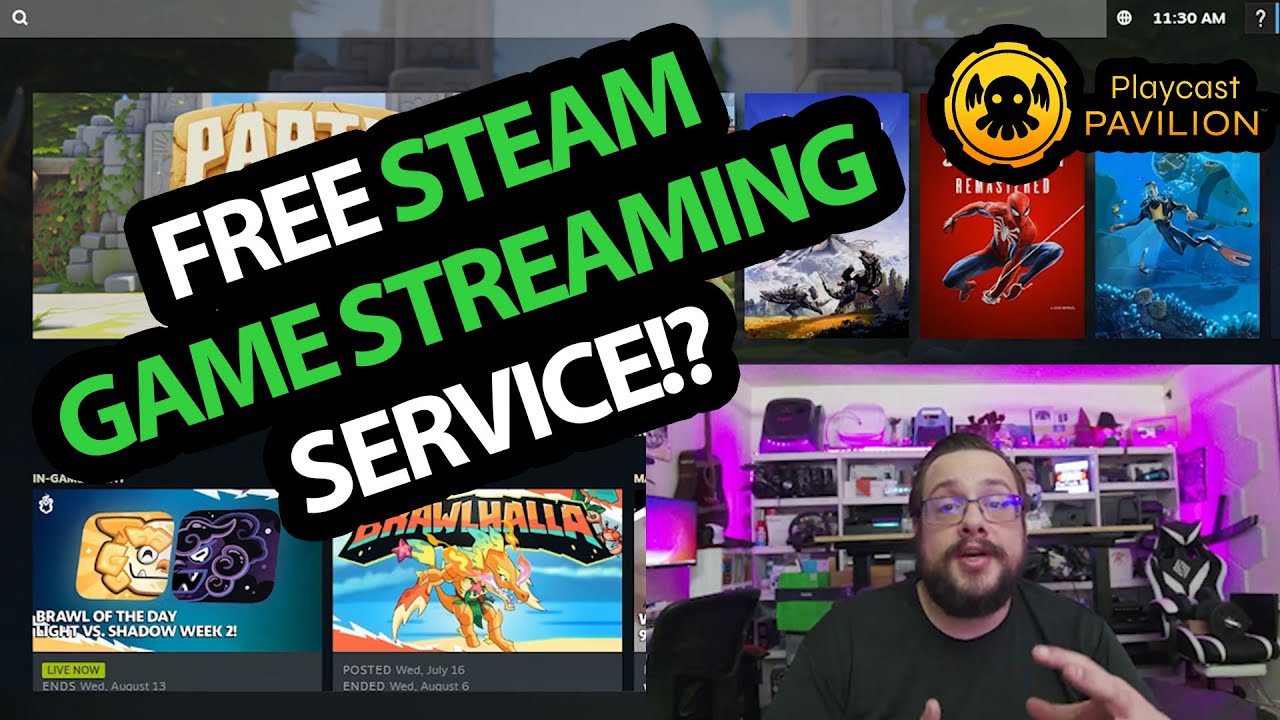
The YouTube player loads when you press Play.
My First Playcast Pavilion Browser Lobby: Reaching the Steam Interface
The August 2025 first look, with hosting benefits kept separate from the actual demo.
Article published November 4, 2026.
The moment that gets my attention in this first Playcast Pavilion look is reaching a Steam interface through the browser. I sign up, create a lobby and launch into the remote session shown in the recording.
This is the August 2025 experience I describe. The free-access and hosting statements belong to that dated introduction, not a new promise about today's catalog or terms.
Create the lobby and launch
I go through the profile and lobby controls, point out the option for inviting friends and start the session. A loading screen is followed by the Steam interface.
I say that I had not entered a payment card for that setup. That is a statement about the session in the video, not a guarantee that every current use is free or available without conditions.
The host-network idea
I discuss the concept of different computers providing game sessions and the possibility of contributing idle PC time. I also say I want to learn more about the hosting arrangement.
That investigation is still ahead in this first look. I do not establish current developer agreements, hosting rewards, game entitlements or the performance of the whole network.
Keep the demonstration and the promotion separate
My later short Pavilion introduction gives the quick browser-joining overview. Here, the useful firsthand result is getting the lobby launched and seeing the remote interface.
I do not present a measured latency test, a friends-playing-together result or a game benchmark in this recording. The original Playcast link remains below for current information, with this early video kept in its original time.
Links from the video
Affiliate disclosure: These links may earn me a commission at no extra cost to you.
- Playcast original website link
- MikeTheTech original Patreon link
- Geeksoutfit original clothing-store link
Coupon code: COLLAB1 — Discount amount not stated. Separate Geeksoutfit offer from the original description. No amount or expiry was supplied; check current terms.
Links and offers are from the video description. Availability, prices and offer terms may change.
Some links to other products on this page are affiliate links, and we may earn a commission if you buy through them. It costs you nothing extra, and it has not changed what this article says — where a competitor is the better answer, we say so.


