
The YouTube player loads when you press Play.
BN-LINK Smart Power Strip: Added in the App and Ready to Name
Opening the strip, pairing it and looking at the outlet controls in the app.
Article published November 4, 2026.
A power strip gets more interesting when its outlets appear separately in an app. That is what I want to try with this BN-LINK unit: a place to connect desk lights, with controls I can reach from my phone.
Start with the strip
I open the package, look through the instructions and point out the six outlets and USB connections. I discuss the listed charging specifications, without measuring their output.
The app finds it
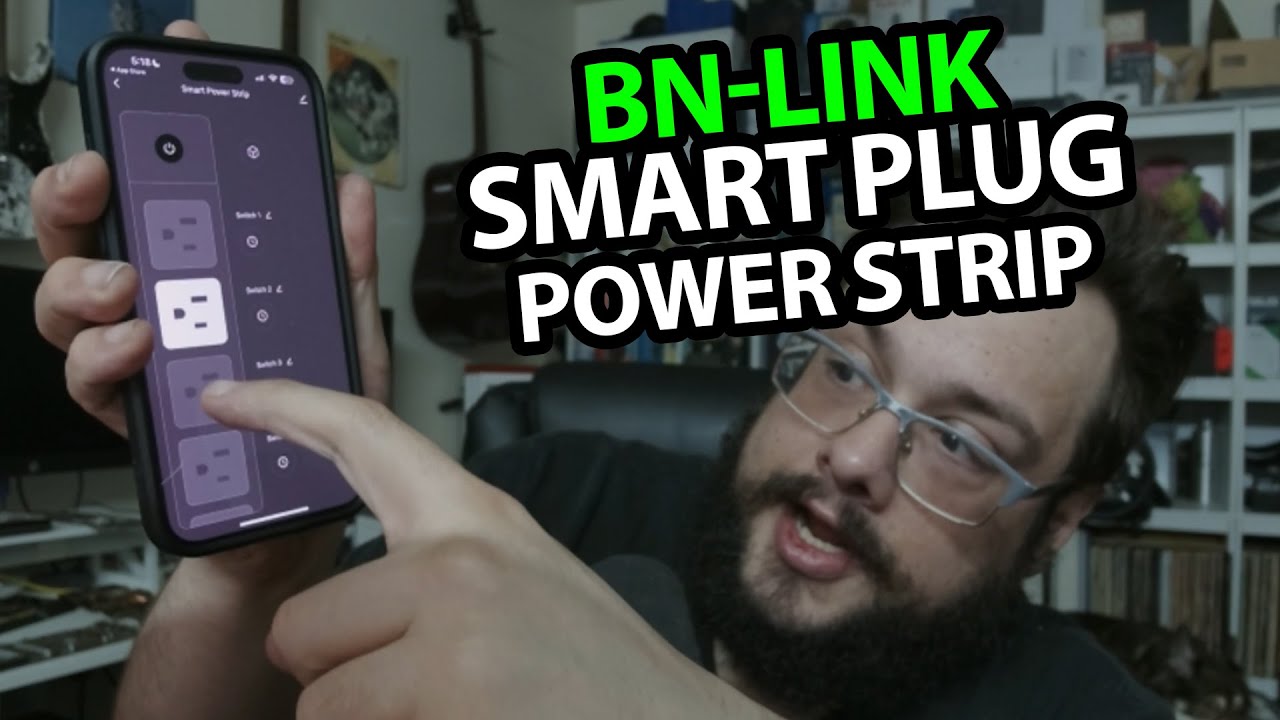
After powering the strip, I install the BN-LINK app and start adding a device. The strip is discovered, joins the network and appears successfully in the app.
I show the device list and its naming and switching controls. I do not demonstrate an Alexa or Google Assistant command in this recording, or test schedules and long-term remote reliability.
Think in terms of the lights I actually want to control
BN-LINK sent this for the video. It gives me a different physical arrangement from the individual EIGHTREE smart plugs I opened separately. That later unboxing does not replace the actual app setup shown here.
This is not an electrical load, surge-protection or network-security assessment.
The original product, GameDev.tv course and channel-membership links are below. The course URL contains MIKETHETECH, without a stated discount amount; it is not an offer on the strip. The description also supplies http://eme7.com/ and http://discord.mikethetech.com/, kept as original text addresses.
Links from the video
Affiliate disclosure: These links may earn me a commission at no extra cost to you.
- BN-LINK Smart Power Strip original Amazon link
- GameDev.tv original Unreal Action Adventure course link
- MikeTheTech original channel membership link
Coupon code: MIKETHETECH — Amount not specified. Code appears in the original GameDev.tv course URL. No amount or expiry supplied; not a discount on the BN-LINK strip.
Links and offers are from the video description. Availability, prices and offer terms may change.
Some links to other products on this page are affiliate links, and we may earn a commission if you buy through them. It costs you nothing extra, and it has not changed what this article says — where a competitor is the better answer, we say so.


