
The YouTube player loads when you press Play.
EIGHTREE Smart Plugs: Two in the Box, with a Button on the Side
Looking over the plug and pairing instructions before setting up any automations.
Article published November 4, 2026.
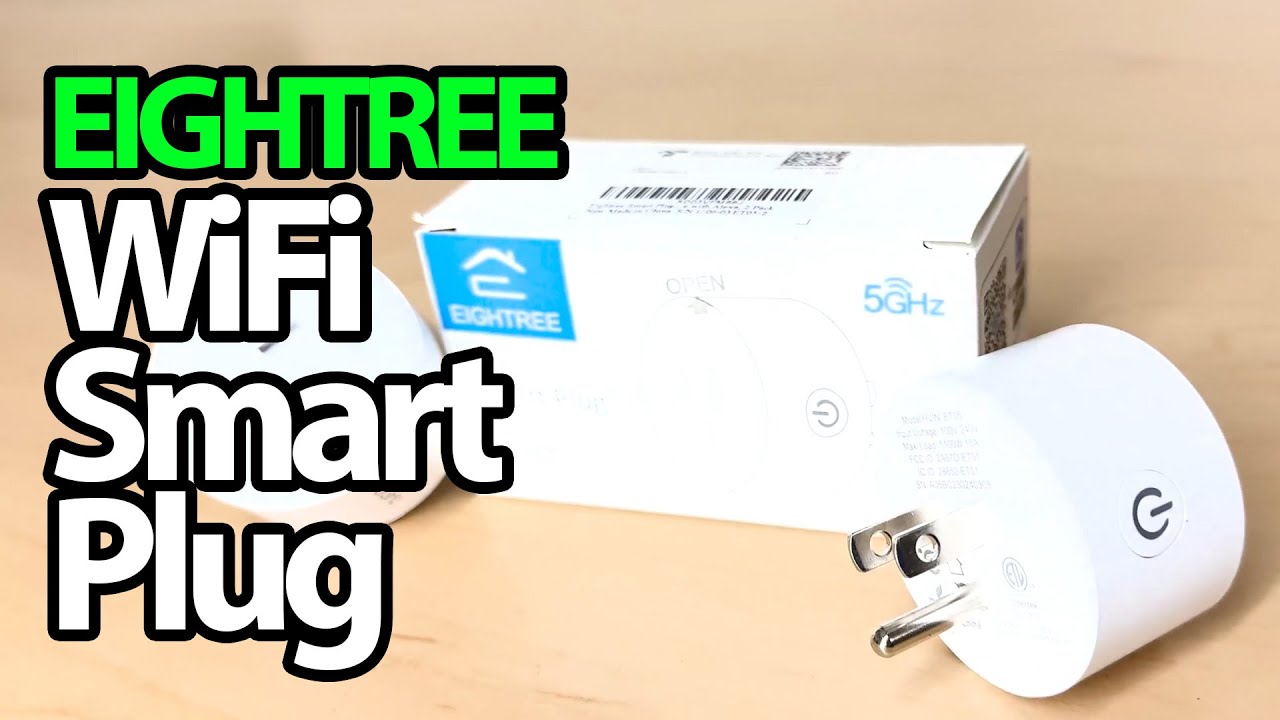
I have two little EIGHTREE boxes on the desk, with two smart plugs in each. The plan is simple: put them to work with lamps so I can control those lights without reaching for each switch.
First, though, I want to see what is actually in the package.
A compact plug and a short manual
I open one box and take out the two plugs. There is a manual with installation and third-party-control information, plus an app QR code.
On the plug itself, I show the EIGHTREE branding, the 5 GHz marking and the button on the side. I also turn it over to look at the electrical label.
Setup is the next step
I explain the idea of phone control and talk about trying these with lamps. This recording stops at the hardware: I do not pair a plug, run a schedule, demonstrate a voice command or measure energy use.
It also does not test the electrical load limits. The side label and instructions are the place to check the exact unit’s requirements, rather than treating my unboxing as approval for an arbitrary appliance.
A small piece of a bigger setup
EIGHTREE sent the plugs for the video. I am interested in the everyday convenience of turning a lamp on and off from elsewhere; getting that working will need a proper setup session.
The original product and Geeksoutfit links are below. MTT25 is the clothing offer. The original outro credit also lists http://eme7.com/.
Links from the video
Affiliate disclosure: These links may earn me a commission at no extra cost to you.
Coupon code: MTT25 — 25% off. Original Geeksoutfit clothing offer; availability and terms may have changed. Not a discount on the featured device.
Links and offers are from the video description. Availability, prices and offer terms may change.
Some links to other products on this page are affiliate links, and we may earn a commission if you buy through them. It costs you nothing extra, and it has not changed what this article says — where a competitor is the better answer, we say so.


