
The YouTube player loads when you press Play.
JSAUX Split Case for Switch 2: Fitting the Pieces Without Losing the Kickstand
Trying the back, controller pieces and removable front cover.
Article published November 3, 2026.
A case for the Switch 2 has a few moving parts to work around. The controllers detach, the kickstand opens and the whole console still needs to feel comfortable in my hands.
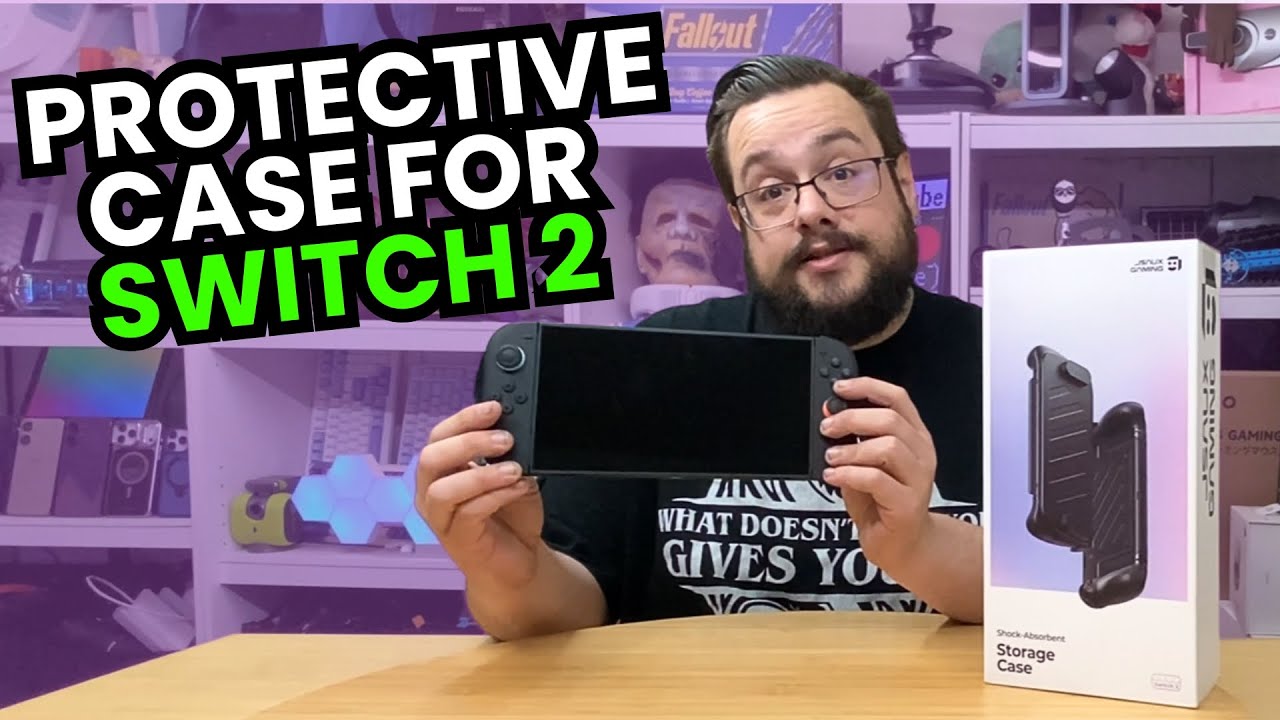
JSAUX sent over this split case, and I fit its pieces to the console to see how that approach works. The separate sections are what make it interesting to me.
Check each corner
I start with the back section and work through the controller pieces. The labeling is useful, and I check the corners as I go rather than assuming a piece is seated because most of it looks right.
With the pieces in place, I open the kickstand. Keeping that mechanism accessible is one of the practical things I want from a case like this.
The front cover is a separate step
I attach the front cover and take it off again. That lets me try the protected carrying arrangement and then return to holding the console for use.
The extra grip feels comfortable to me, especially with my larger hands. That is a personal fit impression, rather than a promise that the shape will suit every player.
Fit comes before durability claims
My Switch 2 unboxing looks at the stock controllers, kickstand and dock. Here, I am seeing what changes when the case is fitted.
I do not drop the console, measure cooling or establish dock compatibility in this session. What I can show is the physical fit, the kickstand access, the removable cover and how it feels in my hands. Those are the first things I wanted to check before using it for longer.
Links from the video
Affiliate disclosure: These links may earn me a commission at no extra cost to you.
Links and offers are from the video description. Availability, prices and offer terms may change.
Some links to other products on this page are affiliate links, and we may earn a commission if you buy through them. It costs you nothing extra, and it has not changed what this article says — where a competitor is the better answer, we say so.


