
The YouTube player loads when you press Play.
Nintendo Switch 2: The Magnetic Controllers Are the First Thing I Try
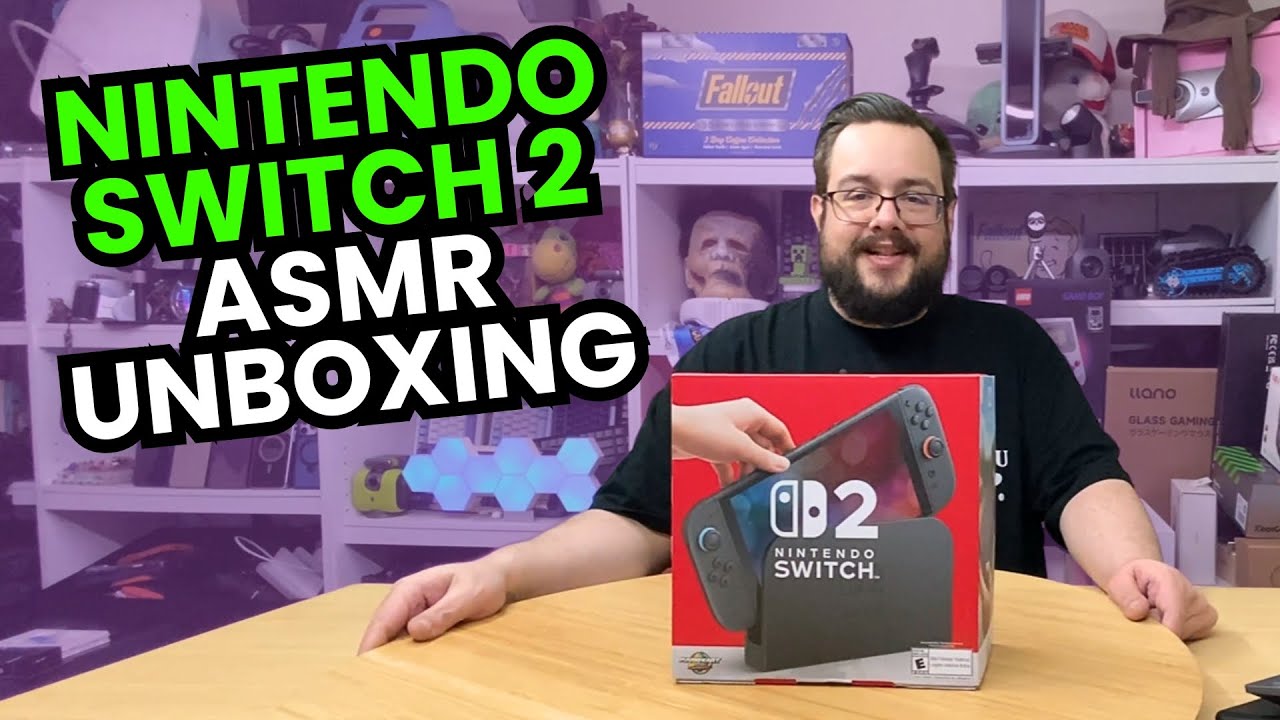
Opening the Mario Kart World bundle and comparing the hardware with my original Switch.
Article published November 3, 2026.
I bought a Switch 2 partly because I want a console on hand for accessory testing. That gives me a good reason to slow down during the unboxing and try the stock hardware before adding cases and other pieces to it.
This is the Mario Kart World bundle. The first session is about what is in the box and what feels different beside my original Switch, rather than a gameplay or frame-rate review.
A bigger screen and a different kickstand
I put the two consoles near each other and compare their physical size. I also open the Switch 2 kickstand and look at the shape of the new hardware.
Having both systems there makes the size change easier to appreciate than a specification on its own. I can hold them and see where the controls and supports sit.
Attach, release, repeat
The magnetic Joy-Con attachment is the part I want to try right away. I connect the controllers, use the release buttons and work through the included straps and grip.
Those little attachment steps are part of everyday use. This unboxing gives me a first feel for them before I start judging third-party accessories.
Looking over the dock and charger
I examine the dock's connections, including Ethernet, and the included charging hardware. The charger's printed rating is a label on the power supply, not a measurement of how much power the console draws while playing.
I do not run Mario Kart or test controller compatibility with another system here. What I finish with is the console unpacked and a much better sense of its size, kickstand and controller mechanisms. That is the starting point I needed for the accessory videos that follow.
Links from the video
Affiliate disclosure: These links may earn me a commission at no extra cost to you.
Links and offers are from the video description. Availability, prices and offer terms may change.
Some links to other products on this page are affiliate links, and we may earn a commission if you buy through them. It costs you nothing extra, and it has not changed what this article says — where a competitor is the better answer, we say so.


