
The YouTube player loads when you press Play.
Opening an AEXPXO Gaming PC for My Playcast Host Setup
The packaging, connections and three-machine plan, with benchmarks still to come.
Article published November 3, 2026.
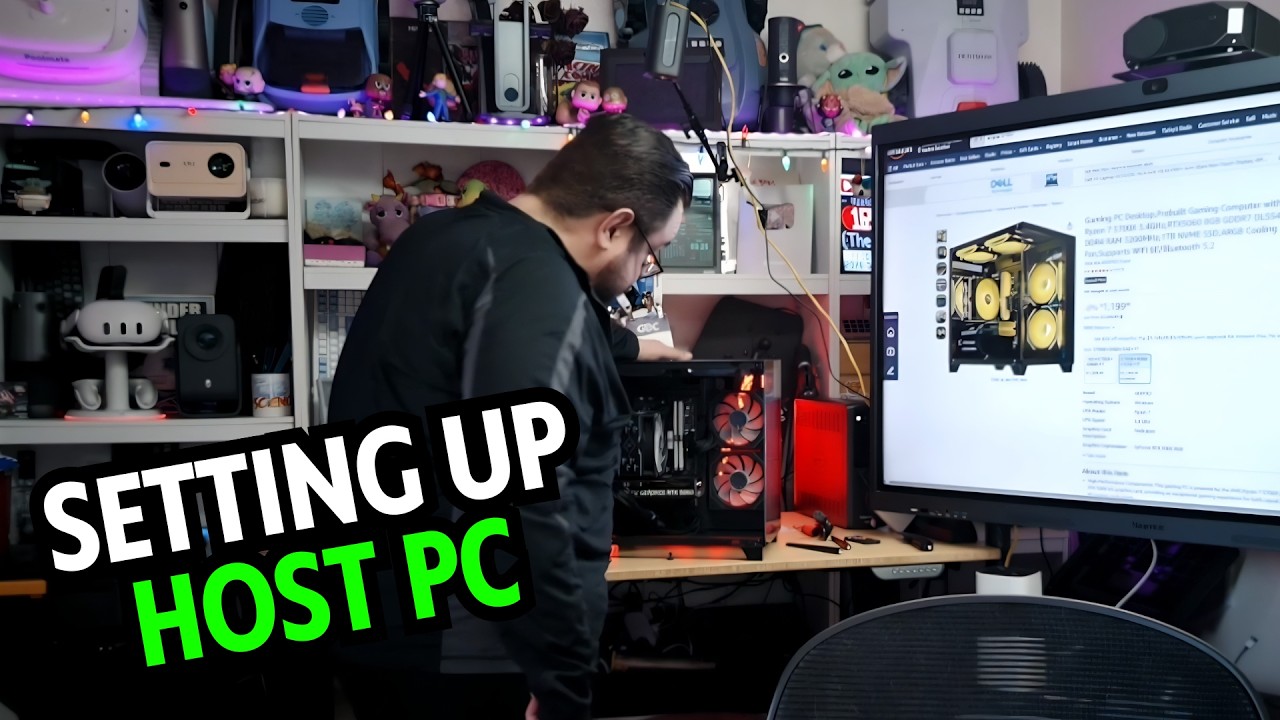
I was not opening this AEXPXO desktop because I needed another main gaming PC. I had a particular job in mind for it: becoming part of a three-machine Playcast host setup at home.
In my April 19, 2026 video, I explained that plan and opened one system. I work for Playcast, so that relationship is part of the context for why I was building the setup.
A machine for a specific role
I described Playcast's approach to streaming playable game sessions into a browser, and my plan to contribute host machines. I was building around a home connection I described as 5.5 Gbps in both directions.
That was the setup plan. This video did not measure the completed three-machine system's capacity, streaming latency or earnings, and it was not a promise of rewards for another person's hardware.
I had also looked at a much smaller computer in my KAMRUI E3B walkthrough. The AEXPXO was a different class of machine for a different intended role; those two opening videos were not a comparative benchmark.
What came out of the boxes
The accessories included the power cable, a screwdriver, the manual, an RGB remote and wireless antennas. After opening the inner packaging, I reached the computer and its internal shipping protection.
I was pleased to see protective foam inside the case. I removed that packing and looked at the components and cable arrangement. The video gives a closer view of the case and the unpacking than a specification list does.
The case was smaller than I had expected, with a wider shape rather than the full tower I had pictured. I also showed the glass panels and the lighting controls supplied with the system.
Keep the exact configuration in view
I described a Ryzen 7 5700X, an RTX 5060 and a 1 TB drive. There is a memory discrepancy in the source: I said 32 GB during the walkthrough, while the video description lists 16 GB.
Check the exact seller configuration rather than silently treating those as the same SKU. I had not yet presented the benchmarks I mentioned planning.
Connections for the host setup
At the rear, I pointed out the USB and Ethernet connections and the display outputs on the graphics card. I was planning to use wired networking for this setup.
The useful starting point here is the physical machine, the unpacking and the host plan. Watch the video above for those details. The original PC and Playcast links are below, with the original referral information preserved.
Links from the video
Affiliate disclosure: These links may earn me a commission at no extra cost to you.
Links and offers are from the video description. Availability, prices and offer terms may change.
Some links to other products on this page are affiliate links, and we may earn a commission if you buy through them. It costs you nothing extra, and it has not changed what this article says — where a competitor is the better answer, we say so.


