
The YouTube player loads when you press Play.
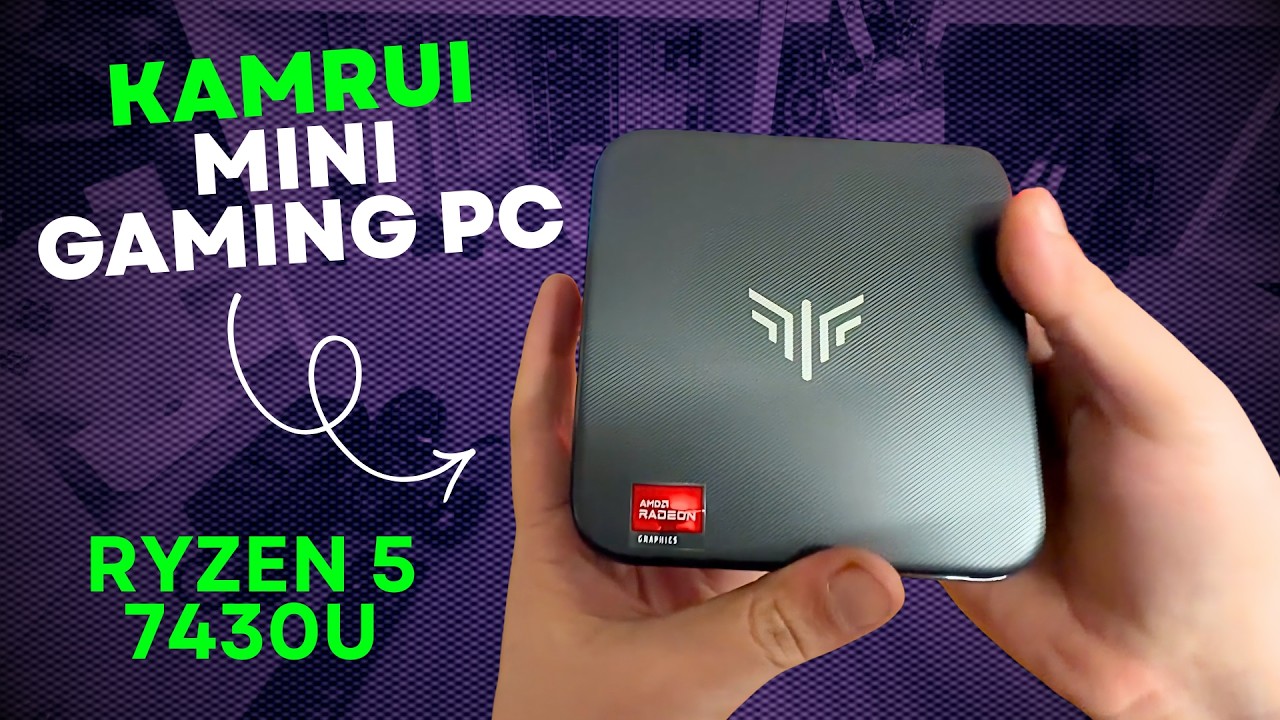
KAMRUI E3B: The Ports Made This Mini PC Interesting
A small desktop, accessible connections and several possible uses, with benchmarks still to come.
Article published November 3, 2026.
The KAMRUI E3B is the kind of small computer that makes me start thinking about where another desktop could fit. In my May 4, 2026 walkthrough, I put it beside the M2 and M4 Macs to show how little desk space it needed.
My interest was in an everyday workstation or a small machine for a specific job. I was looking at its connections and possible uses, with benchmarks still planned for another video.
The ports are a big part of the appeal
I showed four USB-A ports at the rear, along with DisplayPort, HDMI and Ethernet. At the front were more USB connections, audio and the power button.
That arrangement appealed to me because storage and other cables can live behind the computer while the things you plug in regularly remain accessible at the front. It is a small box, but you still want to be able to reach its useful connections.
I also discussed display output through the front USB-C connection and the option of mounting the computer behind a monitor using its VESA support. Check the exact configuration you are ordering if one particular port or display setup is essential.
Check the configuration carefully
I described the unit in the video as having a Ryzen 5 7430U, 16 GB of DDR4 memory and a 512 GB M.2 drive. There is a conflict worth keeping visible: the original video description names a different processor.
That means I would not use the description alone to identify the exact specification of the unit being sold now. The video records the model and configuration I discussed, and the current seller's exact SKU still needs to match what you want.
I mentioned checking the reported hardware information at the time. That is different from presenting an independent hardware teardown or a benchmark result.
Ideas for a small always-available computer
The connections made me think about a home-theater computer, a Plex setup or a small file-serving machine. Those were the uses I was considering, not completed server-load or transcoding tests in this video.
I also mentioned AI-related plans. I had explored a different form factor in my ORICO Obook15 walkthrough, but that is a separate device and test. It is not a performance comparison between the two.
A first look before the benchmarks
I liked the compact size and the number of practical connections. I also said that the latest games at high settings were not what I had in mind for this business-style mini PC.
The useful part of this opening video is seeing the box, the ports and the configuration discussion before deciding which job you would give it. The original description did not contain a KAMRUI purchase link; its Playcast link is preserved below without pretending it is a product listing.
Links from the video
Affiliate disclosure: These links may earn me a commission at no extra cost to you.
Links and offers are from the video description. Availability, prices and offer terms may change.
Some links to other products on this page are affiliate links, and we may earn a commission if you buy through them. It costs you nothing extra, and it has not changed what this article says — where a competitor is the better answer, we say so.


