Updated Oct 19
InfinitePIPProductivity · Display
Keep any screen, window or region in view, always on top.
$4.99WindowsmacOSLinux

Remux MKV and convert almost any video to MP4.
The “Video Tools by MikeTheTech” window on Windows 11: instructions to copy files into /input/, and the two buttons Remux MKVs to MP4s and Transcode Videos to MP4s.
Video Tools by MikeTheTech was a free Windows utility for getting videos into MP4. It did two jobs: remuxing MKV files into MP4 containers quickly, and transcoding almost any other video, including AVI, FLV, MOV, MPEG, WMV and 3GP, to MP4.
It worked with folders: you copied your files into the input folder, opened the app and chose Remux MKVs to MP4s or Transcode Videos to MP4s, and the finished MP4s appeared in the output folder. Under the hood it used FFmpeg, licensed under the LGPLv2.1.
Mike introduced it in September 2023 in a short YouTube video, “Convert ANY video to MP4 with my new free tool!”. Its itch.io page has since been taken down.
AVI, FLV, MKV, MOV, MP4, MPEG, WMV, 3GP and more; MKV files can be remuxed, other formats are transcoded to MP4.
Keep any screen, window or region in view, always on top.
 Updated Oct 5
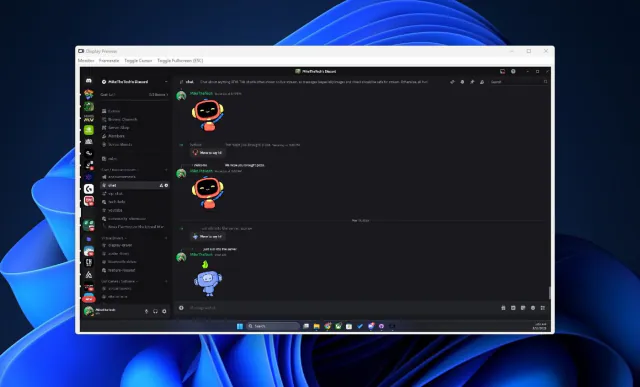
View your virtual displays in application windows.


Turn IPv4 addresses into six-character codes you can read aloud.