Updated Oct 19
InfinitePIPProductivity · Display
Keep any screen, window or region in view, always on top.
$4.99WindowsmacOSLinux

Technical support and troubleshooting utility for Windows systems.
.NET (GUI) edition The Tech Helper window with its Menu open: IP Tools, Other Tools, System Info, CPU Information, Task Manager, Services Manager, Disk Utilities and more, with several items marked In Progress.
Tech Helper was a Windows maintenance utility Mike wrote during his school IT work to put common support jobs in one place. It came in two editions: a command-line menu for quick, discreet use, and a fuller .NET program with a cleaner window and more visual features.
Its itch.io spec list, which follows the command-line menu, covered IP tools (view configuration, release and renew, tracert, netstat, nslookup and ping), a built-in task manager and services manager, and Check Disk options (read-only, with repair, or scheduled for the next startup). The command-line menu also offered removing the Sality keylogger, fetching SASIxp and ClassXP shortcuts, backing up user files to a server and disconnecting a user from a server. The GUI's menu had IP Tools, Task Manager, Services Manager and Disk Utilities entries, added System Info and CPU Information, and still marked its Sality, shortcut and backup items as in progress.
The command-line build published on itch.io carried AUSD branding, from Alisal Union School District, where Mike worked as a computer technician from 2007 to 2010. Both editions were later shared on itch.io as Tech Helper (2008).
The CMD program is for quick and discreet use; the full .NET executable adds more visual functions and features and a cleaner interface.
Keep any screen, window or region in view, always on top.
 Updated Oct 5
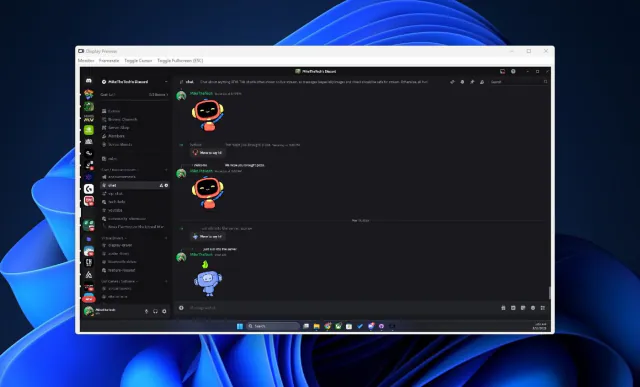
View your virtual displays in application windows.
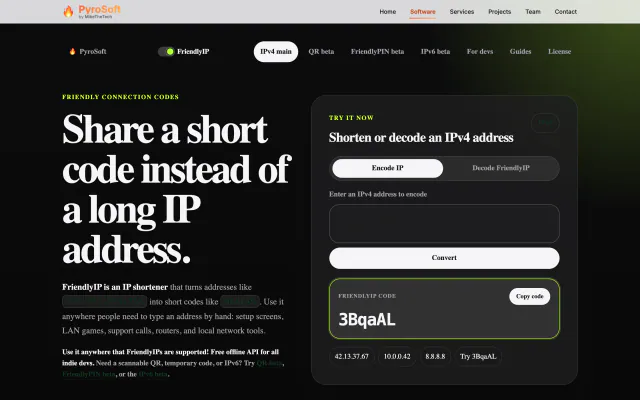

Turn IPv4 addresses into six-character codes you can read aloud.