Updated Oct 19
InfinitePIPProductivity · Display
Keep any screen, window or region in view, always on top.
$4.99WindowsmacOSLinux

A 3D Unreal Engine tribute to the Windows XP Bliss hill, day to night.
Daytime: the green 3D hill under a bright, cloudy sky, with the “ScreenSaverXP by MikeTheTech” watermark.
ScreenSaver XP was a 3D tribute to the Windows XP "Bliss" wallpaper, built in Unreal Engine. Instead of a flat photo, it recreated the rolling green hill and sky as a fully 3D scene and ran it as a screensaver with a full 24-hour day/night cycle, from bright daylight through sunset to a starry night.
The original 2021 build let you switch to a one-hour cycle with 1 or a five-minute cycle with 5. Version 0.1, posted in July 2022, offered four speeds instead: 1 for one hour, 2 for 30 minutes, 3 for 15 minutes and 4 for one minute, with Tab to hide the on-screen help. Esc closed it in both.
Mike released it for Windows on itch.io in May 2021. In 2021 it was listed at a $1.99 minimum; by July 2022 the page offered version 0.1 alongside the original build and had become name-your-own-price.
In version 0.1, keys 1-4 set a 1-hour, 30-minute, 15-minute or 1-minute cycle, Tab hid the help overlay and Esc closed the screensaver. The original 2021 build offered 1-hour and 5-minute cycles on keys 1 and 5.
Keep any screen, window or region in view, always on top.
 Updated Oct 5
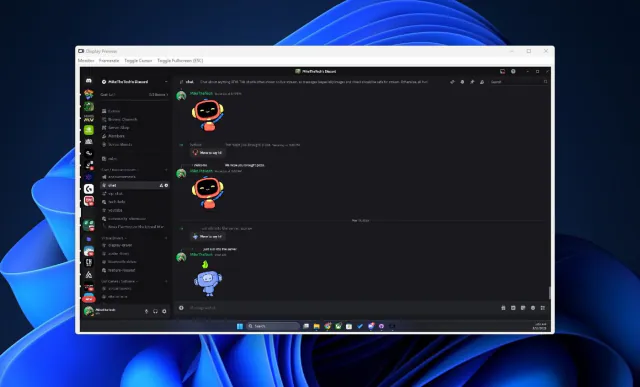
View your virtual displays in application windows.
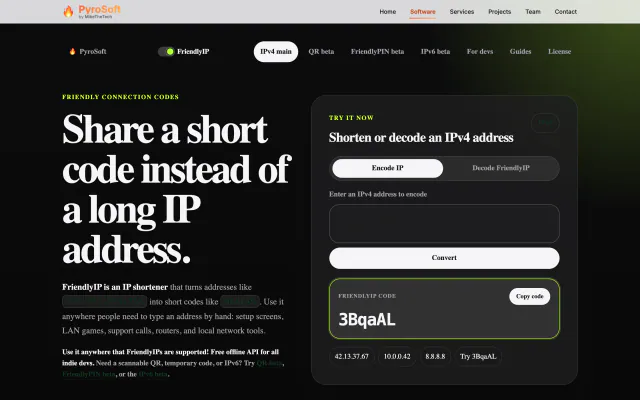

Turn IPv4 addresses into six-character codes you can read aloud.