 Early access
PolygoneGames · Gaming
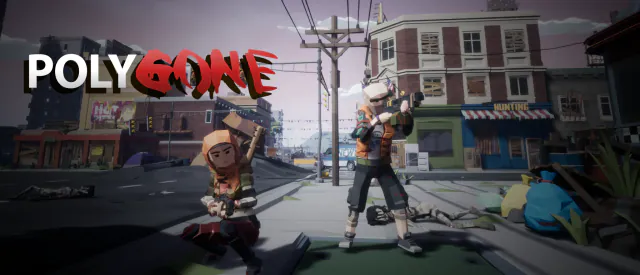
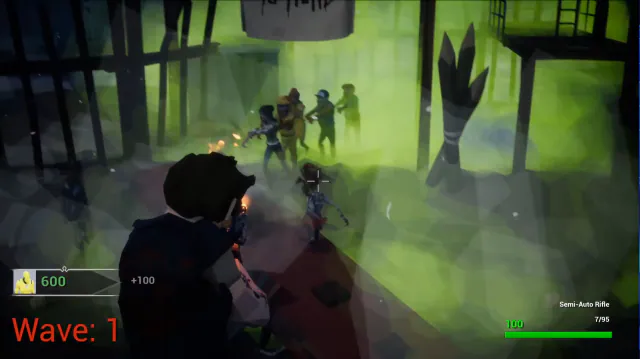
A low-poly zombie-horde FPS: hold off endless waves solo or in co-op.
$9.99Early accessWindows

Expanded 2004 upgrade of the top-down shooter Pyro's Air Ride 2.
Pyro's Air Ride 2.1 was an expanded upgrade of Pyro's Air Ride 2, the top-down shooter sequel PyroSoft released on its community forums in September 2003. Air Ride 2 had brought new graphics, a HUD showing your plane's damage percentage and remaining lives, pilot voice lines, eight-direction controls, new levels and bosses, new secrets, and four Time Trial difficulty levels with a high score table.
Announced in October 2003 as part fix, part add-on, version 2.1 lengthened the game so it could no longer be beaten in 15 minutes, added new secrets, made the final boss beatable, and trimmed size, improved speed and fixed its data and error-log files. It was released on January 14, 2004 as a full download, so players did not need the earlier version.
No. Mike noted that all patches were full versions of the game, since it was a small download.
A low-poly zombie-horde FPS: hold off endless waves solo or in co-op.
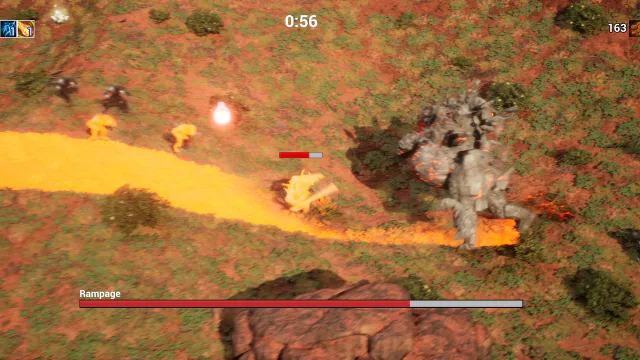

Free-to-play 3D survival roguelike: pick a hero and survive the waves.
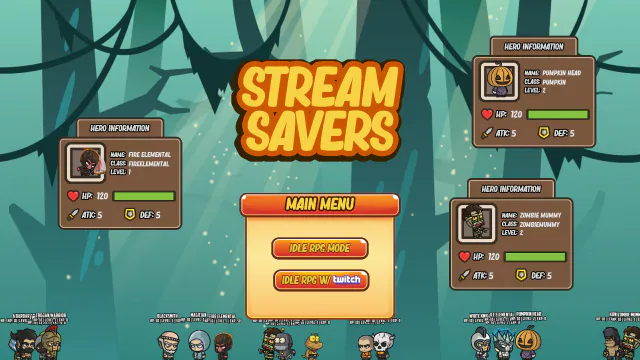

A desktop-overlay idle RPG where Twitch chat unleashes chaos.