Updated Oct 19
InfinitePIPProductivity · Display
Keep any screen, window or region in view, always on top.
$4.99WindowsmacOSLinux

FireFetch home (v25.12.24 in the sidebar): “Paste a link. Keep a copy.”, link intake with Review, and shortcuts to Search YouTube, Downloads, Music and Videos.
FireFetch is a Windows desktop app that turns videos, music, playlists, direct files and torrents into an offline library you control. Paste a link, review what FireFetch found, choose the quality when you care, and let the queue do the rest.
Behind a simple interface it uses proven tools: yt-dlp to analyse videos and playlists, FFmpeg to merge and convert, aria2c for fast direct downloads, and Peerflix for torrent media. The queue shows waiting, active, finished and failed jobs with pause, resume and retries, and keeps its state between sessions. A music workspace builds albums, artists and playlists from what you save, with suggestions based on your favourite artists and official album metadata rather than AI.
Everything stays local: settings, queue state, downloads and optional cookies live beside the app, and FireFetch does not bypass DRM. Earlier builds, up to 25.12.26, were published on itch.io between 2025 and early 2026.
FireFetch is a tool, like a browser's save button. Downloading content you have rights to keep (your own uploads, purchases, public-domain and permissively licensed media) is fine; redistributing copyrighted work is not. Check the terms of the sites you use.
FireFetch is powered by yt-dlp, which supports hundreds of sites, plus direct file downloads and torrents through aria2. FFmpeg handles conversion, including audio-only extraction.
The bundled yt-dlp engine is updated with FireFetch releases, so when sites change their players you update the app instead of debugging command-line flags.
No. FireFetch does not bypass DRM-protected content.
Keep any screen, window or region in view, always on top.
 Updated Oct 5
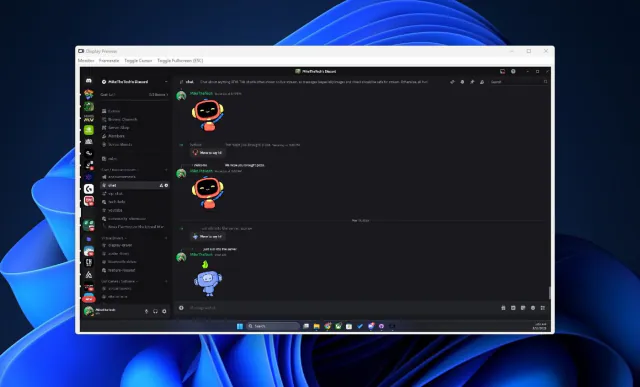
View your virtual displays in application windows.
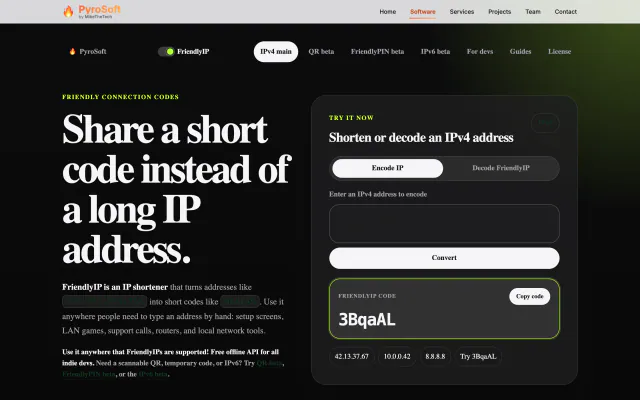

Turn IPv4 addresses into six-character codes you can read aloud.