Updated Oct 19
InfinitePIPProductivity · Display
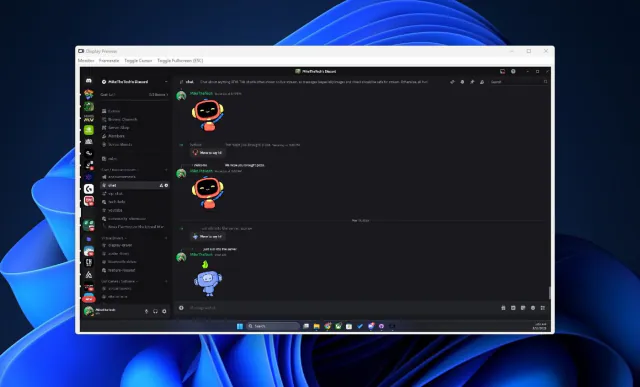
Keep any screen, window or region in view, always on top.
$4.99WindowsmacOSLinux

DevZIP is a Windows-first archiver built around a native C++ engine and its own readable .dvz container format. It is aimed at one goal: the smallest possible archives for mixed, real-world data, without the format becoming unreadable as the engine evolves.
The engine packs files solid by type, removes duplicates at the file and block level, and runs content-aware transforms before compressing: a lossless JPEG transcoder, a PNG and zip deflate-undo step, and executable filters. Four levels (fast, balanced, max and insane) trade time for size. The fast level uses LZMA2 alone; from balanced upward, each block is compressed by several codecs and the smallest result wins, with the winning codec stamped into the archive so it always extracts. DevZIP also has its own clean-room context-mixing codec, DZCM, available as an opt-in backend. The project's own notes are candid that this costs CPU time: in its own benchmark sweep the max level makes archives 18% smaller than 7-Zip's LZMA2 (balanced, the default, 11.7%), at roughly 20 to 45 times the compression time.
There's a command-line tool for compress, extract and verify, and a WPF desktop shell for Windows. The source is public on GitHub under the DevZIP Non-Commercial License 1.0: free for personal, academic and other non-commercial use, with a separate licence for commercial use.
Live3 entries so far·Updated New (3 entries updated in the last 14 days)
It's source-available under the DevZIP Non-Commercial License 1.0. Non-commercial use, study, modification and redistribution are allowed; commercial use needs a separate written licence. It is not an OSI-approved licence.
DevZIP buys smaller archives with CPU time: ZPAQ-5 context mixing and the PNG preflate path dominate. Decompression is fast at every level, and --level fast runs close to 7-Zip's speed when size matters less.
In the project's own sweep (97.41 MB of text, code, executables, JPEG and PNG on a Ryzen 5900X), DevZIP max produced 44.561 MB against 54.317 MB for 7z LZMA2 and 52.503 MB for kanzi -l9, the strongest general-purpose rival tested. The lead comes from content-aware transforms for JPEG and PNG; the docs are candid that kanzi -l9 still beats DevZIP's current backend on raw code (0.151 vs 0.162 MB) and executables (6.792 vs 6.930 MB).
DZCM is DevZIP's own context-mixing codec, written from scratch for the project. It isn't in any level's default codec pool: you pick it with --backend dzcm or add it to a best-of-N pool (for example best-of-n:lzma2,zpaq5,dzcm), where it can only help because the smallest block wins. In the project's tests it beats LZMA2 by about 30% on text and 7% on code, but it trails on executables and doesn't yet beat ZPAQ-5.
Keep any screen, window or region in view, always on top.
 Updated Oct 5
View your virtual displays in application windows.
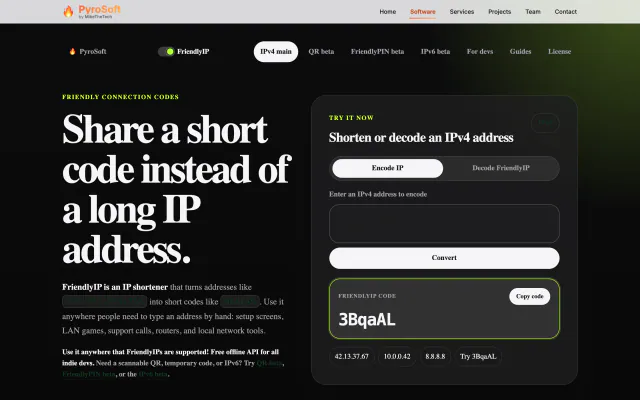

Turn IPv4 addresses into six-character codes you can read aloud.